You generated the image. You stared at it for ten seconds. Something is off. The skin looks like silicone. The face is almost yours, but not. The composition reads like a discount stock photo from 2010. The Etsy listing won’t sell. The LinkedIn portrait won’t get clicked. And you have no idea if it’s the tool’s fault or yours.
It’s mostly yours. The good news: “yours” is the half you can fix.
TL;DR
AI images look fake for five specific reasons, and every one has a prompt-level fix you can paste today:
- Waxy plastic skin: the model defaults to airbrushed. Force imperfection back in.
- Identity drift: the face shifts off your reference. Lock identity before the transformation.
- Generic stock composition: the model loves centered-and-smiling. Name the platform first, then give it a verb.
- Rendered-looking lighting: too perfect to be real. Stack material plus lighting plus grit.
- Platform-flagged at upload: Pinterest, TikTok, and Meta now label or throttle pure-AI content. Blend in a real-photo cue.
The same five fixes are baked into every prompt in our image prompt pack. The rest of this article is what each one looks like in practice.
How I tested this
I ran every prompt in our image prompt pack: all 125 of them, across five categories from personalized gifts to Pinterest wallpapers, through ChatGPT while the pack was getting built. So this isn’t a one-weekend experiment. It’s what showed up when I had to ship a hundred and twenty-five usable images and watch what kept going wrong.
Five failure modes kept showing up, regardless of subject or category. Some are the model. Some are the prompt. None of them require switching tools.
Why does AI skin look like wax?
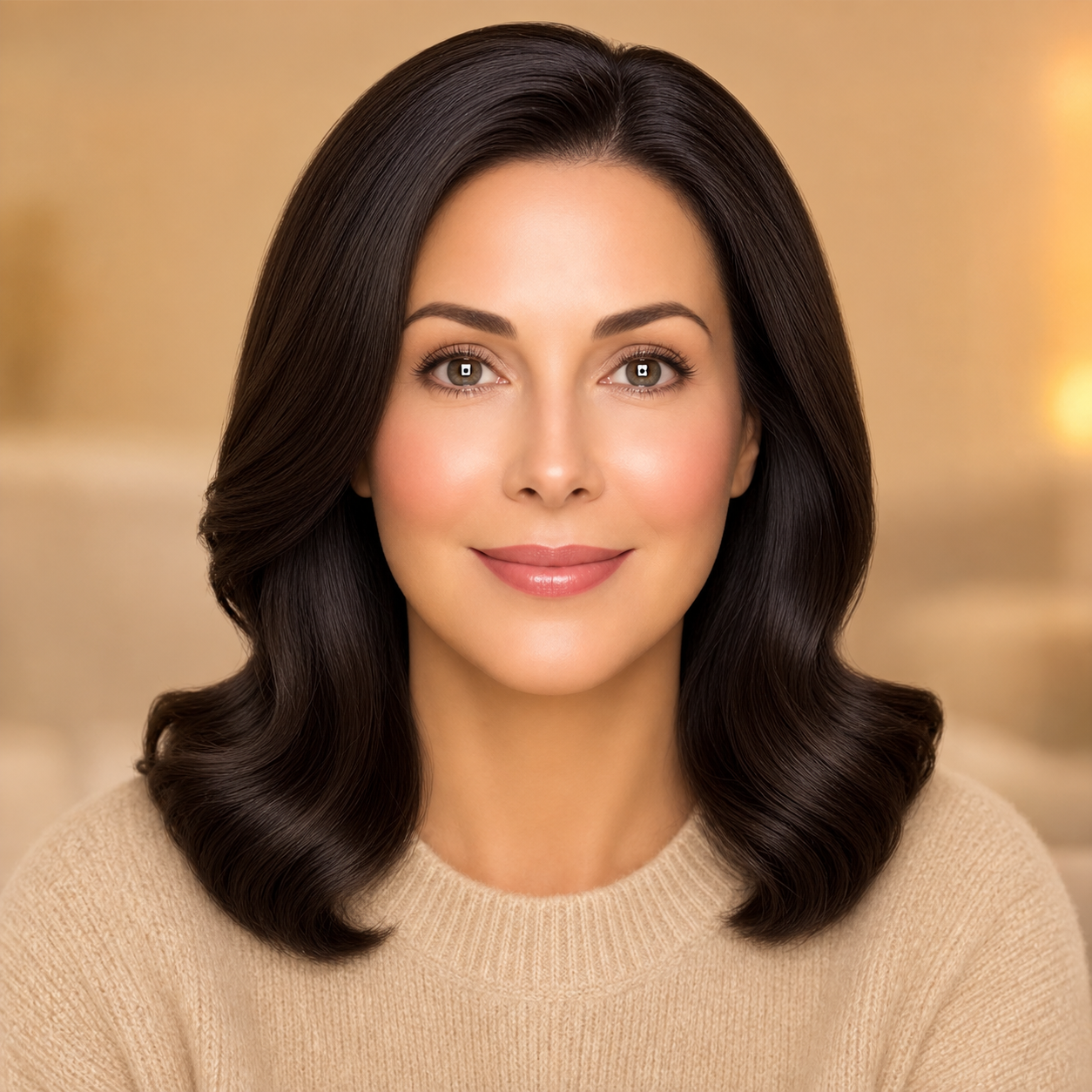
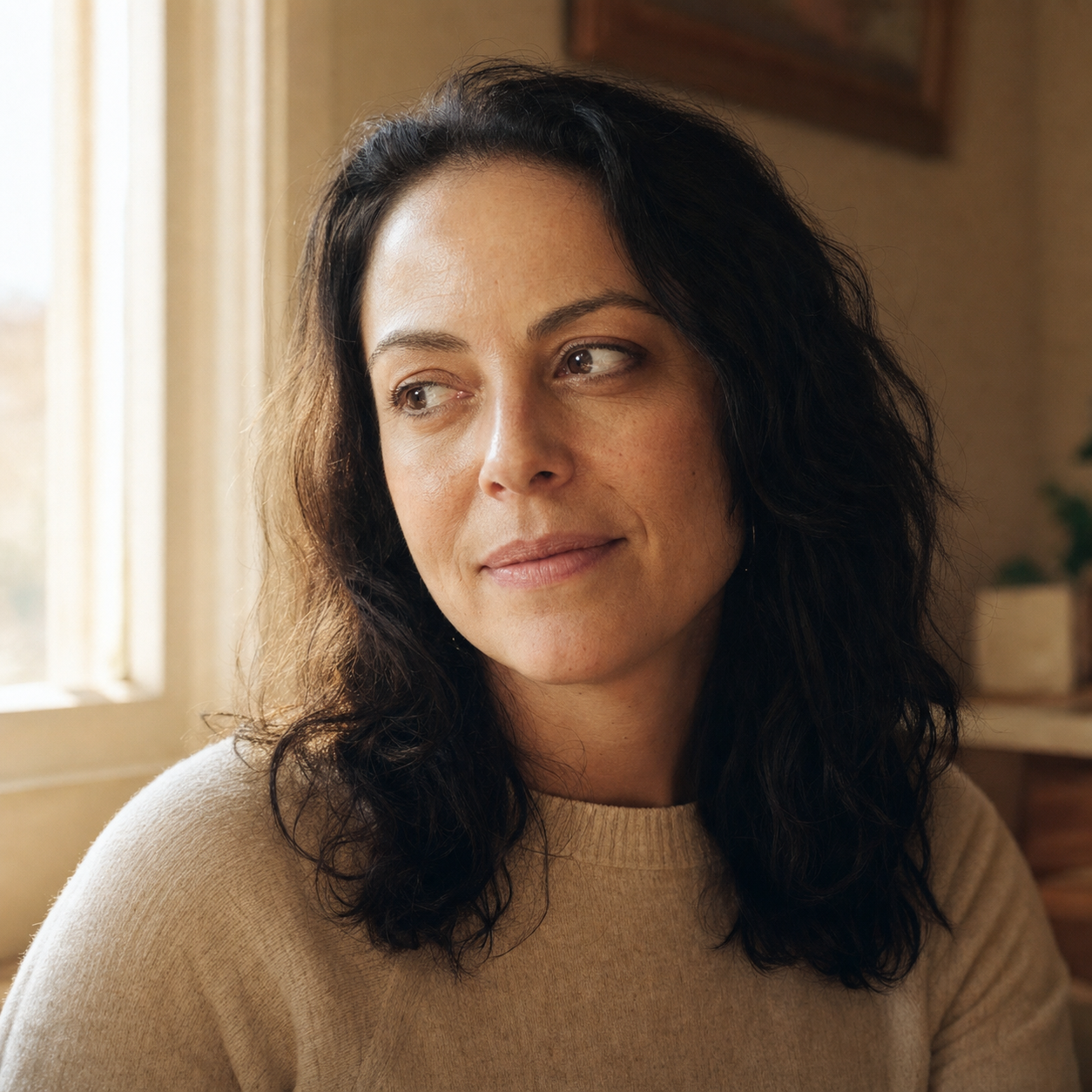
Because the model’s default is airbrushed. Left alone, every face it generates trends toward glossy, symmetric, pore-free: basically a silicone doll in good lighting. If you don’t explicitly ask for imperfection, you don’t get it.
The fix is unsexy. Tell the model what real skin looks like. Visible pores. A bit of asymmetry. Some film grain. Directional light with an actual shadow, not the flat AI-default glow that erases everyone’s bone structure.
Append this to your subject prompt to break the waxy default:
shot on 35mm film, visible skin pores in close detail,
subtle film grain across the whole frame,
natural asymmetric skin tone variation,
soft directional natural light with a real shadow falloff,
one or two stray hairs out of place,
no plastic skin, no over-symmetric features, no AI-default flat lighting
This wasn’t a discovery. The override is sitting verbatim inside the Photo Restoration prompt in the pack right now: “preserve natural film grain, subtle paper grain, and natural skin micro-texture (visible pores, fine lines, slight asymmetry); no AI-plastic smoothing, no porcelain skin, no airbrushed look.” Same fix, paste-ready. Every pack prompt carries this DNA.
This is the easiest fake-look to spot. It’s also rarely the only one happening at once. See how we test this on AI gift portraits →
Why doesn’t the AI version look like me?


Because identity slides. The longer your prompt (more transformations, more poses, more “in the style of X”), the further the face drifts from your reference. By the time you’ve described the look you want, the model has forgotten the person.
The fix is positional. Identity gets locked first, transformation gets stacked second. Not “in the style of cinematic portrait, of a person who looks like the attached photo.” That’s already too late. Lock the face shape, hairline, eye spacing, and outfit recognition points BEFORE anything stylistic enters the prompt.
Front-load this before any “in the style of X” or transformation language:
preserve face shape, hair style, hairline, eye spacing,
and outfit recognition points from the reference photo —
same character, same face, same proportions throughout,
identity must stay locked across every variation;
THEN apply [your transformation / pose / style language here]
The same identity-locking move is the highest-priority constraint inside the Photo Restoration prompt, which spells it out as “match every person in the uploaded photo’s bone structure, eyes, nose, lips, proportions, hairline, and skin tone exactly.” It appears in every headshot prompt in the pack, including the Founder Power Portrait (the free preview anyone can pull from the pack page).
If the skin problem was obvious, this one is sneakier, and it kills any use case where the reader is supposed to be you. The founder portrait workflow that nails identity →
So far we’ve covered two of five failure modes. If you want one of these in your inbox once a week (actual prompt fixes that work, no AI-vibes marketing), the weekly hack newsletter is where the rest live. No course, no funnel, just one fix per week.
Why does my AI portrait look like a stock photo?
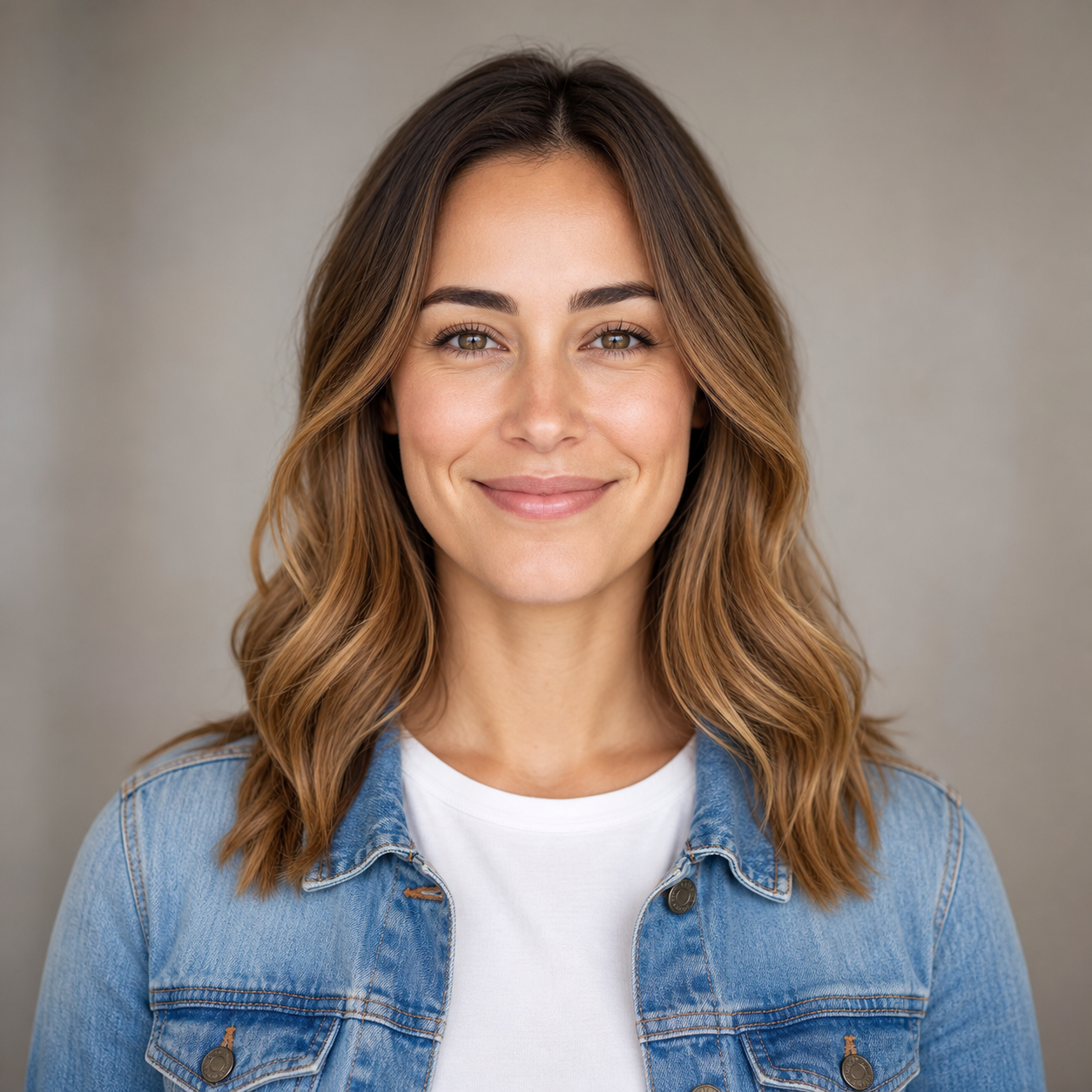
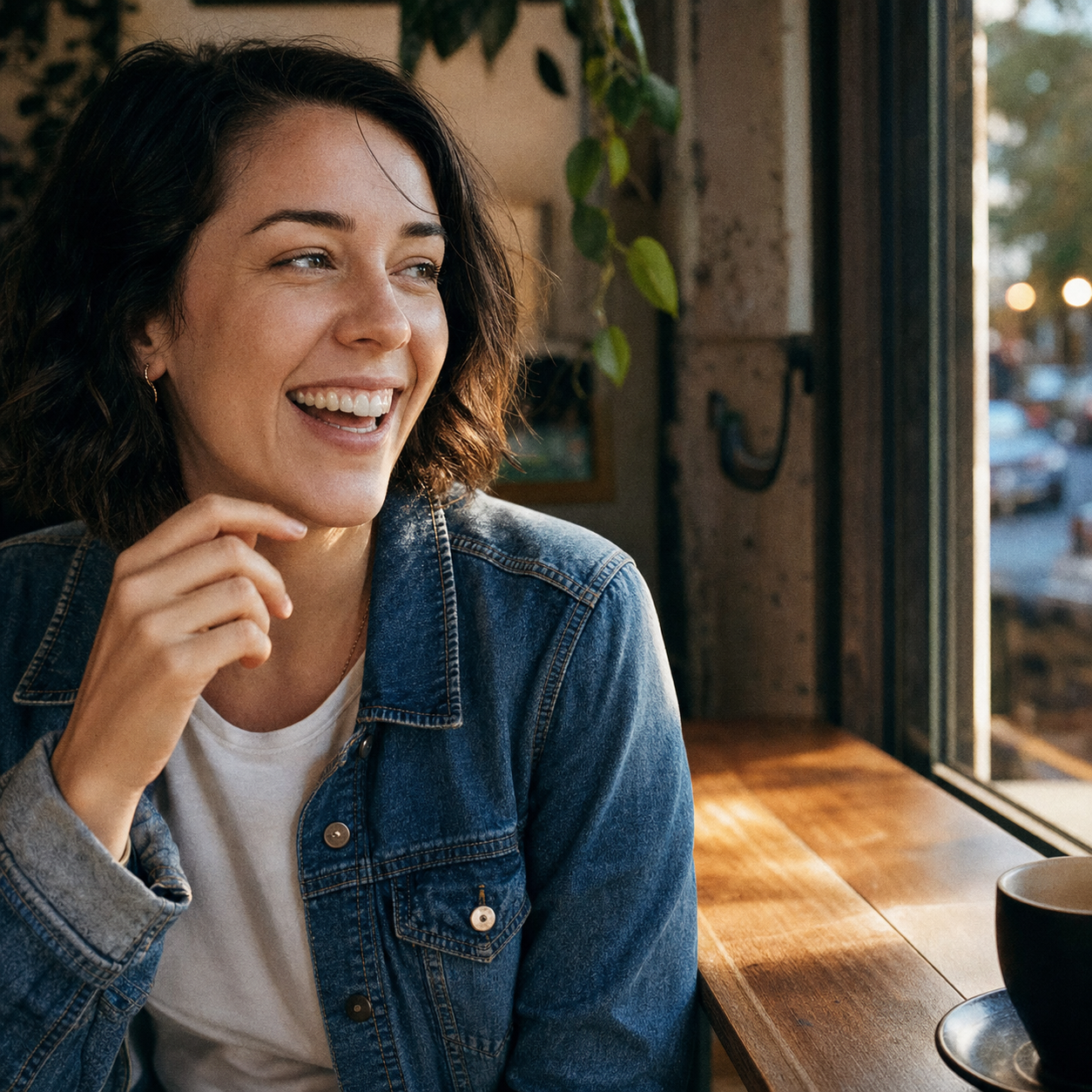
Because the model defaults to “white-collar smiling at the camera.” Centered subject. Soft bokeh. Neutral background. Safe lighting. It’s the visual cliché that lives in every stock catalog from the last twenty years, and that’s exactly what the training data was full of.
The fix is two-part. First, name the platform you’re shooting for, so the model knows what register to land in (an Instagram profile pic doesn’t look like a LinkedIn headshot doesn’t look like a Pinterest pin). Second, replace your static nouns with present-tense verbs. “A person sitting” is a landscape postcard. “A person mid-laugh” is a moment.
Replace your nouns with present-tense action and lock the platform first:
this is an Instagram profile pic [or: dating profile pic / Pinterest pin],
candid-feel, off-center composition with the subject in the left third;
subject is mid-laugh / mid-step / looking off-frame —
NOT looking at camera, NOT centered, NOT a static pose;
specific environment: [coffee shop window light / textured wall / golden-hour street];
low-angle shot, present-tense action
This is what every social-media prompt in the pack front-loads: a platform tag, then a candid moment, then the subject. Same fix, baked across all twenty-five of them, the Chibi Mini-Me Effect free preview included.
Three down, two to go. The last two are mostly about what’s not in your prompt, and what happens after you hit upload. Instagram profiles that don’t scream “stock photo” →
Why does my product photo look rendered?
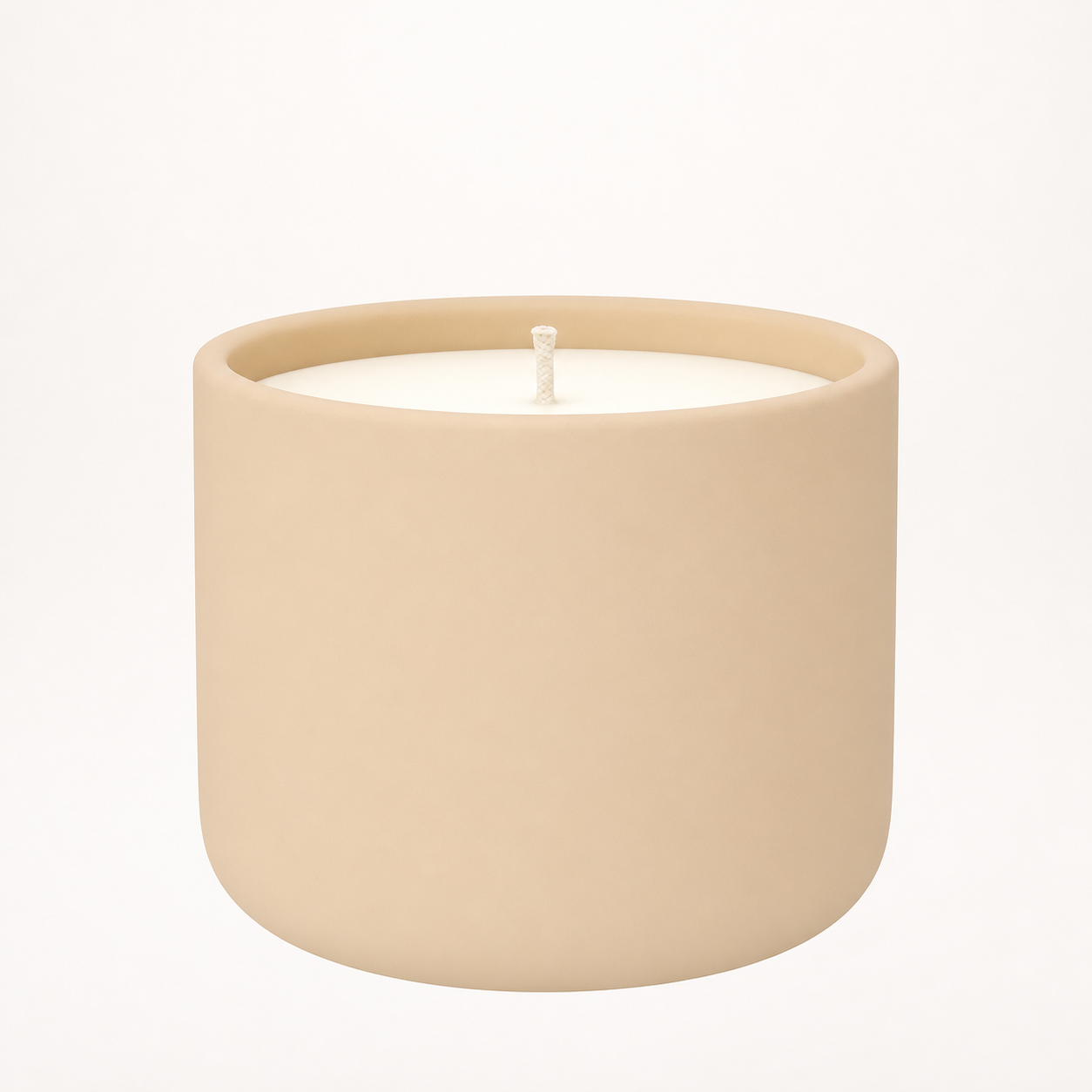
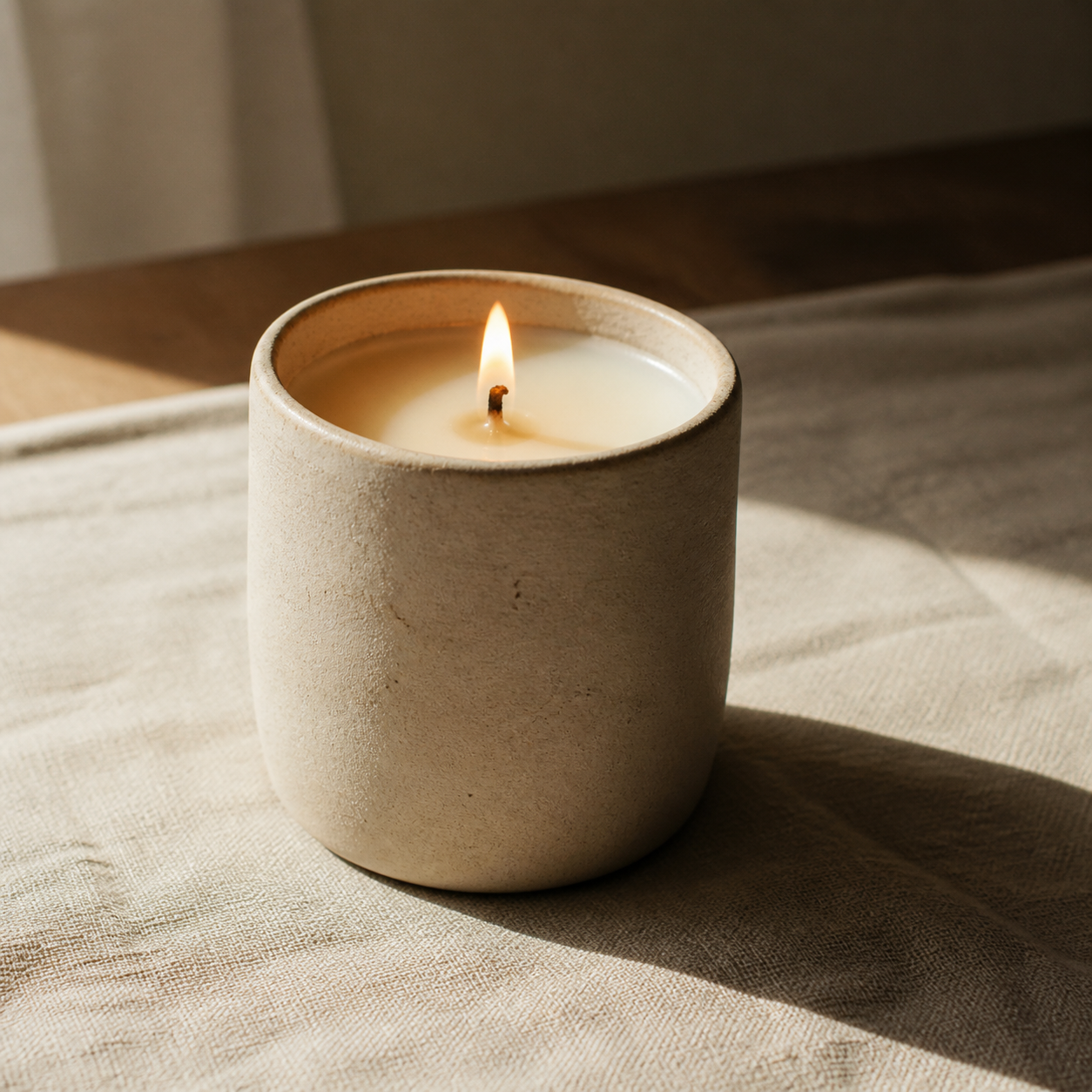
Because the lighting is too clean. A real product photo has shadow falloff, dust motes, surface imperfection. A rendered product looks like it’s hovering in a vacuum. If you’re listing on Etsy, Airbnb, or anywhere a buyer needs to trust the object exists, “rendered” is a conversion problem masquerading as a style problem.
The fix is a three-keyword stack. Material (matte ceramic, brushed metal, raw linen). Lighting (rim light, window light, softbox plus warm fill). Environmental grit (one specific imperfection: a fingerprint, a dust speck, an asymmetric shadow). Without all three, you get the IKEA-catalog version of your handmade soap.
Stack a material keyword, a lighting keyword, and one environmental imperfection:
material: matte unglazed ceramic with visible pore texture
         [or: matte finish / glossy gradient / brushed metal];
lighting: soft directional natural window light from camera-left
         with a soft rim along the right edge and visible shadow falloff
         [or: rim light / softbox key + warm fill];
environmental grit: textured natural linen surface beneath,
         faint dust motes in side light, subtle surface imperfection,
         soft warm bounce light filling the shadow side;
shot on 35mm film, slight grain
The pack’s listing-photo prompts are built on this three-keyword stack across the board. The Etsy What’s-In-The-Box prompt (the free preview anyone can pull from the pack page) leans on exactly this material-plus-lighting-plus-grit pattern. That’s the kind of lighting language the model actually parses.
When the light looks too clean, buyers don’t trust the product. That’s the conversion bleed nobody warns you about. How Etsy sellers get listing-grade light →
Why is Pinterest hiding my AI image?

Because the platform sees AI metadata and the algorithm acts on it. This is the fix where the model isn’t the problem. Your image can be technically perfect (pores, identity locked, candid composition, dust on the candle) and still get throttled the second you upload it, because the platform reads “this is AI” and routes accordingly.
Three platforms, three different rules:
- Pinterest rolled out Gen AI labels globally. Users can opt to “see fewer AI Pins” with one tap, across eight categories that cover basically every Pinterest-native vertical: Art, Beauty, Home Decor, and Fashion among them. When users opt in, AI content there gets shown less. The opt-in side of this is a real share of users. Plan accordingly.
- TikTok integrated C2PA Content Credentials in January 2025 and has labeled over 1.3 billion AI-generated videos via embedded metadata. Unlabeled photorealistic AI content can have its distribution reduced.
- Meta (Instagram and Facebook) auto-labels AI content as “AI info” (renamed from “Made with AI” in July 2024), but unlike Pinterest and TikTok, Meta states the label doesn’t throttle reach. The penalty there lives at the account level around disclosure.
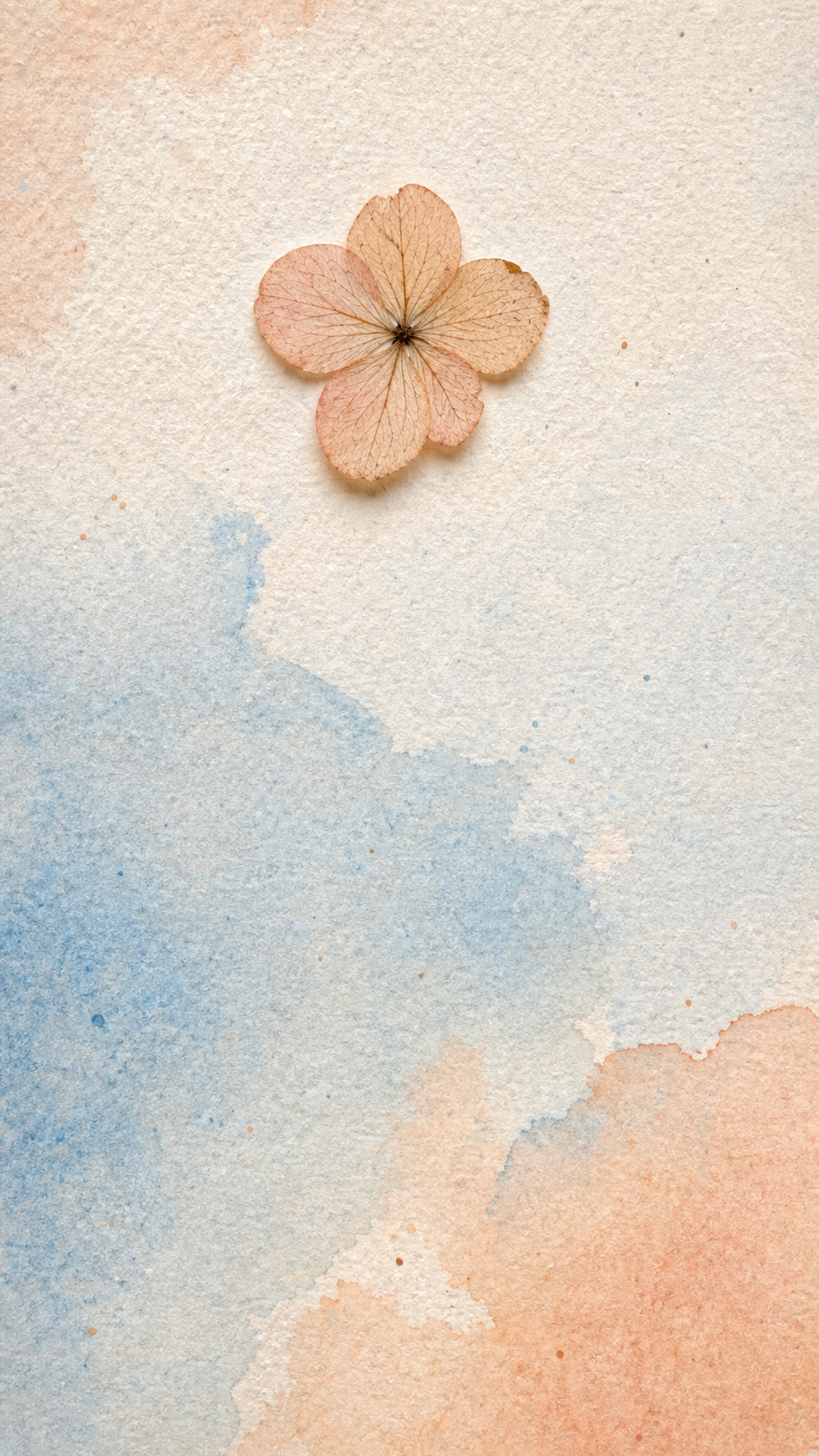
Two prompt-level moves survive all three. Blend an AI subject with a photographed element (paper grain overlay, fabric weave, a scanned-then-traced detail). Or force the texture cues platforms read as human-made (heavy paper grain, watercolor wash with visible water bleed, matte finish over glossy).
Blend an AI subject with a photographed element or force the texture cues platforms read as “human-made”:
hybrid composition: AI-generated [subject / background],
blended with a photographed-then-overlaid element
[pressed flower / scanned paper / fabric weave / handwritten note];
surface finish: heavy real paper grain across the whole frame,
asymmetric watercolor wash with visible water bleed edges,
matte finish, NOT glossy mirror digital sheen;
preserve a few irregular pigment specks and surface imperfections;
no over-saturated rainbow gradient, no clean digital edges,
no pure-AI-slop trending look
The pack’s aesthetic and photo-style prompts are built on this principle from the ground up, the Double-Exposure Pencil Sketch free preview among them. None of those prompts produce trending-AI-gradient outputs; every one leans on real-photo texture or a watercolor bleed to land on the human-made side of the algorithm’s read.
This brings us out of the model’s behavior and into the platform’s, which is exactly where most “100 best AI prompts” packs stop helping you. Trending photo styles that pass Pinterest’s algorithm →
The bigger picture: methodology over prompt count
Here’s my honest read on the “100 best AI prompts!” packs that flood Gumroad and PromptBase. Most of them are prompt-count theatre. You get a hundred prompts, ten of them work for you, and not one of them tells you why the fuck they work. Two months later when the model updates, all hundred are stale and you’re back to square one.
The 125 prompts in our image prompt pack carry the same Five-Fix DNA baked in by design, so when the model shifts under you, the prompts shift with it. The fix is the asset. The prompts are downstream of the fix. You can assemble the fixes yourself, one prompt at a time, which is why this article exists. Or you can skip the assembly.
Five fixes, baked in by design. That’s the pack.
At a glance
If you only want the bottom line, here it is:
| Fake-look signal | Root cause | Prompt fix | Where it lives in the pack |
|---|---|---|---|
| Waxy plastic skin | Model default is airbrushed | 35mm film, visible pores, asymmetric, soft directional light | Photo Restoration (and every gift prompt) |
| Face doesn’t match the reference | Identity slides across long prompts | Lock face shape, hairline, eye spacing BEFORE transformation language | Founder Power Portrait (and every headshot prompt) |
| Centered, stock-photo composition | Model defaults to “white-collar smiling” | Name the platform first, then use present-tense verbs | Chibi Mini-Me Effect (and every social-media prompt) |
| Lighting looks rendered, not real | Single lighting keyword isn’t enough | Stack material + lighting + one environmental imperfection | Etsy “What’s In The Box” (and every listing prompt) |
| Reach throttled at upload | Pinterest/TikTok metadata flags + algorithm | Blend with real-photo texture, force human-made cues | Double-Exposure Pencil Sketch (and every aesthetic prompt) |
FAQ
Q: Why do AI images look so fake?
A: Five reasons, mostly fixable in the prompt. Waxy default skin, identity drift, generic stock composition, too-perfect rendered lighting, and platform-level throttling at upload. The first four are the model leaning on the most boring center of its training data. The fifth is platforms labeling and acting on AI metadata at upload time. All five have prompt-level overrides.
Q: Does Pinterest reduce reach for AI images?
A: Conditionally, yes. Pinterest’s Gen AI labels are live globally and users can opt into “see fewer AI Pins” across eight categories (Art, Entertainment, Beauty, Architecture, Home Decor, Fashion, Sports, Health). When users opt in, AI content there gets shown less. The mechanism is opt-in per category, and a real share of users opt in. Plan for that.
Q: How do I make AI images pass Instagram’s “Made with AI” filter?
A: Less filter, more label. Meta renamed it to “AI info” in July 2024 and states the label doesn’t impact organic reach. What matters on Meta is disclosure: undisclosed AI use has account-level consequences. So either disclose, or blend in enough real-photo texture that the auto-detector doesn’t flag it (paper grain, real photographed elements layered in).
Q: Why does AI-generated text always look wrong?
A: Because text rendering is the deepest fake-look failure mode this article didn’t fully cover (it ranks below the five we did, for normal use cases). Models hallucinate letters. The override is to hardcode the exact text you want, lock the typography style, and forbid placeholder gibberish explicitly in the prompt. If you’re putting words inside an AI image, every character must be specified.
Q: Which AI image tool looks most realistic in 2026?
A: My honest answer is “it depends on the subject.” For portraits I lean on ChatGPT (specifically its gpt-image-2 model) because identity-locking holds up better than the alternatives I’ve tested. For aesthetic and illustrative work the picture’s less settled. The bigger move is choosing a prompt that survives a model swap. That’s the whole argument of this article.
Key Takeaways
- AI skin looks waxy because the model defaults to airbrushed; the fix is to force visible pores, film grain, and asymmetry into the prompt.
- AI faces drift because identity loses out to transformation language; the fix is to lock face shape, hairline, and eye spacing before any style tags.
- AI portraits look like stock photos because the model defaults to centered-and-smiling; the fix is to name the platform first, then use present-tense verbs.
- AI product shots look rendered because one lighting keyword isn’t enough; the fix is a stack of material + lighting + one environmental imperfection.
- AI images get throttled at upload because platforms read metadata; the fix is to blend AI subjects with real-photo texture or force human-made cues.