Every prompt recipe on lifehackedai.
Sorted newest first. Each one is a paste-ready AI prompt for a specific job: a headshot, a graduation photo, an Etsy listing shot, a pet portrait. Find yours.
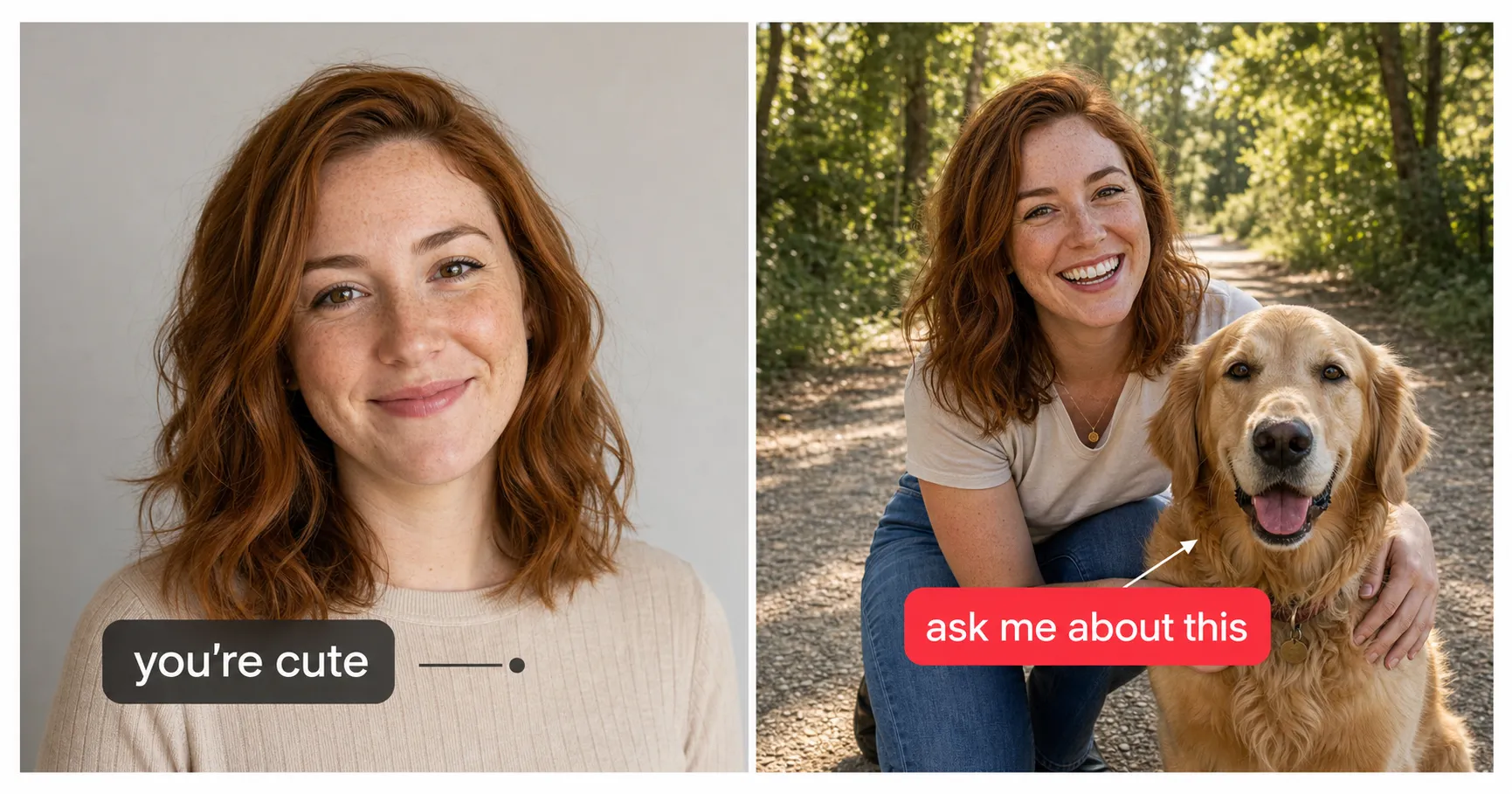
First Photo on Bumble: The One Test That Turns a Match Into a Message
On Bumble a like isn't a conversation. The one test your first photo has to pass so a match actually messages you, plus what changed when Bumble dropped women-message-first.
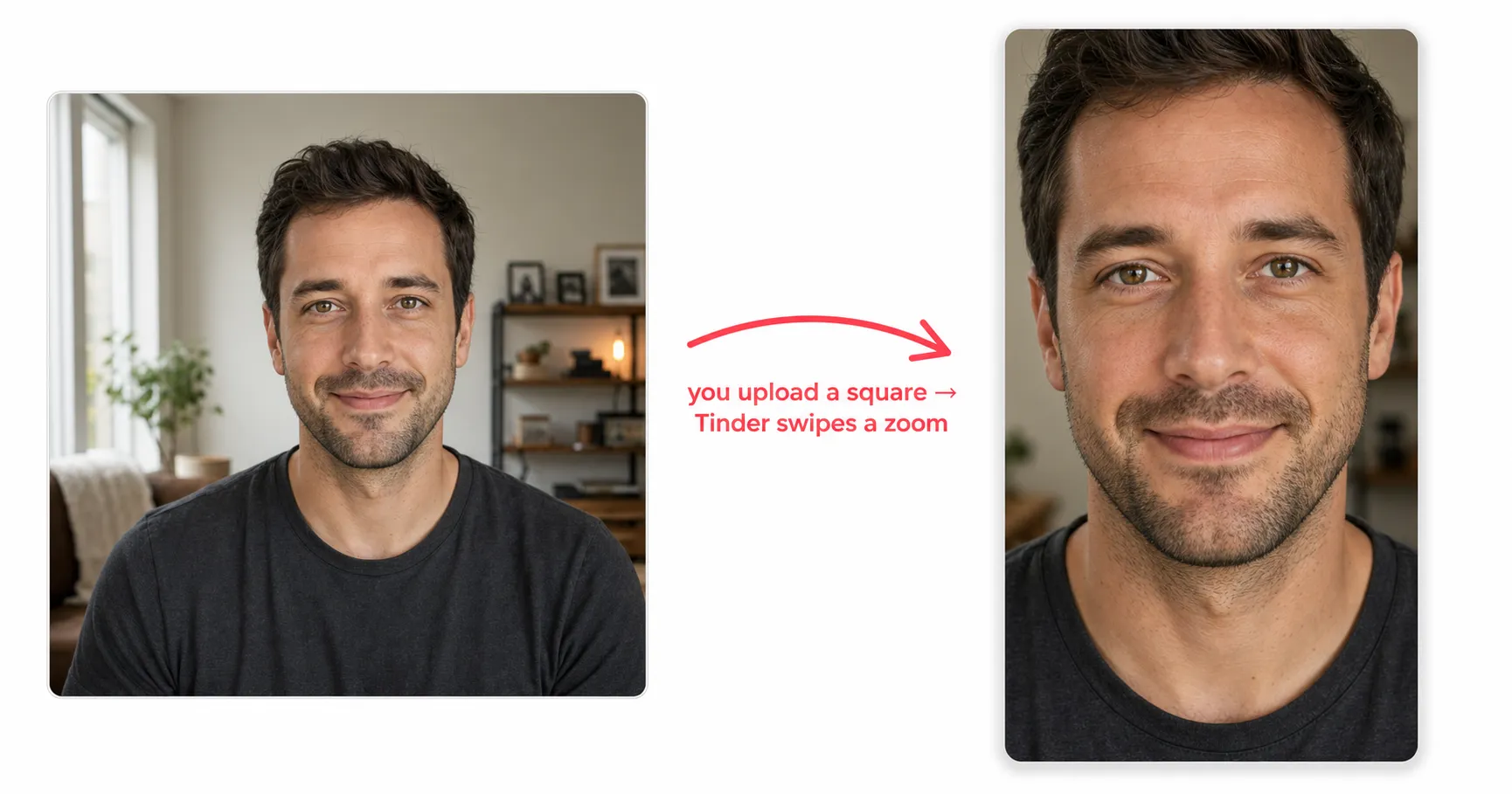
First Photo on Tinder: The Square You Upload Isn't the Photo That Gets Swiped
Tinder makes you crop a square, then zooms into the center for the swipe deck. The one rule that makes your first photo survive the zoom and win the half-second read.
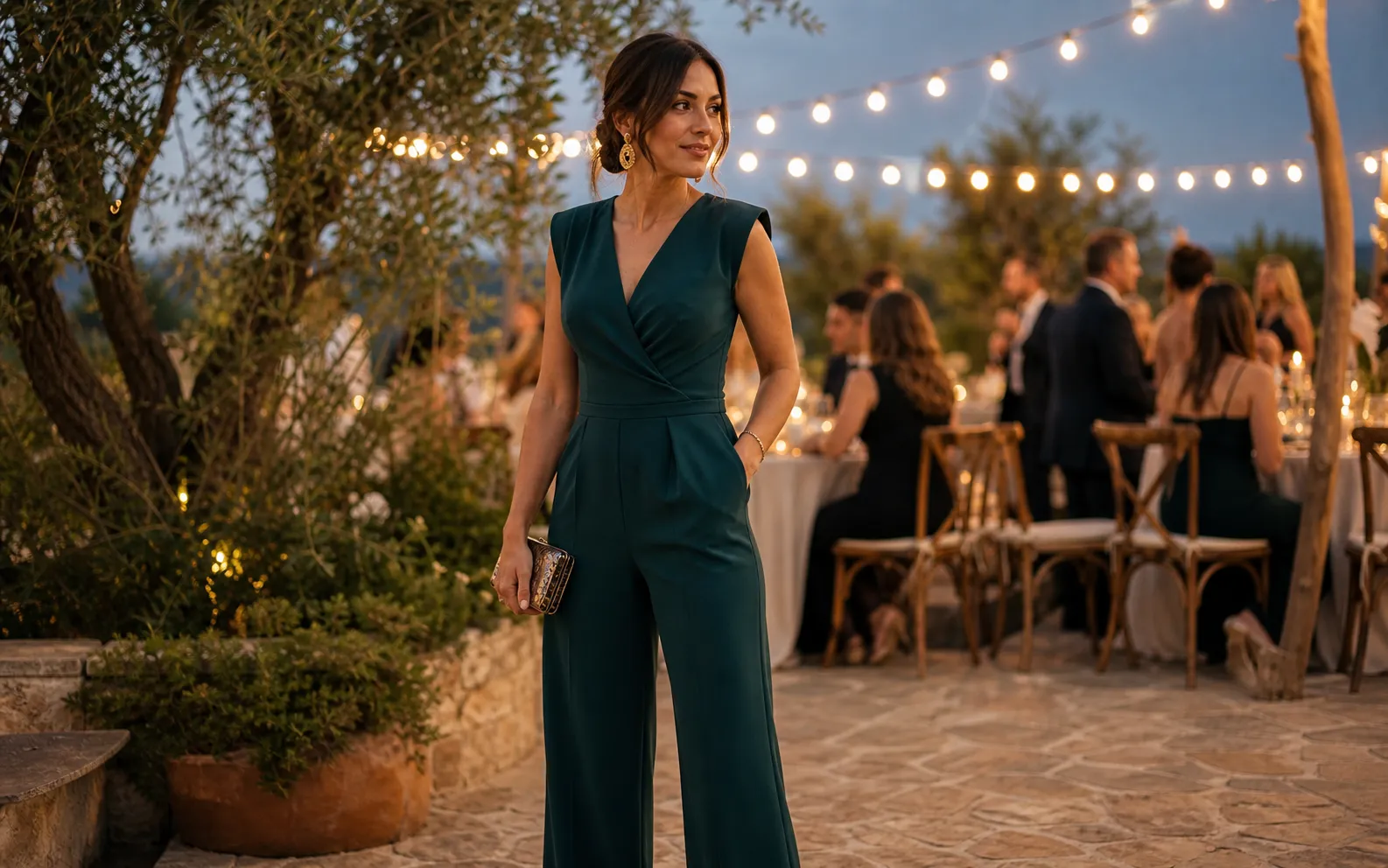
Can You Wear a Jumpsuit to a Wedding? Yes, Here's the Catch
Can you wear a jumpsuit to a wedding? Yes. Here is how to match the jumpsuit's fabric and cut to your dress code, the colors to skip, and how to see it on you.
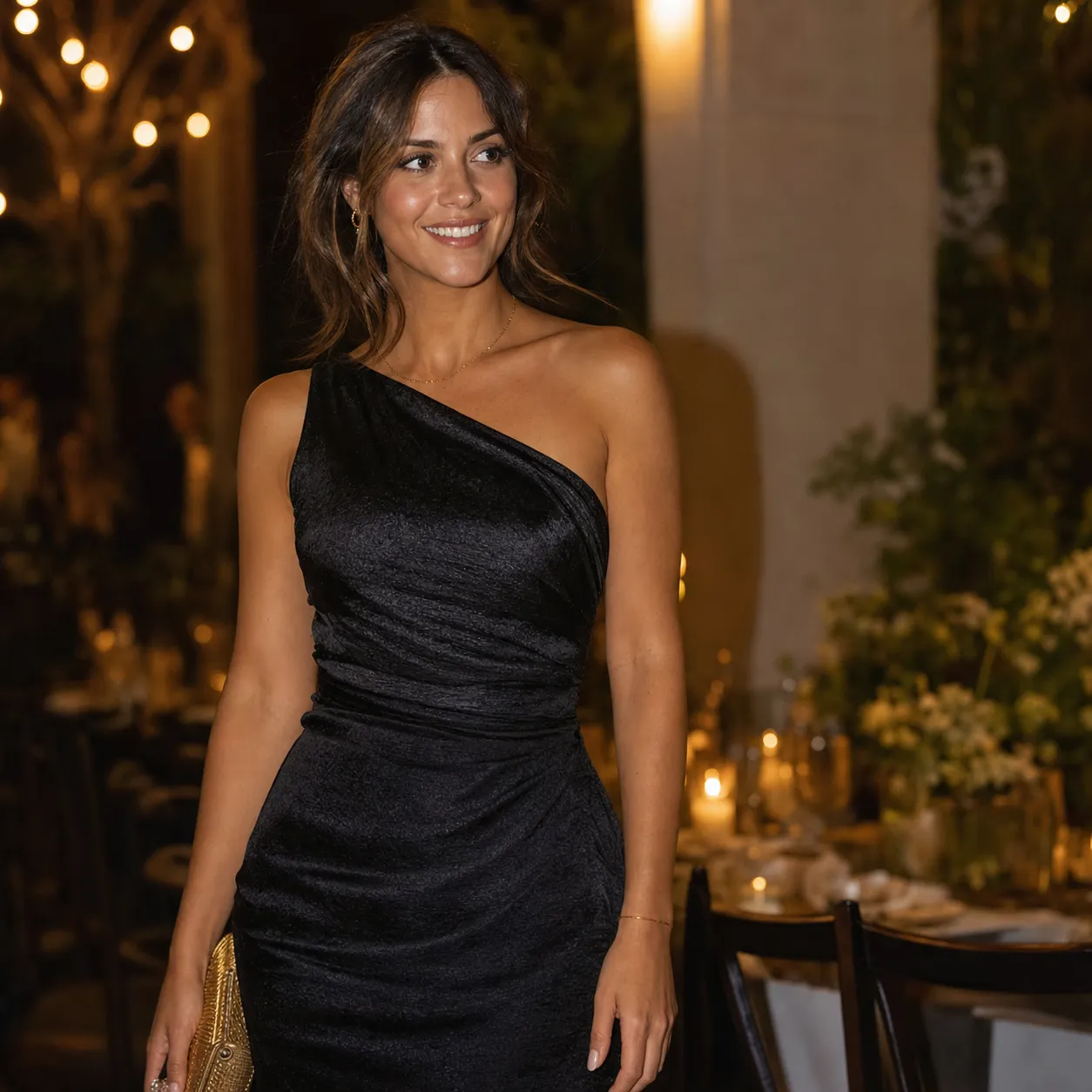
Can You Wear Black to a Wedding? Yes, With One Rule
Can you wear black to a wedding? Yes, at most modern weddings. Why the old taboo is gone, when black is the best pick, and how to style it so it reads festive.
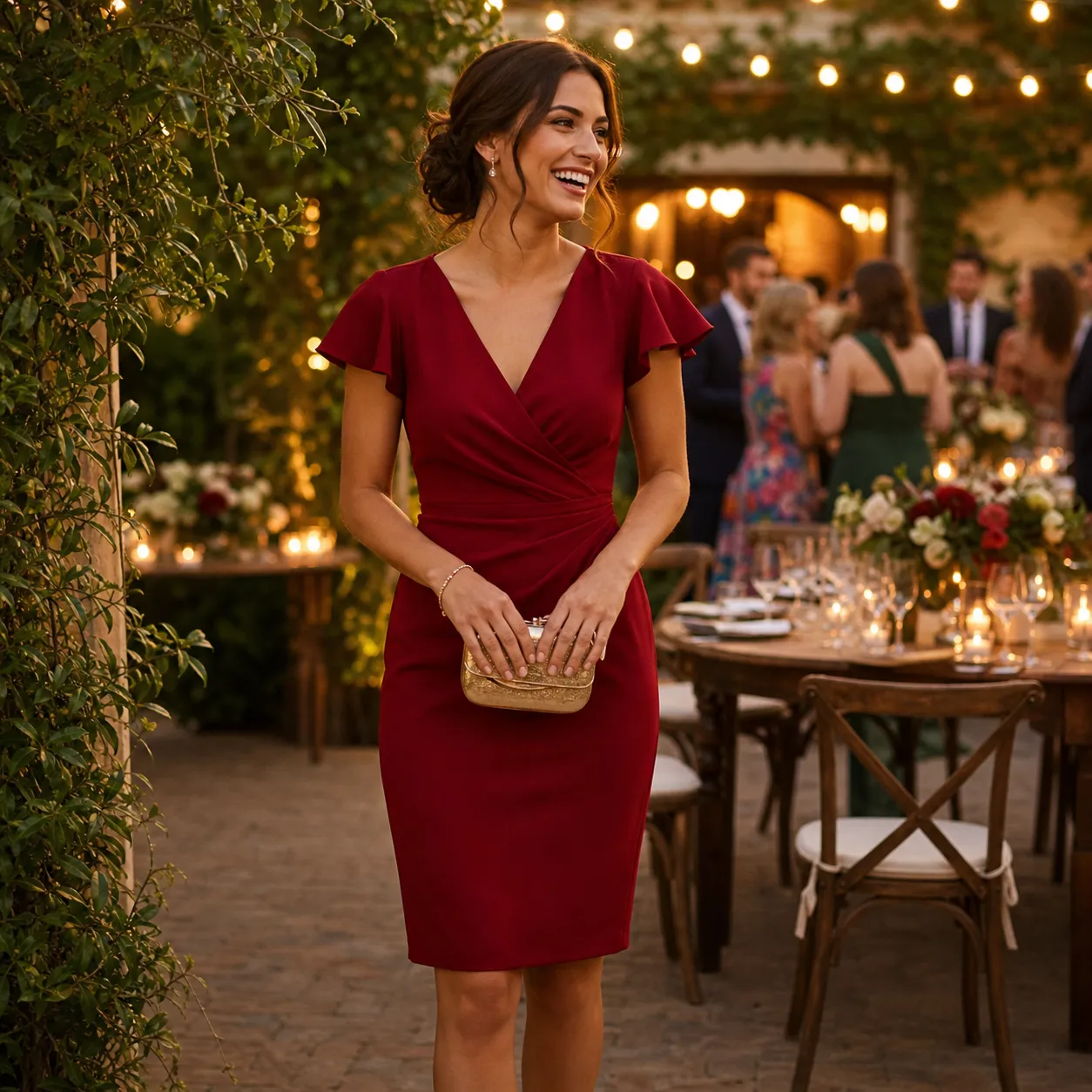
Can You Wear Red to a Wedding? Yes, With One Real Exception
Can you wear red to a wedding? Yes at most Western weddings, where bold is not the same as upstaging. The one real exception is cultural, and how to wear it right.
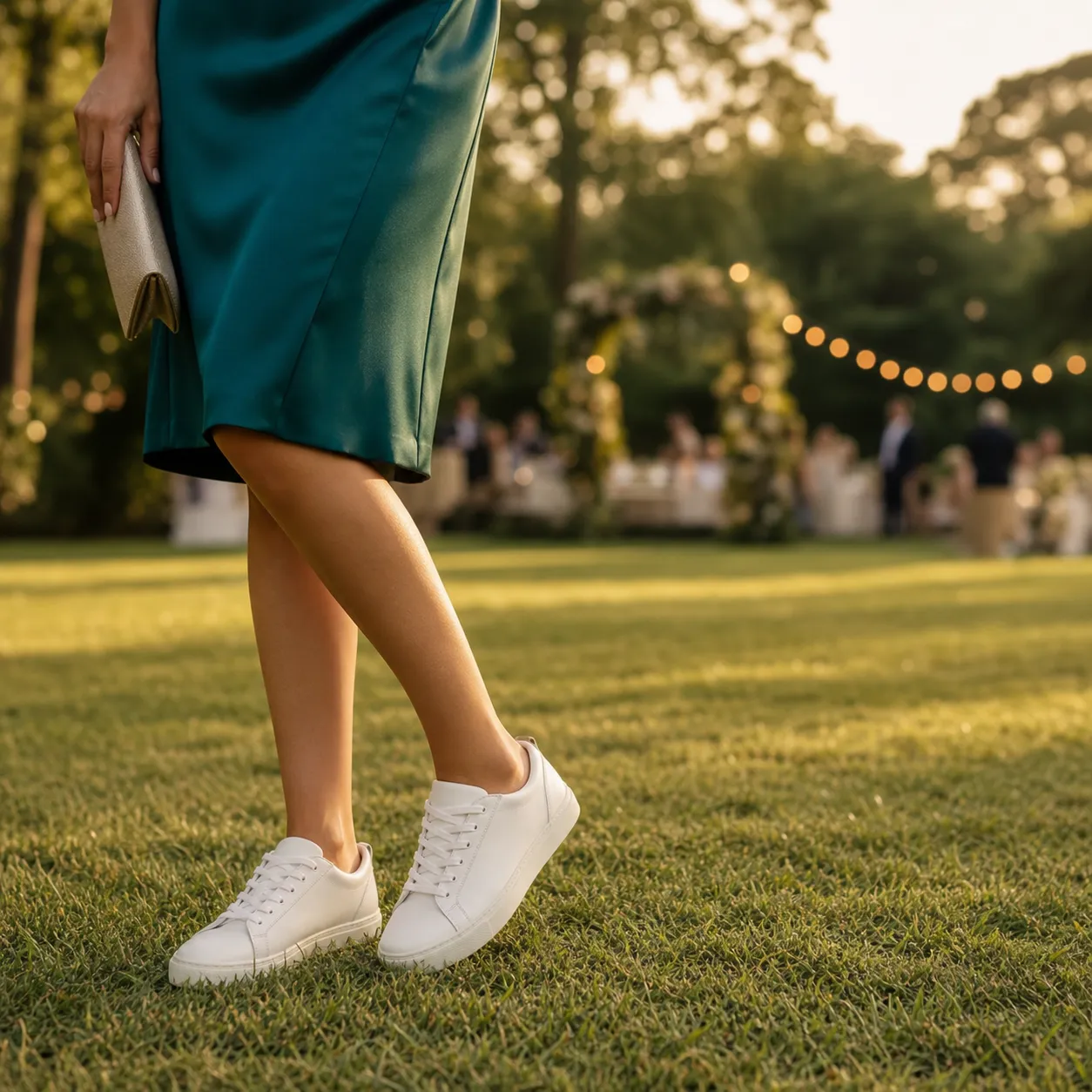
Can You Wear Sneakers to a Wedding? When It's Fine and When It's Not
Can you wear sneakers to a wedding? Sometimes. They work at casual and outdoor weddings and as a reception swap, but not at cocktail-and-up. The full rule, inside.
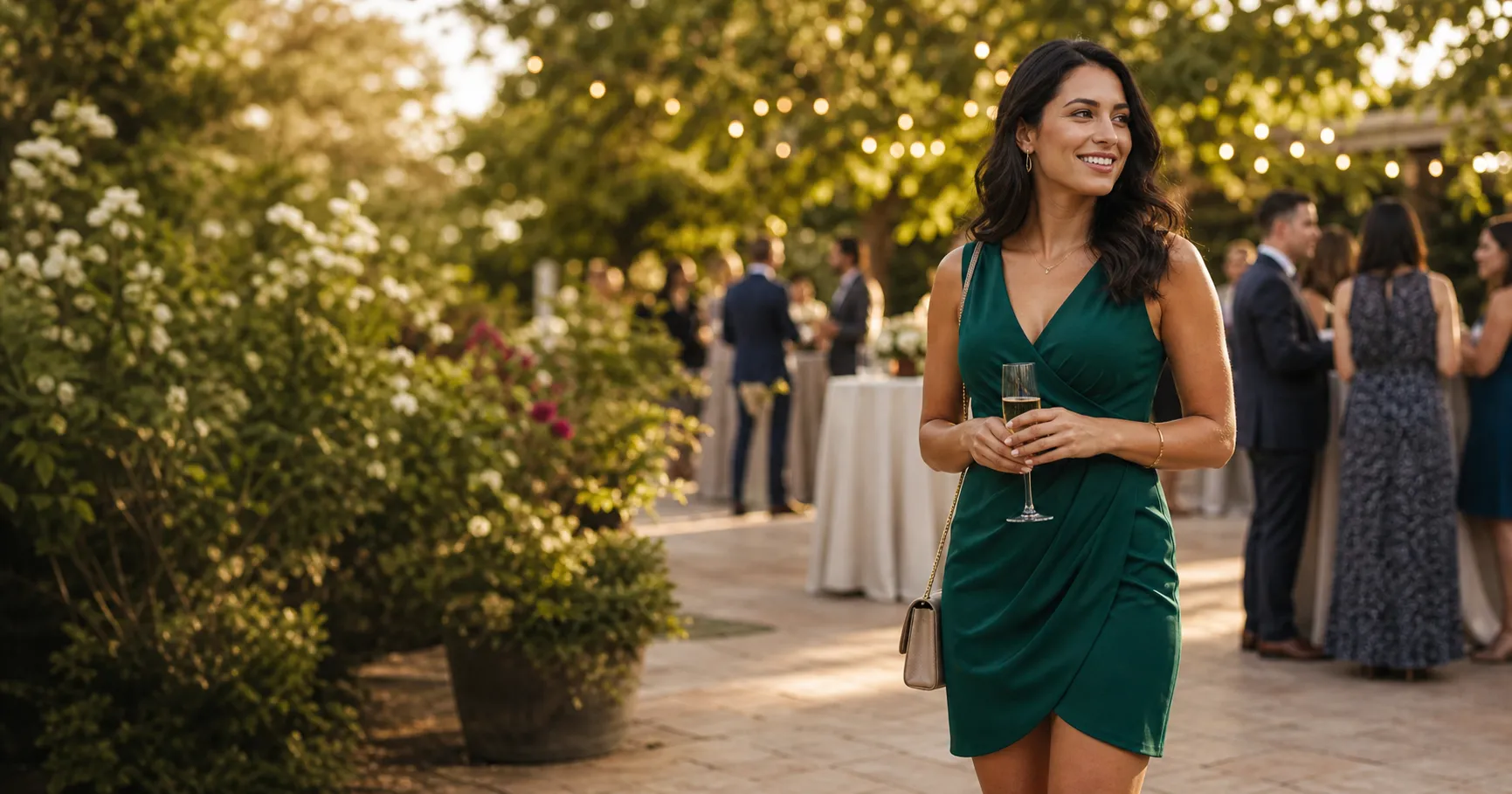
Can You Wear White to a Wedding? The Honest Answer, and the Real Trap
Can you wear white to a wedding? The verdict is no by default, and the real trap is the white-adjacent shades like ivory, cream, and blush. Here is the line and the fix.
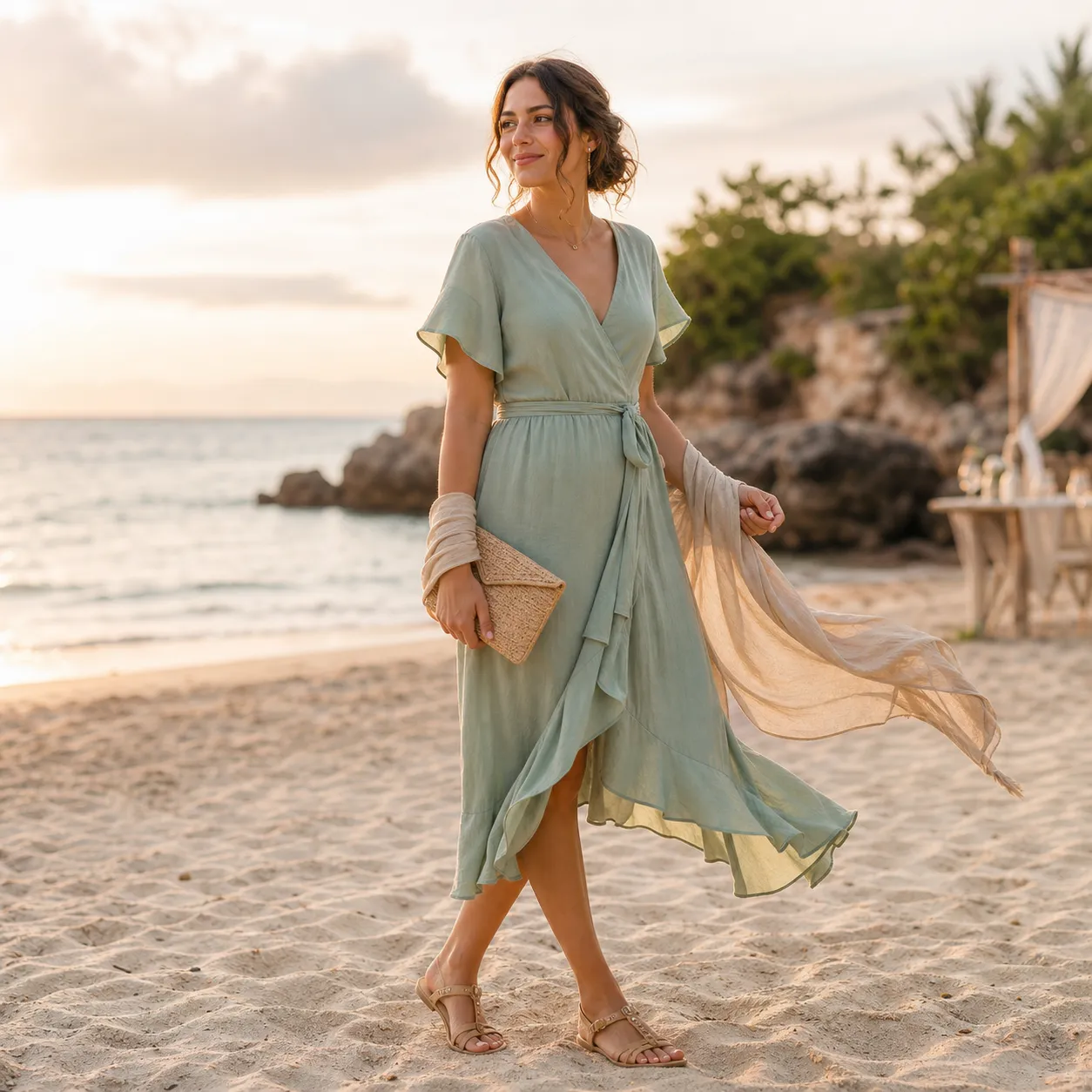
What to Wear to a Beach Wedding as a Guest: Let the Venue Decide
What to wear to a beach wedding as a guest: follow the dress code, but let the beach override your fabric, shoes, and dress length so you look right on sand.
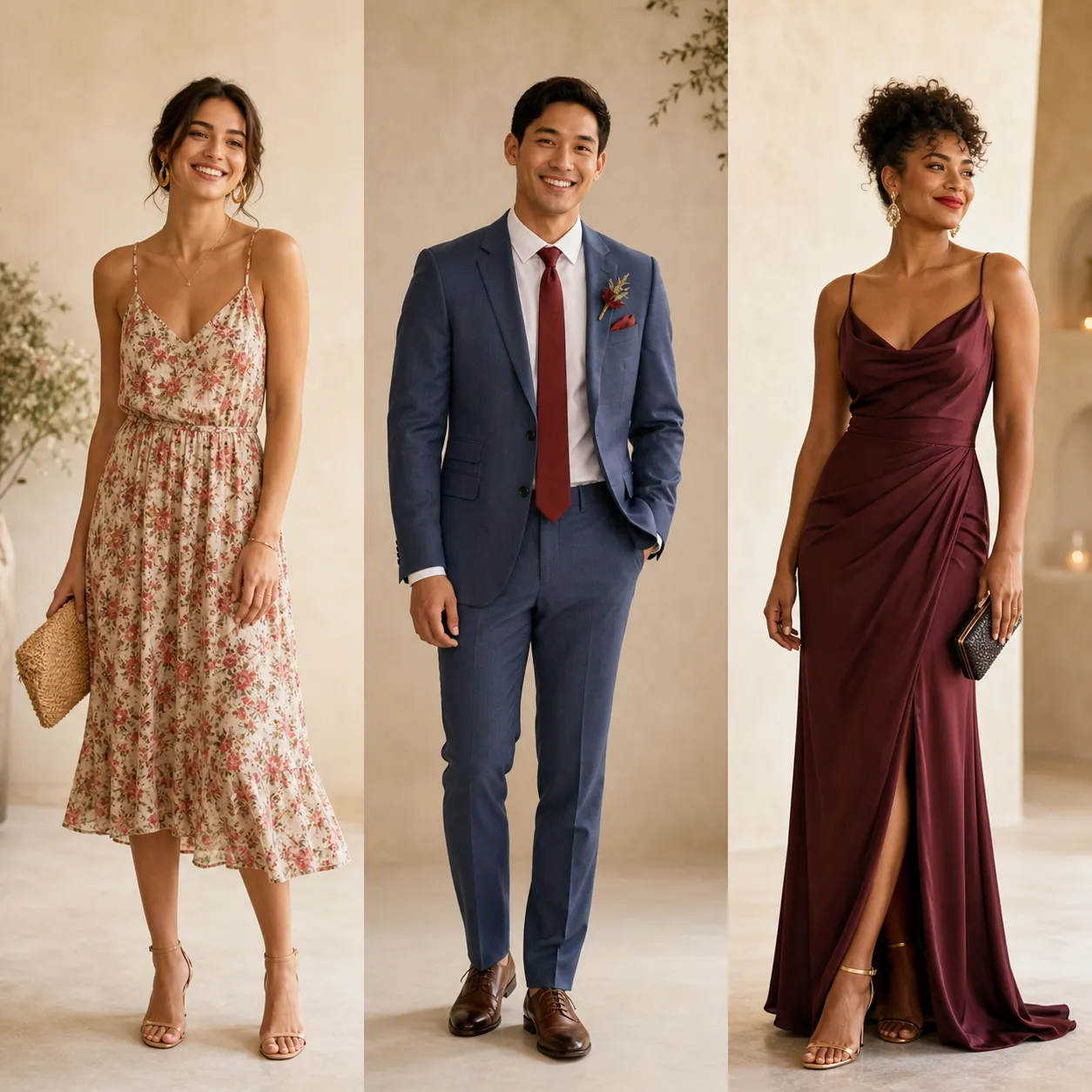
What to Wear to a Wedding as a Guest: The One Line That Decides Everything
What to wear to a wedding as a guest, decoded by dress code: what cocktail, semi-formal, and black-tie mean, the one color to skip, and how to see it on you.
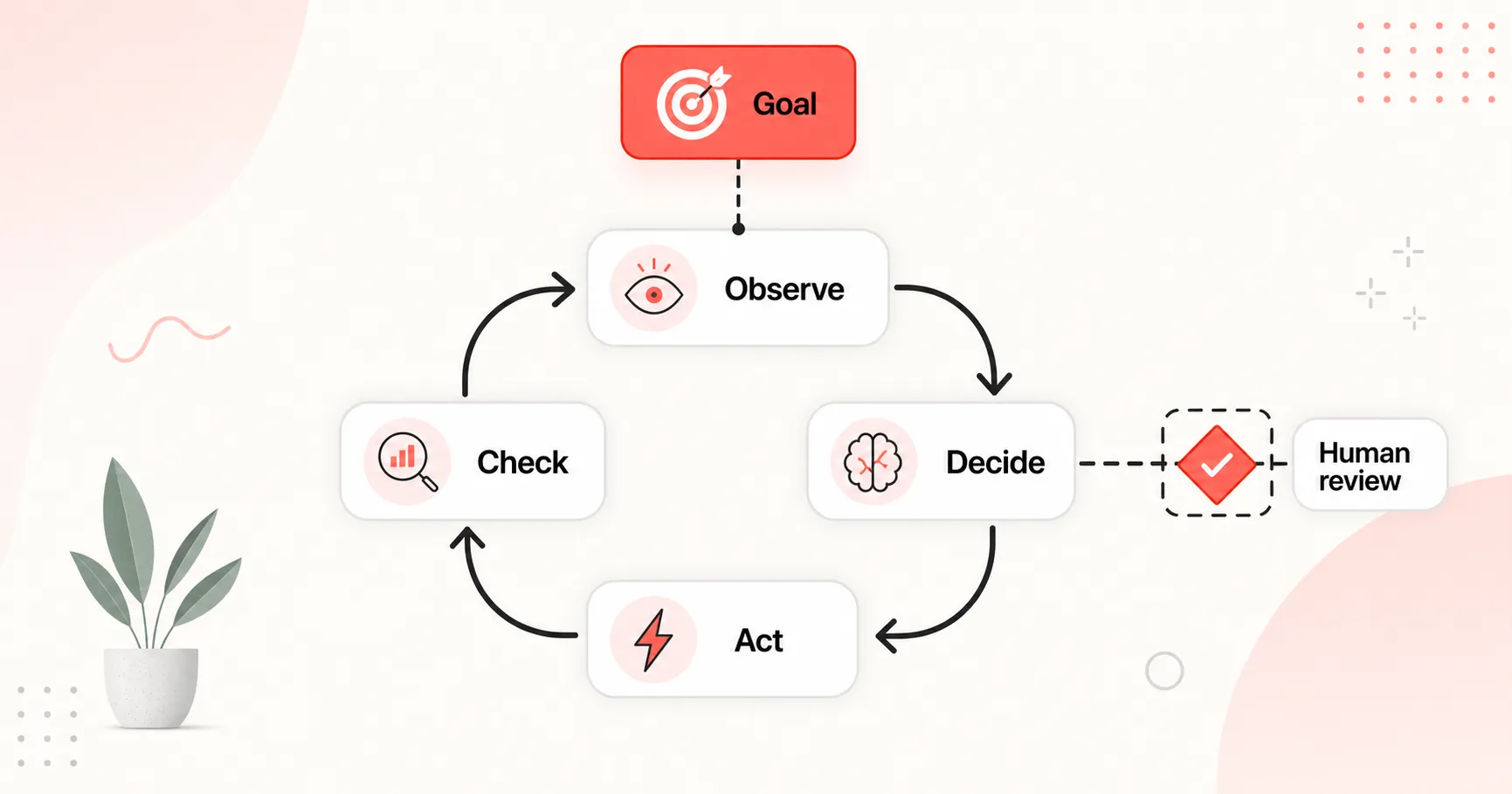
What Is Agentic AI? A Practical Guide for Small Teams
Agentic AI is software that takes a goal, picks the next step, uses tools, and checks its own work until a job is done. A practical starting guide for small teams.
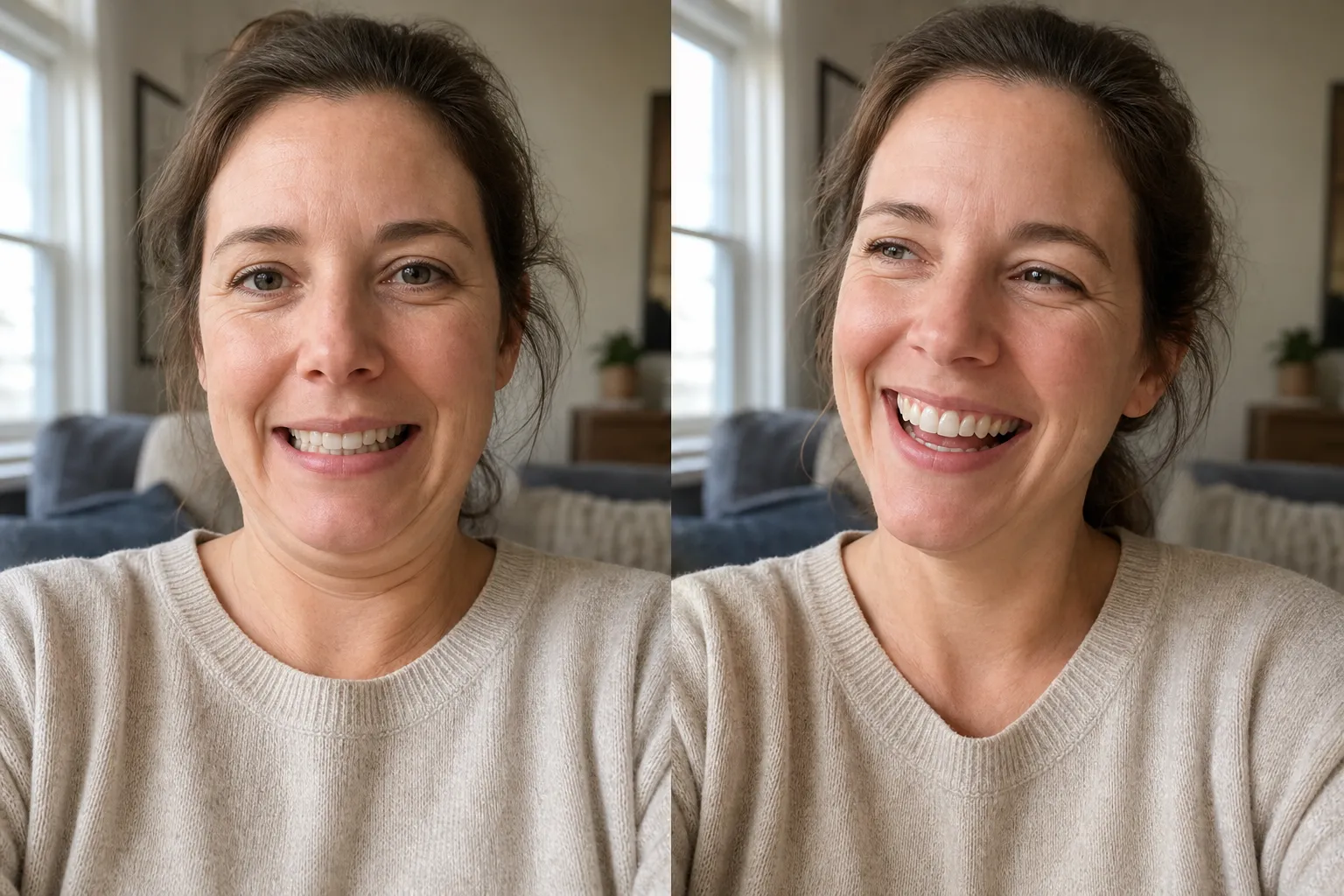
How to Take Good Photos of People: 3 Directing Moves That Work
Your photos of people come out stiff because you ask them to pose. Three directing moves, give a task, shoot slightly above, keep talking, fix that fast.
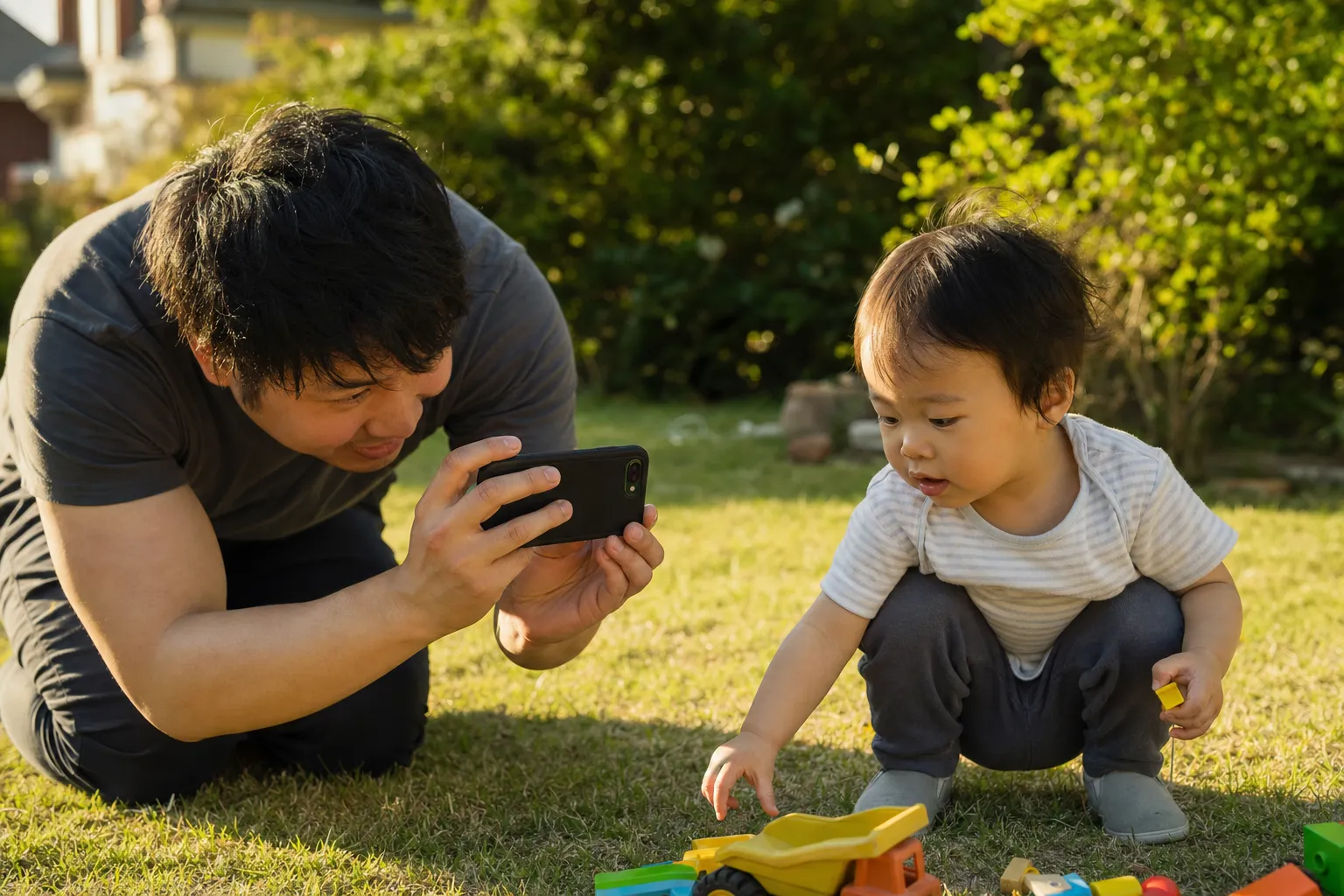
How to Take Good Photos of Your Kids: 3 Moves That Work
Your photos of your kids come out as top-of-head blurs because you ask them to pose. Three moves, get low, shoot in burst, let them play, fix that fast.
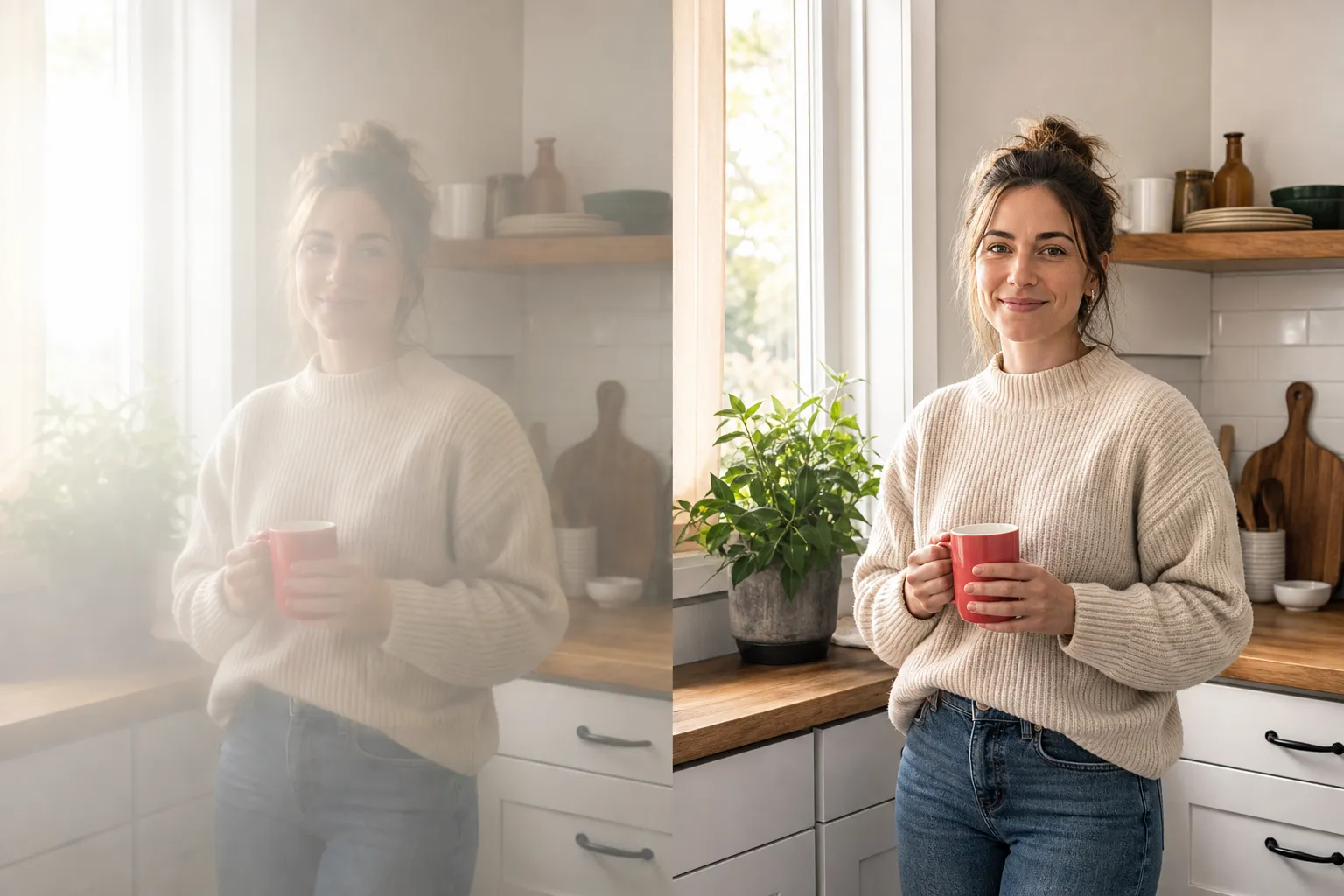
How to Take Good Photos With Your Phone: 3 Free Fixes
Your phone photos look hazy, dark, or soft and you blame the camera. Three free fixes the phone already does, wipe, tap, and zoom right, change that fast.
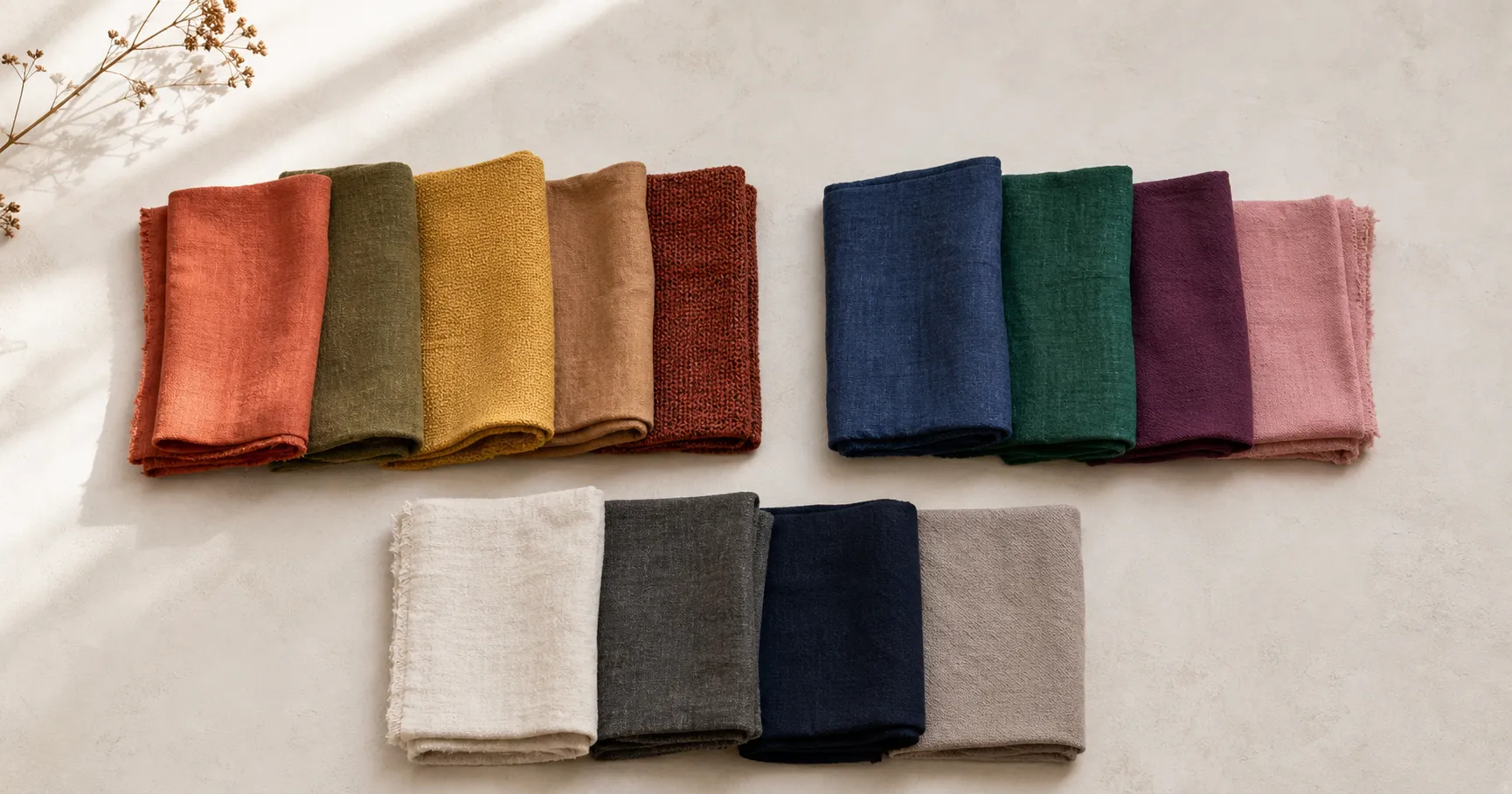
What Colors to Wear in Photos: A Skin-Tone and Undertone Guide
What colors to wear in photos, by undertone: find your undertone with three quick tests, then use the skin-tone color table to pick shades that flatter and skip the ones the camera ruins.
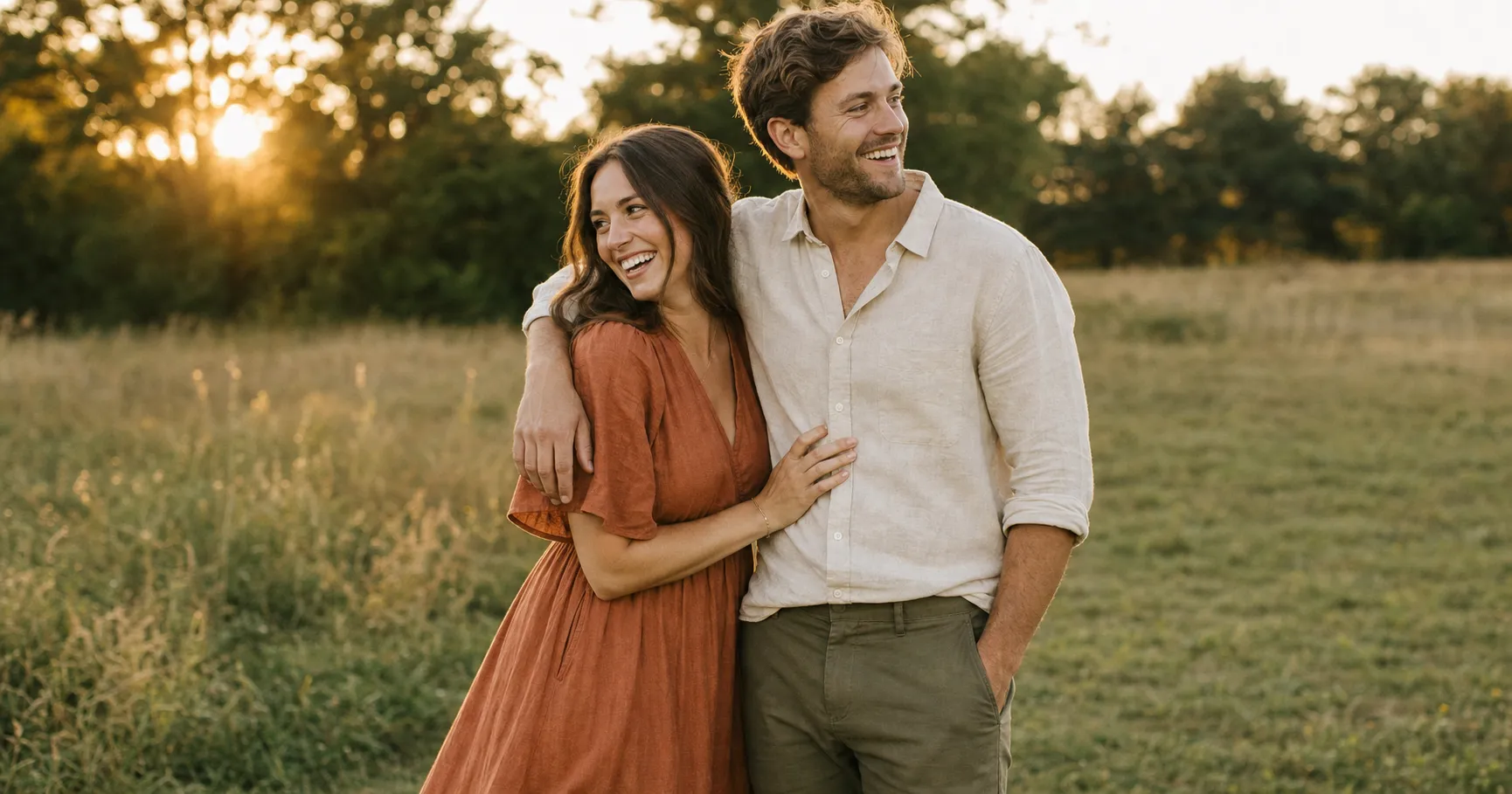
What to Wear for Engagement Photos: Coordinate, Don't Match
What to wear for engagement photos so you look like a couple, not a costume: coordinate (don't match) around one palette, and skip the colors and patterns the camera punishes.
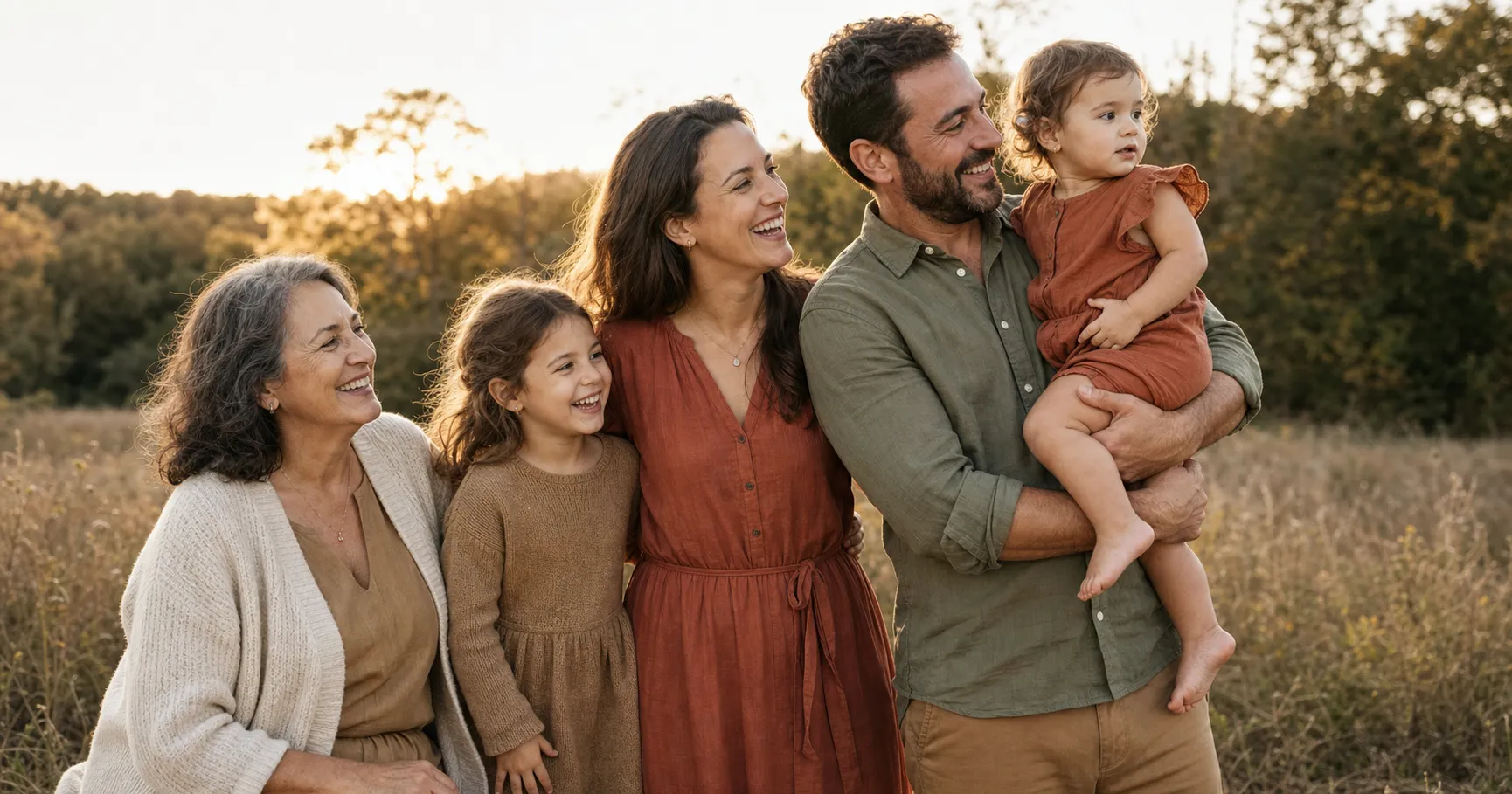
What to Wear for Family Pictures: Dress the Whole Crew
What to wear for family pictures when you have to dress five people across ages: start with one anchor outfit, give every age what it needs, and skip what the camera punishes.
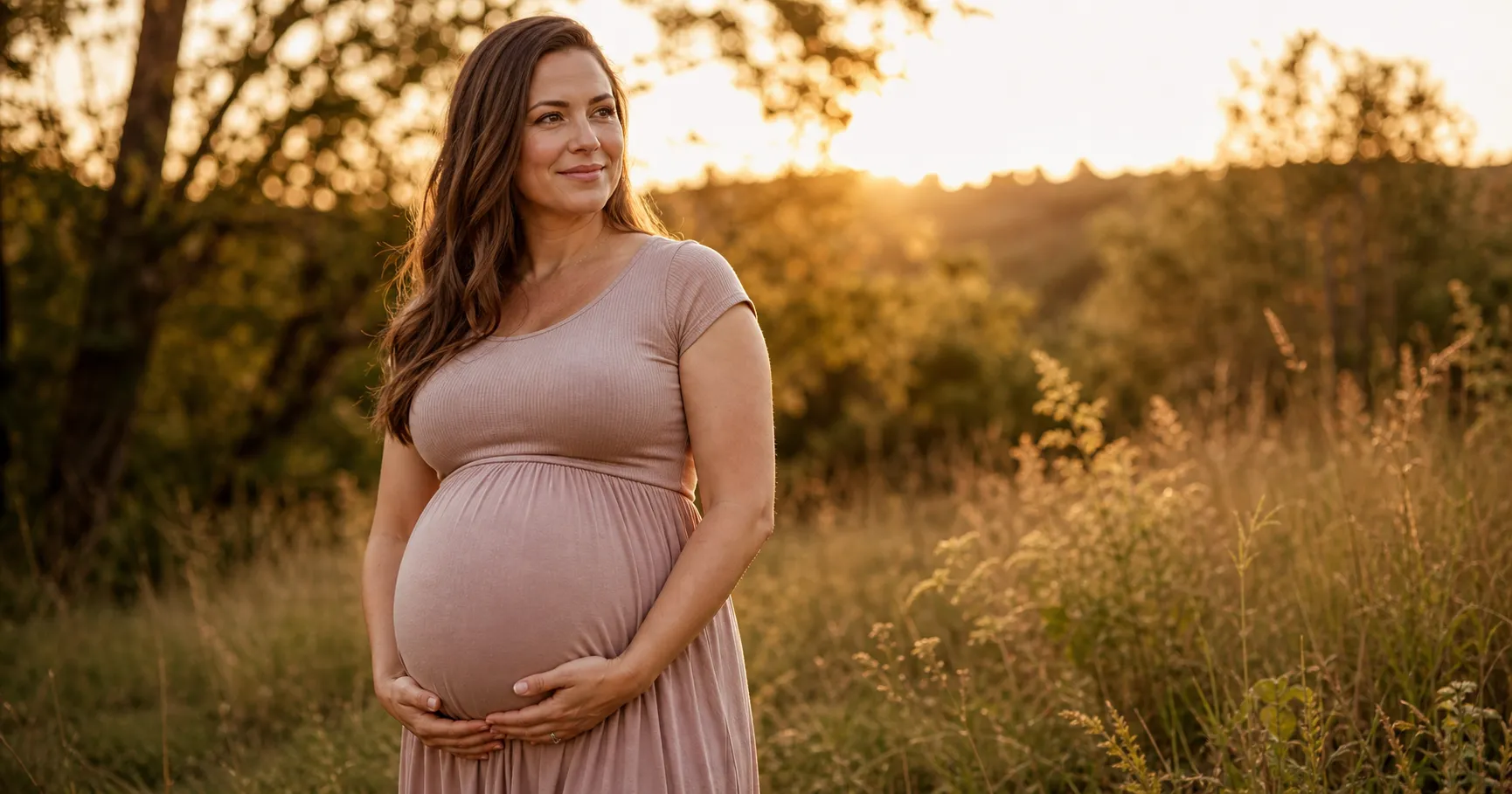
What to Wear for Maternity Photos: Skim the Bump, Don't Tent It
What to wear for maternity photos so the bump reads as a round belly, not bulk: skim it with stretchy fabric instead of a loose tent, pick a flattering neckline, and shoot when it has popped.
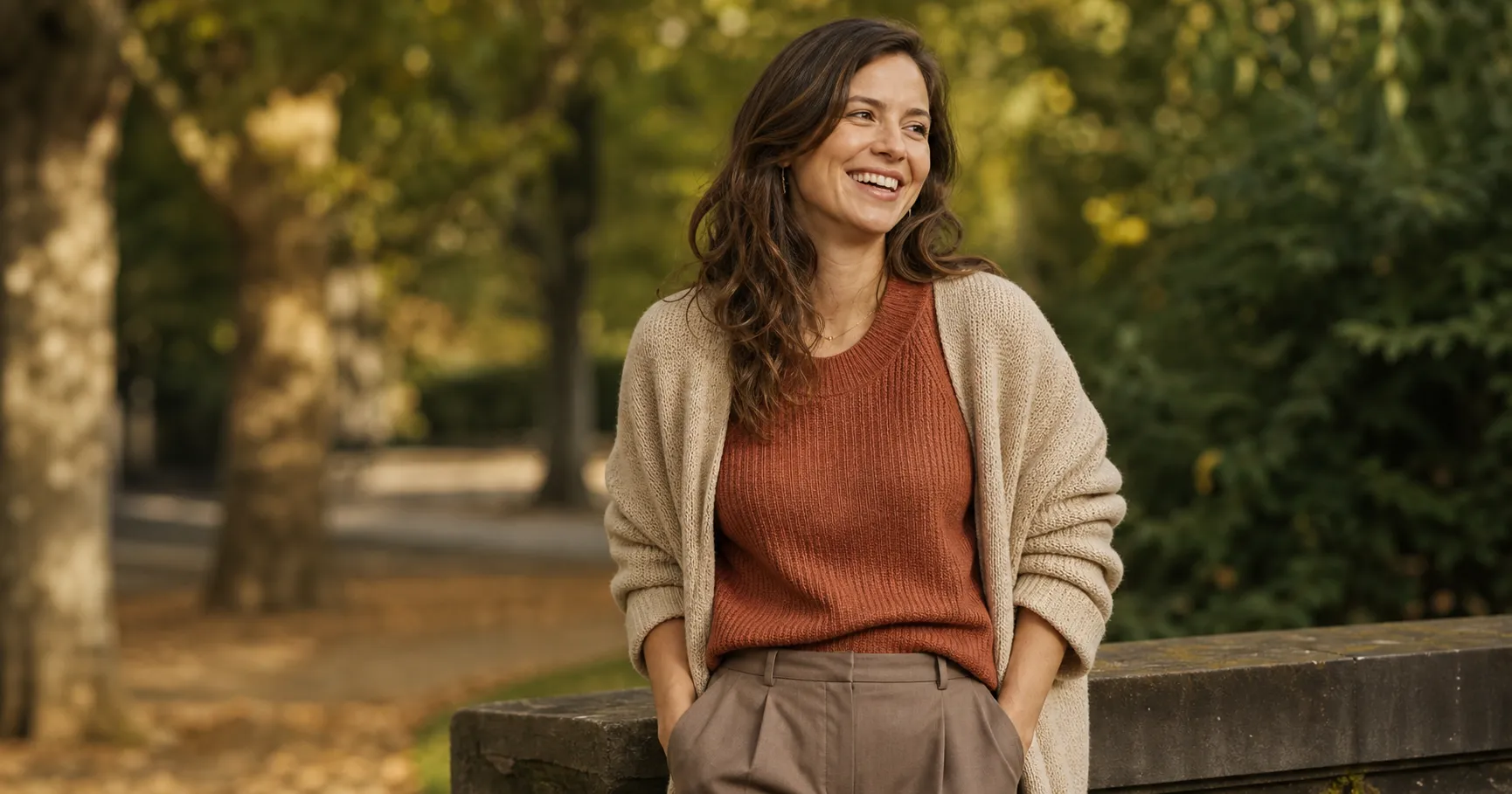
What to Wear for Pictures: The Four Rules That Work Every Time
What to wear for pictures, before you even know the occasion: make it fit, keep it solid, stay in one small palette, and dress for the light and the place.
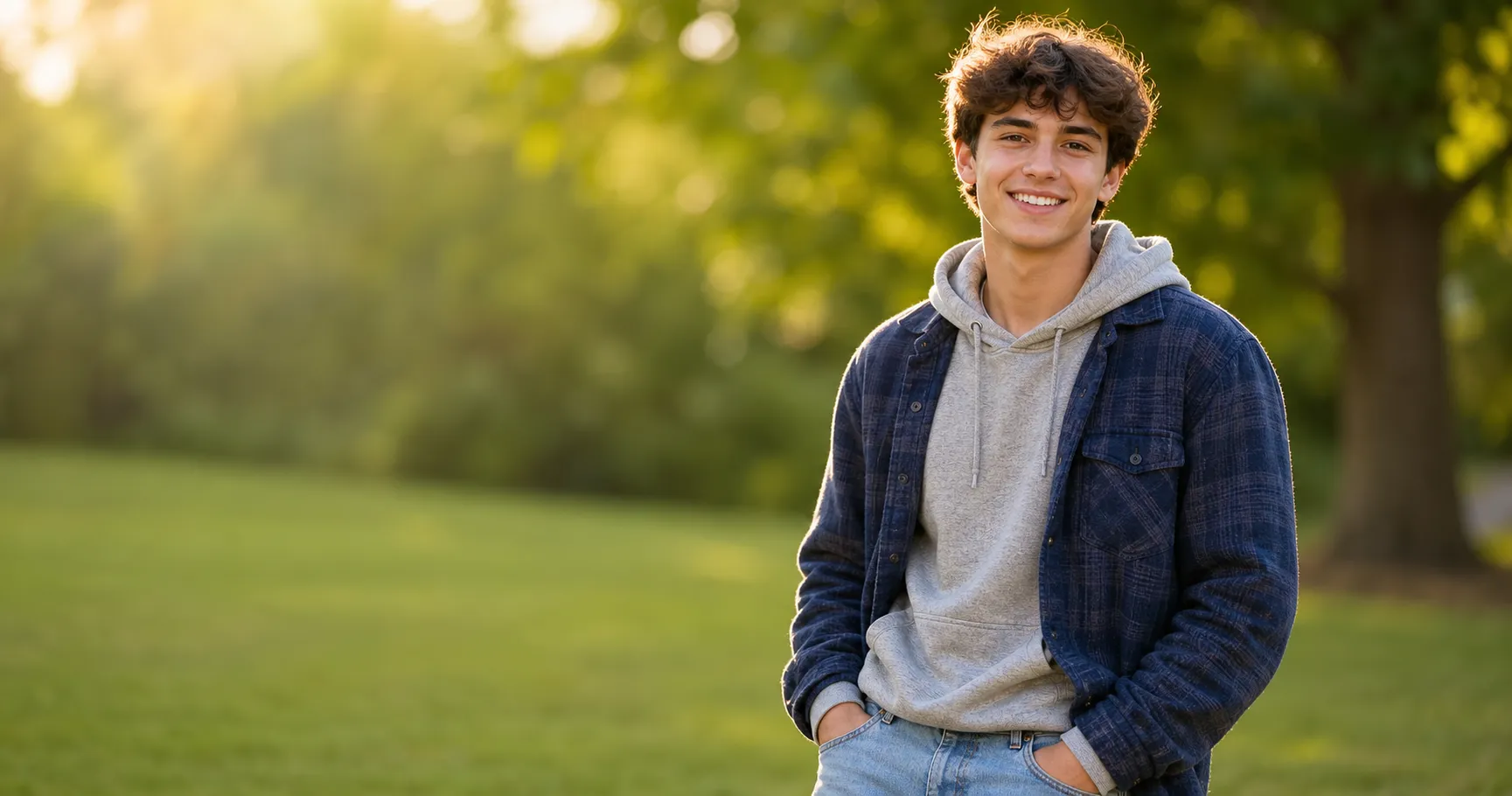
What to Wear for Senior Pictures: Many Looks, One Real Person
What to wear for senior pictures: plan two to four outfit changes, let the senior's real style lead, build the looks from a small capsule, and keep the fit camera-ready.
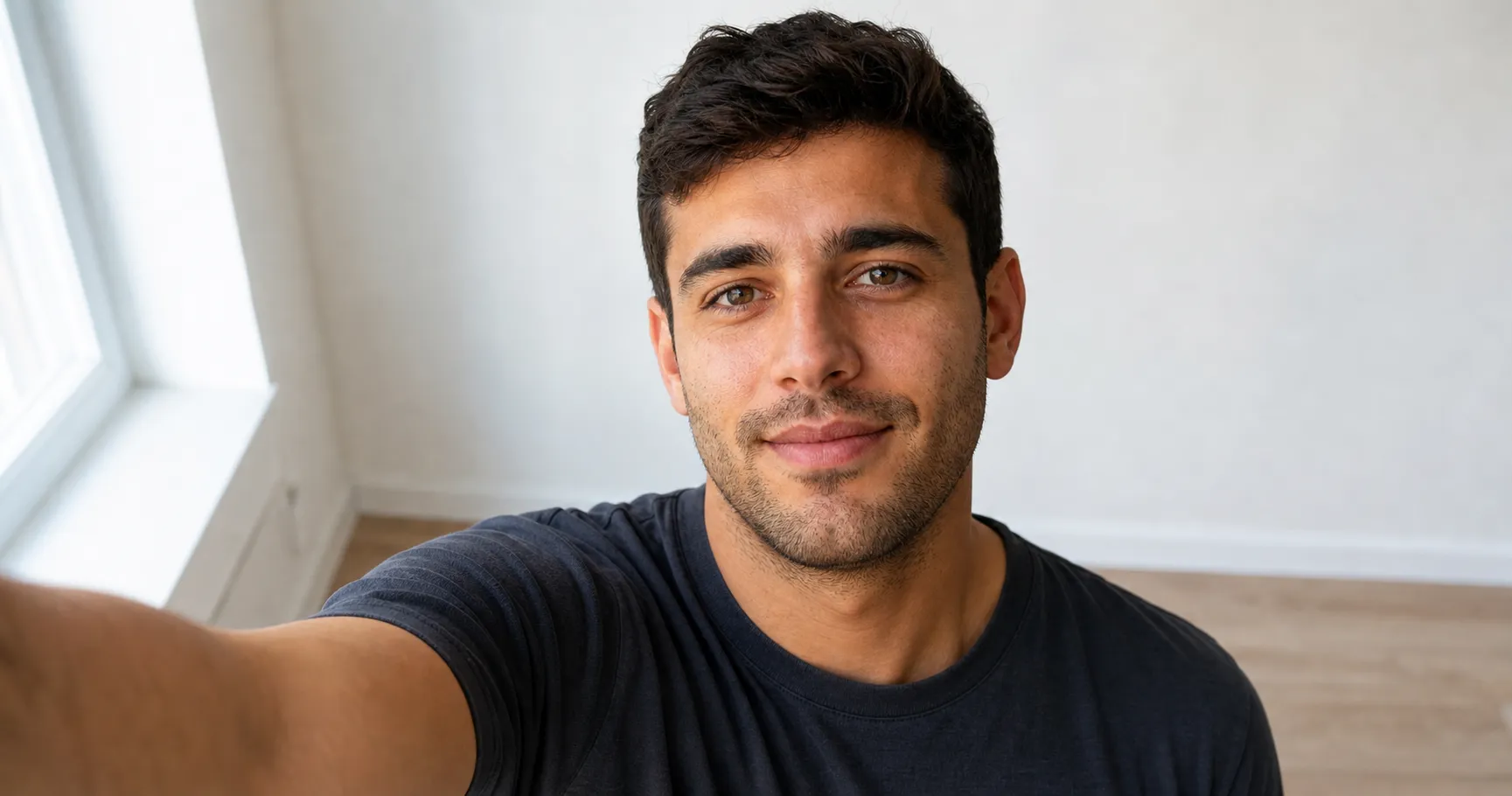
How to Take a Good Selfie (3 Moves, No More 30 Retakes)
How to take a good selfie with the selfie trinity: light in front of you, camera just above eye level, and a slight chin-out, plus angle, dating-app, and candid tweaks.
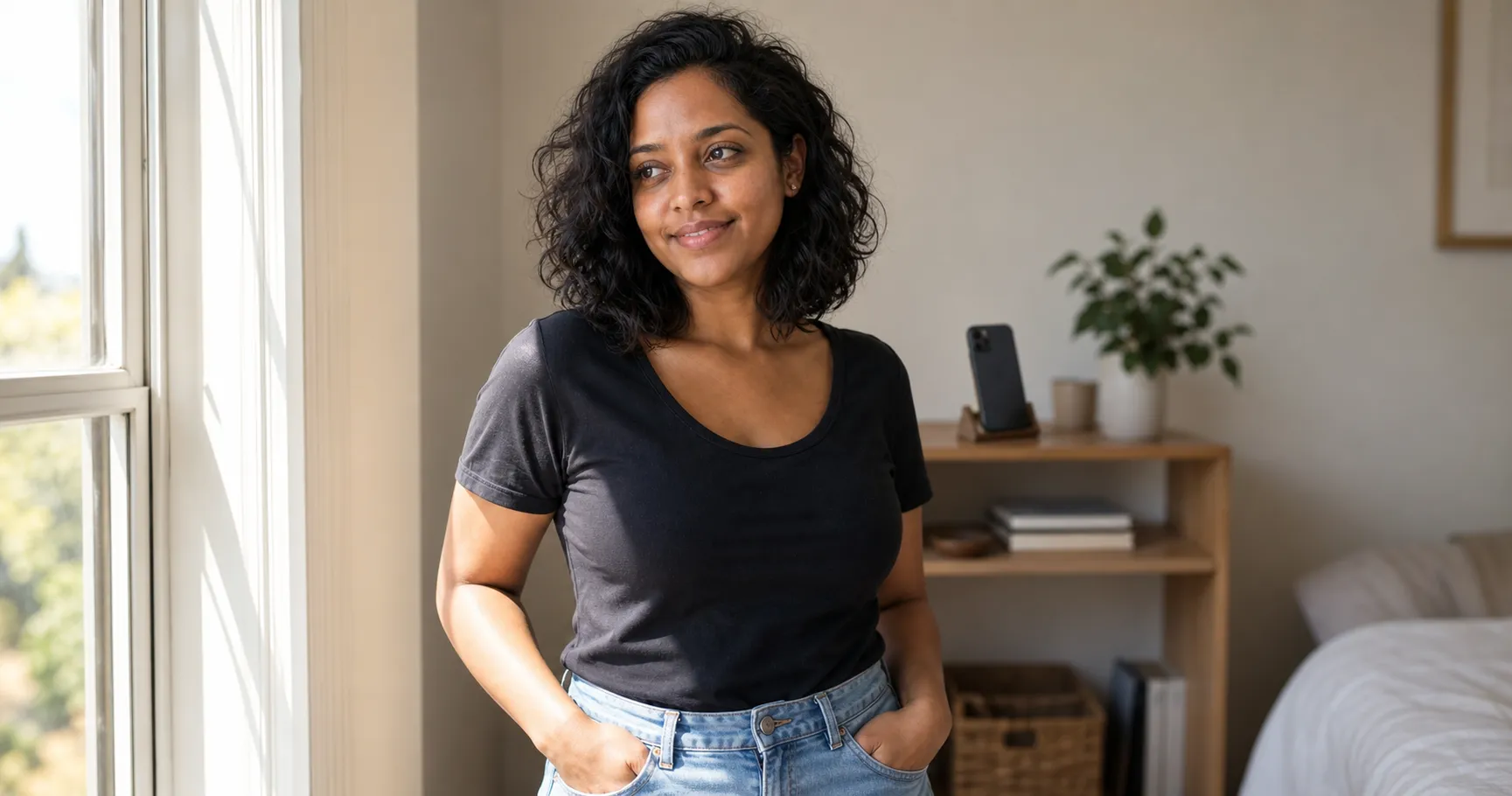
How to Take Good Photos of Yourself (Without a Photographer)
How to take good photos of yourself without a photographer: three self-capture setups, no tripod required, plus the one-selfie shortcut for the days you can't stage a thing.
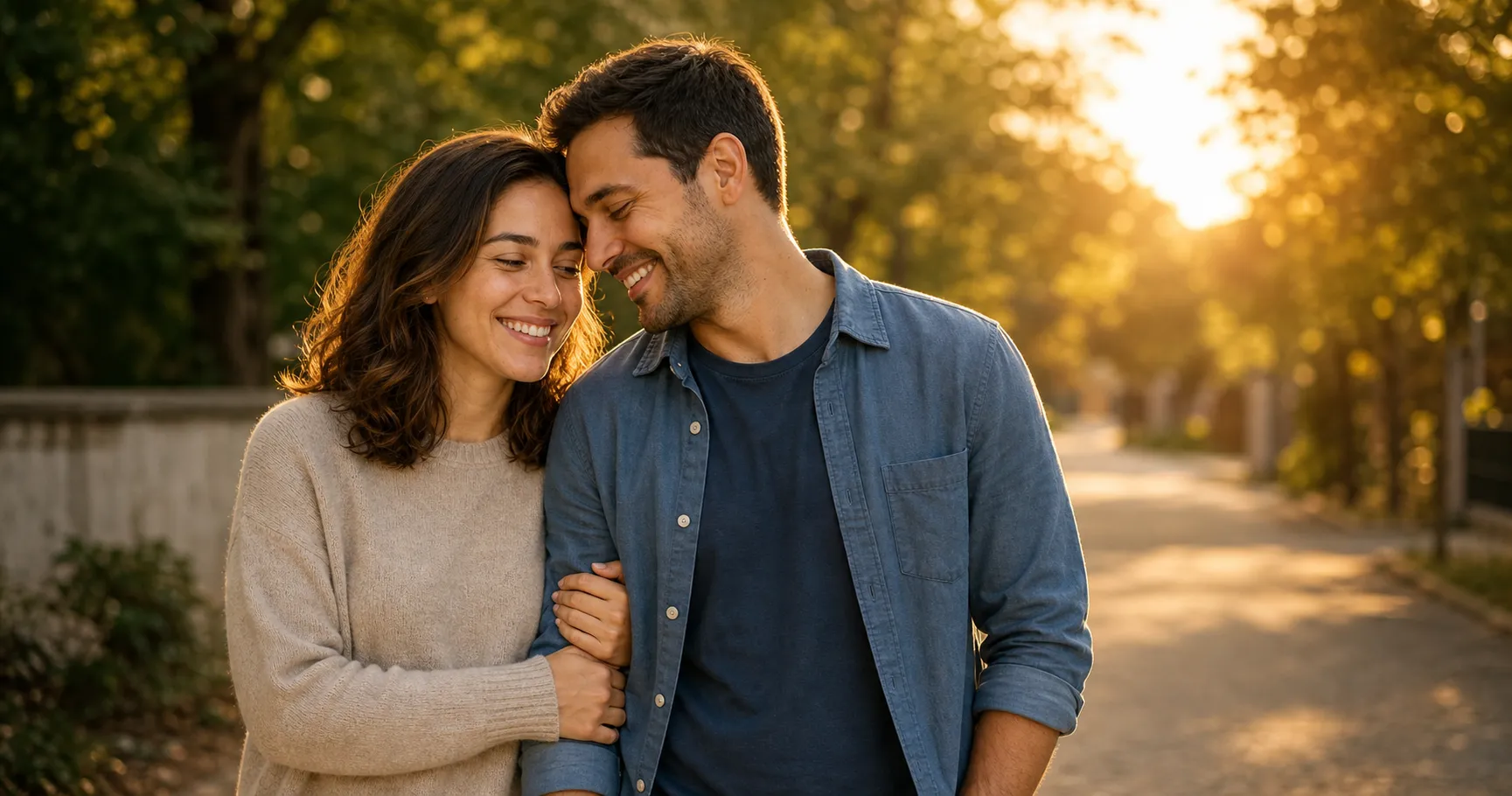
Couple Poses That Don't Look Awkward: 25 Ideas, No Photographer Needed
Couple poses and photo ideas that don't feel stiff, grouped by mood with a quick how-to for each, plus how to get the two of you in any of them from one selfie.
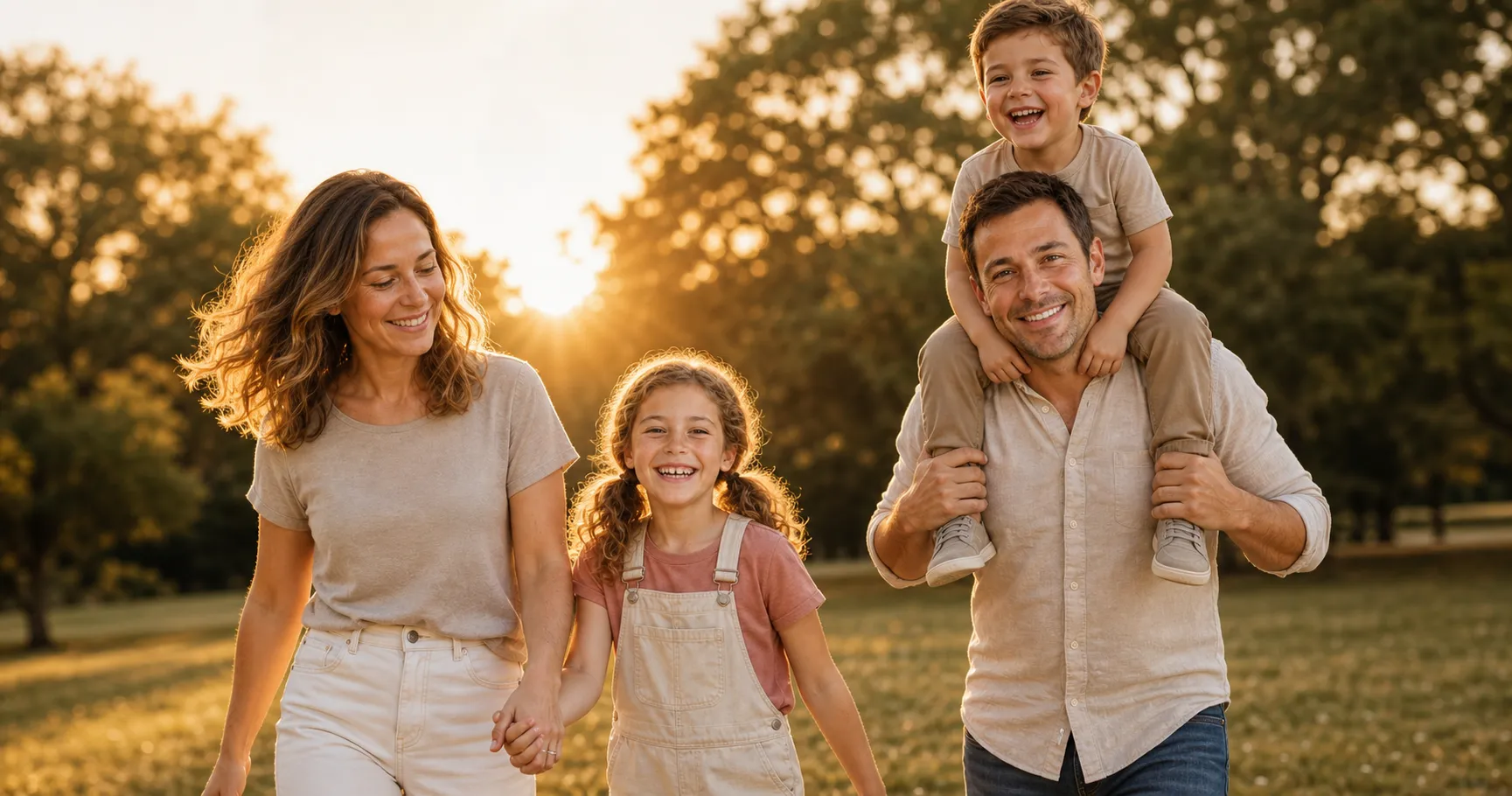
Family Photo Ideas That Don't Look Stiff: 30 Poses, No Photographer Needed
Family photo ideas and poses that don't feel stiff, grouped by who's in the shot with a one-line how-to each, plus how to get the kids cooperating and put the whole family in any of them from one selfie each.
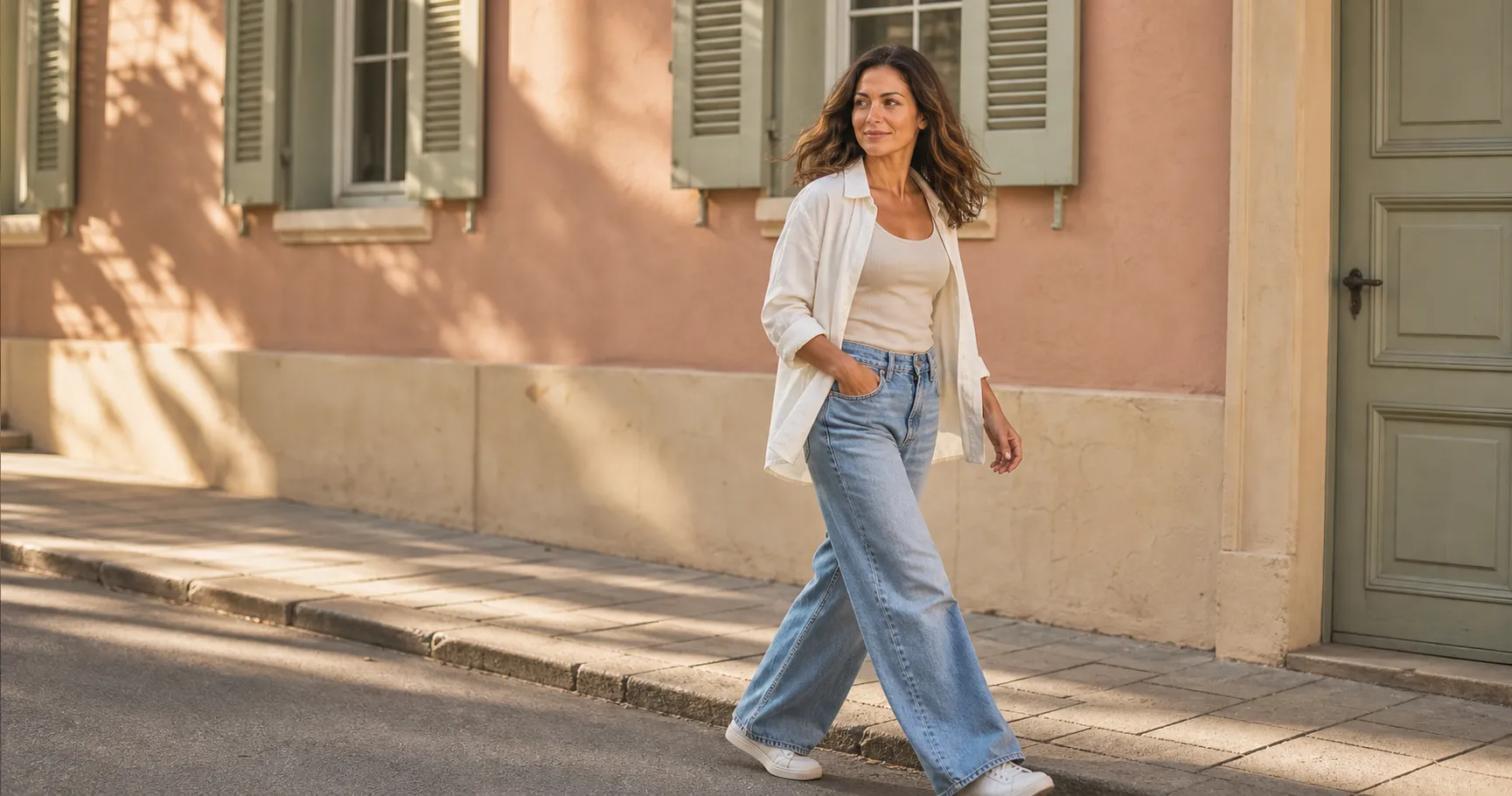
Instagram Poses That Don't Look Try-Hard: 30 Ideas, No Photographer Needed
Instagram poses and photo ideas that don't look stiff, grouped by the kind of post you're making, each with the one move that makes it work, plus how to get yourself in any of them from one selfie.
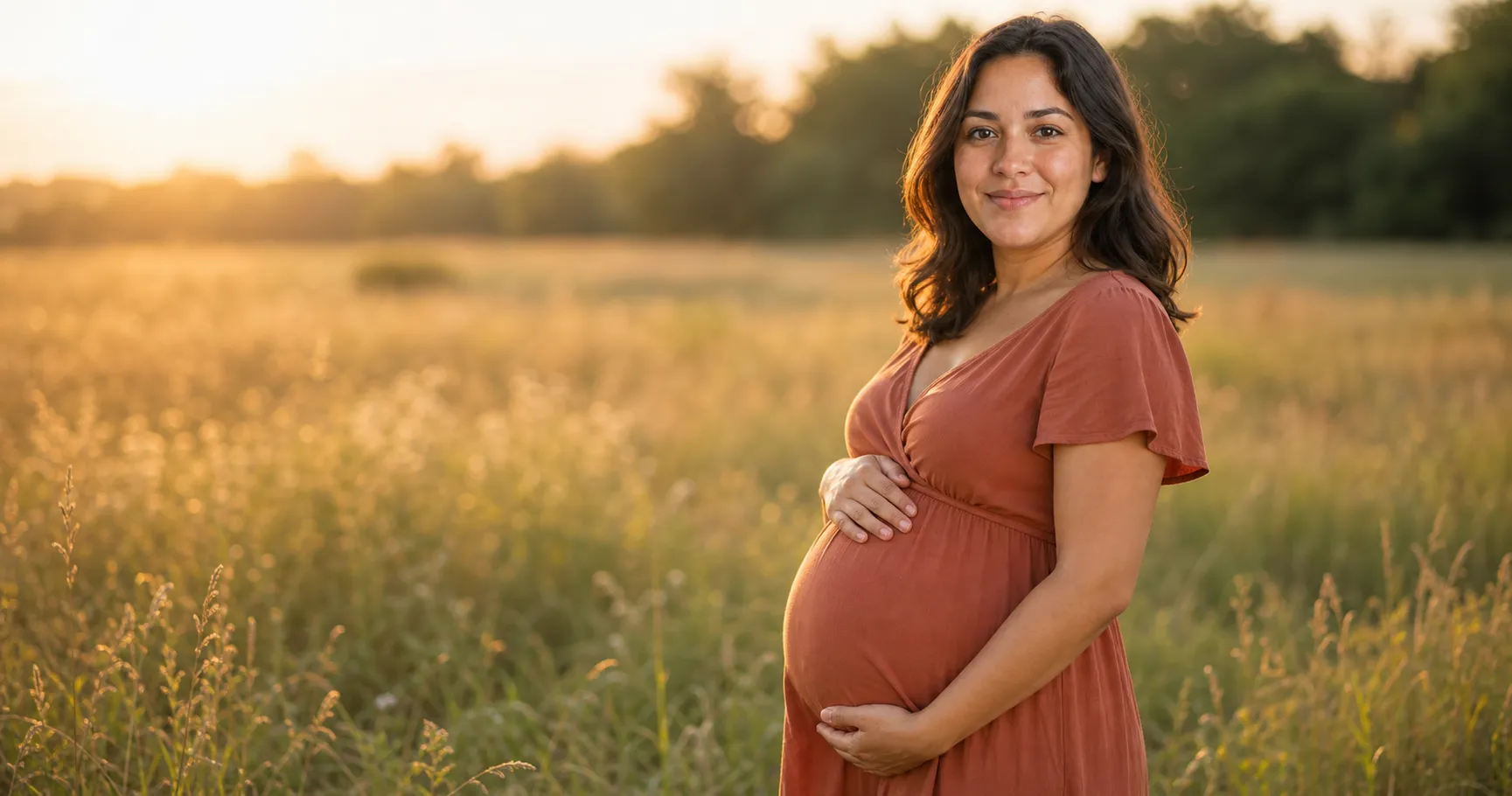
Maternity Photo Ideas That Actually Flatter the Bump: 20 Poses, No Photographer
Maternity photo ideas and poses grouped by setup, each with the one move that flatters the bump, plus how to get yourself into any of them from a single selfie.
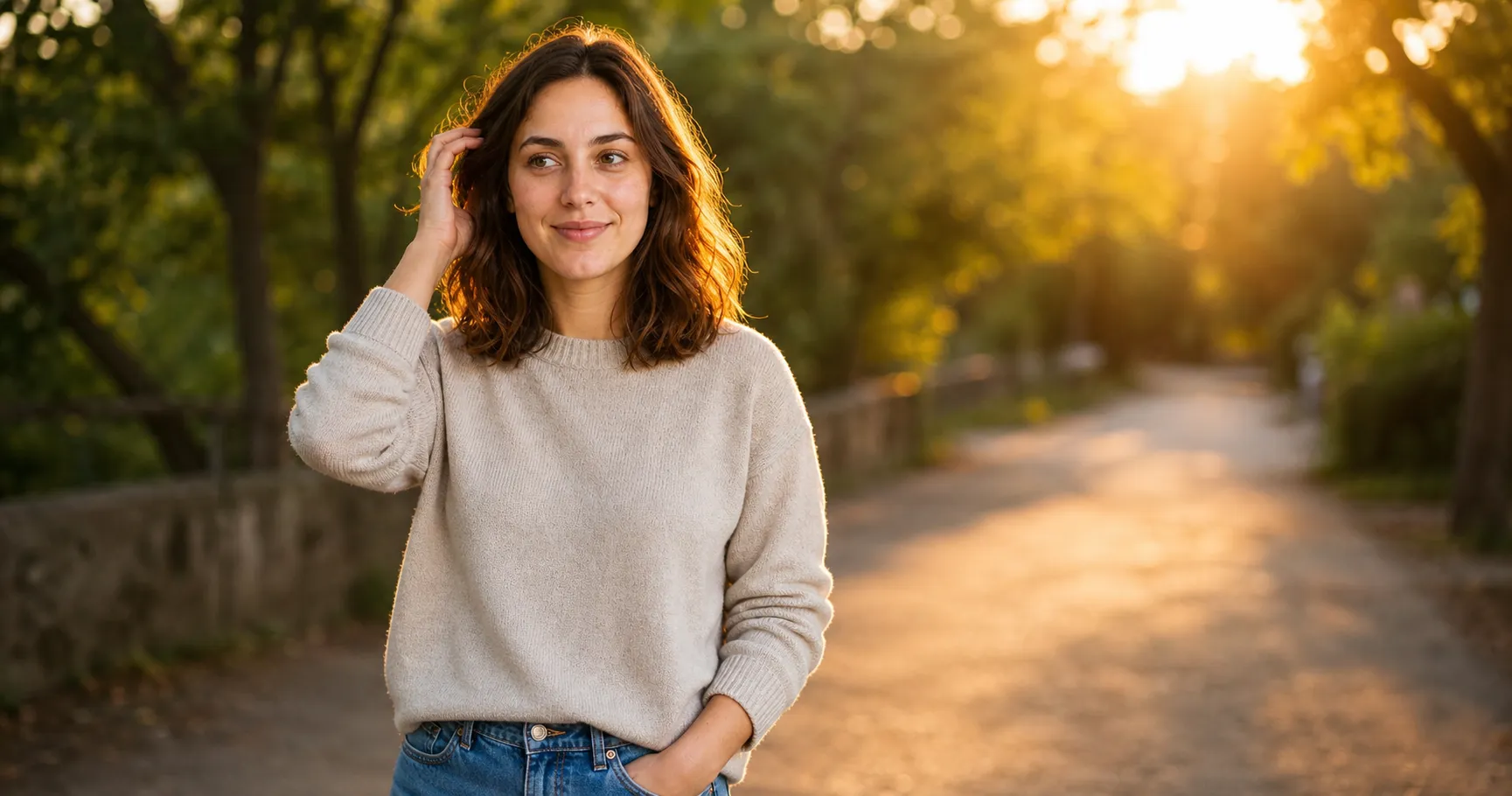
Photo Poses That Don't Look Stiff: Ideas for Anyone, No Photographer Needed
Photo poses and ideas that don't look stiff, for women, for men, what to do with your hands, standing or sitting, each with a one-line how-to. Plus how to get you in any of them from one selfie.
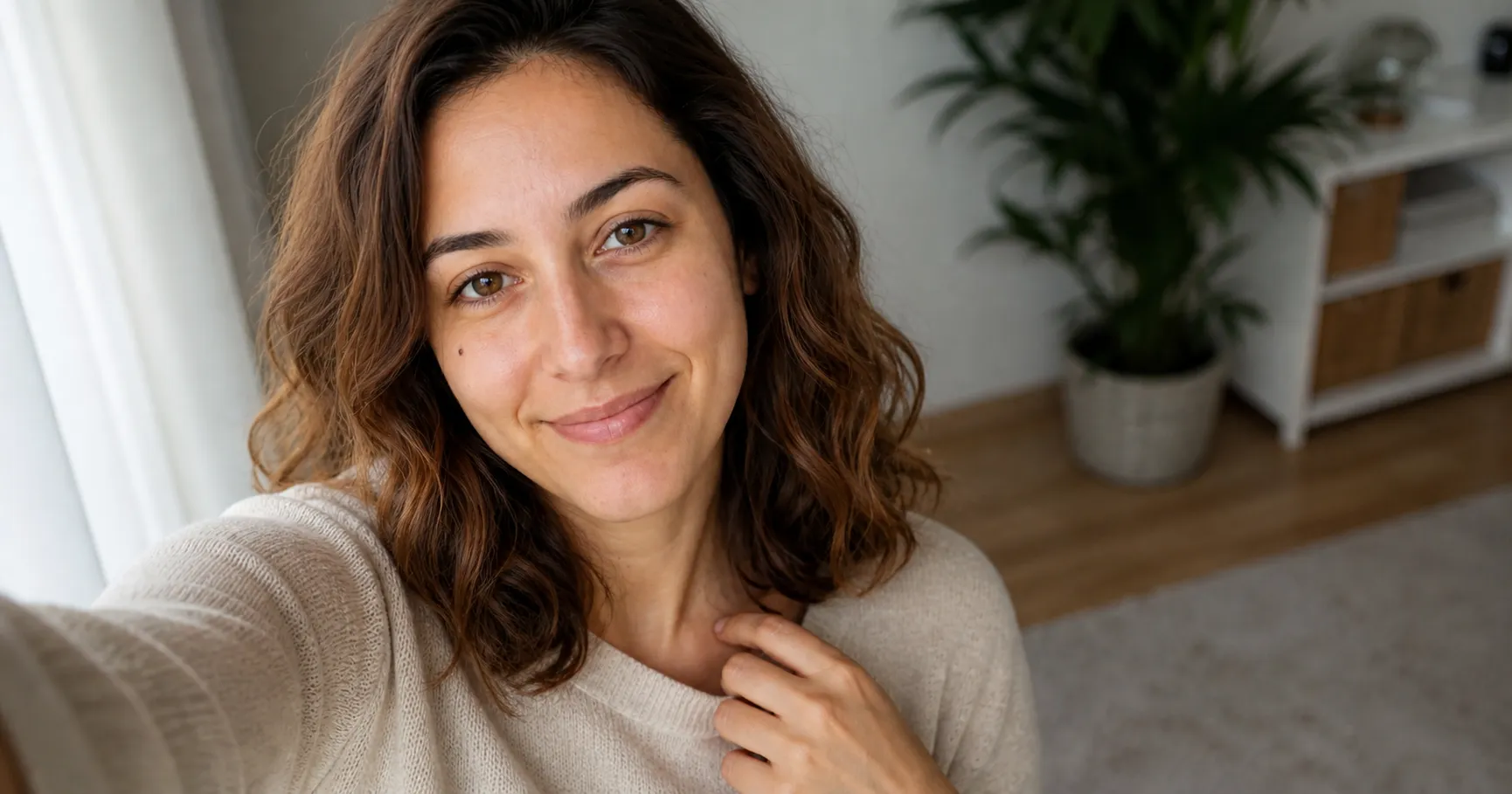
Selfie Poses That Don't Look Try-Hard: 30 Ideas and the One Move Each
Selfie poses and ideas that don't look try-hard, grouped by situation with the one move that makes each work, plus how to get yourself in any of them from one selfie.
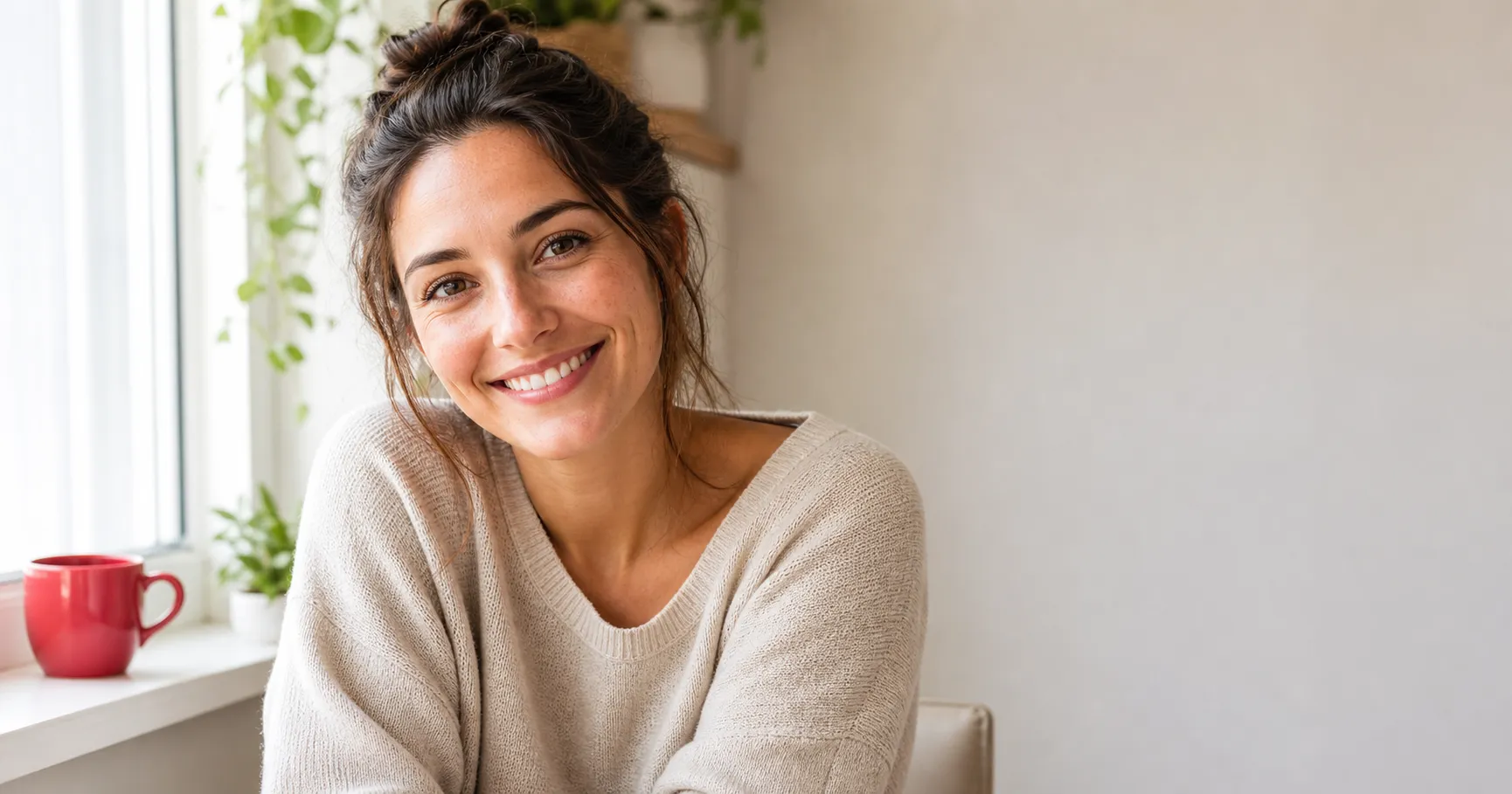
How to Be Photogenic: The 3 Levers You Actually Control
You're not unphotogenic. Being photogenic comes down to three things you control in the moment: angle, light, and expression. Here's how to use each one.
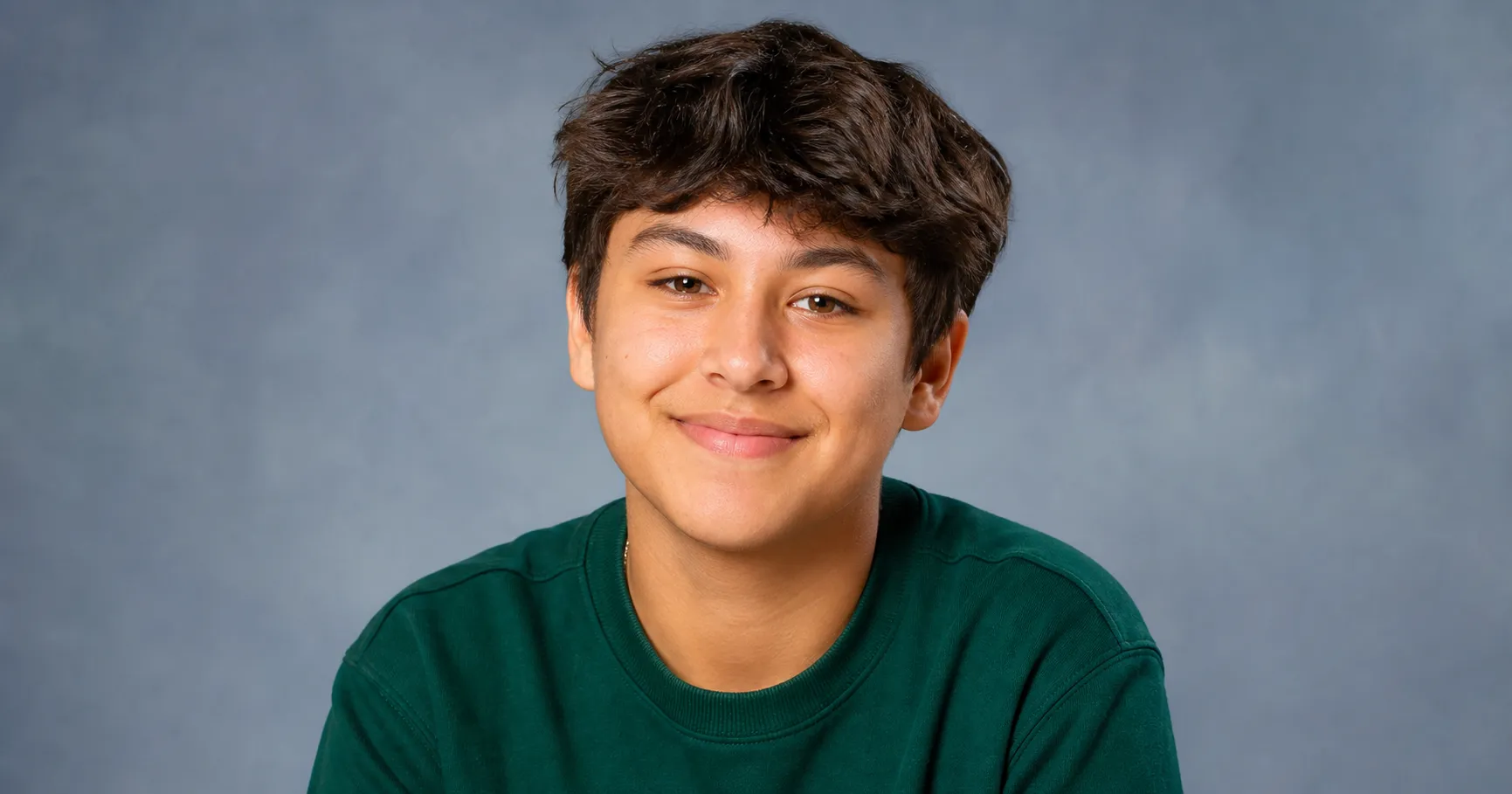
How to Look Good for Picture Day: The 5-Point Checklist
Picture day gives you one frame. Run this 5-point checklist, jewel-tone top, sleep, the squinch-smile, chin forward, to look like you on a good day.
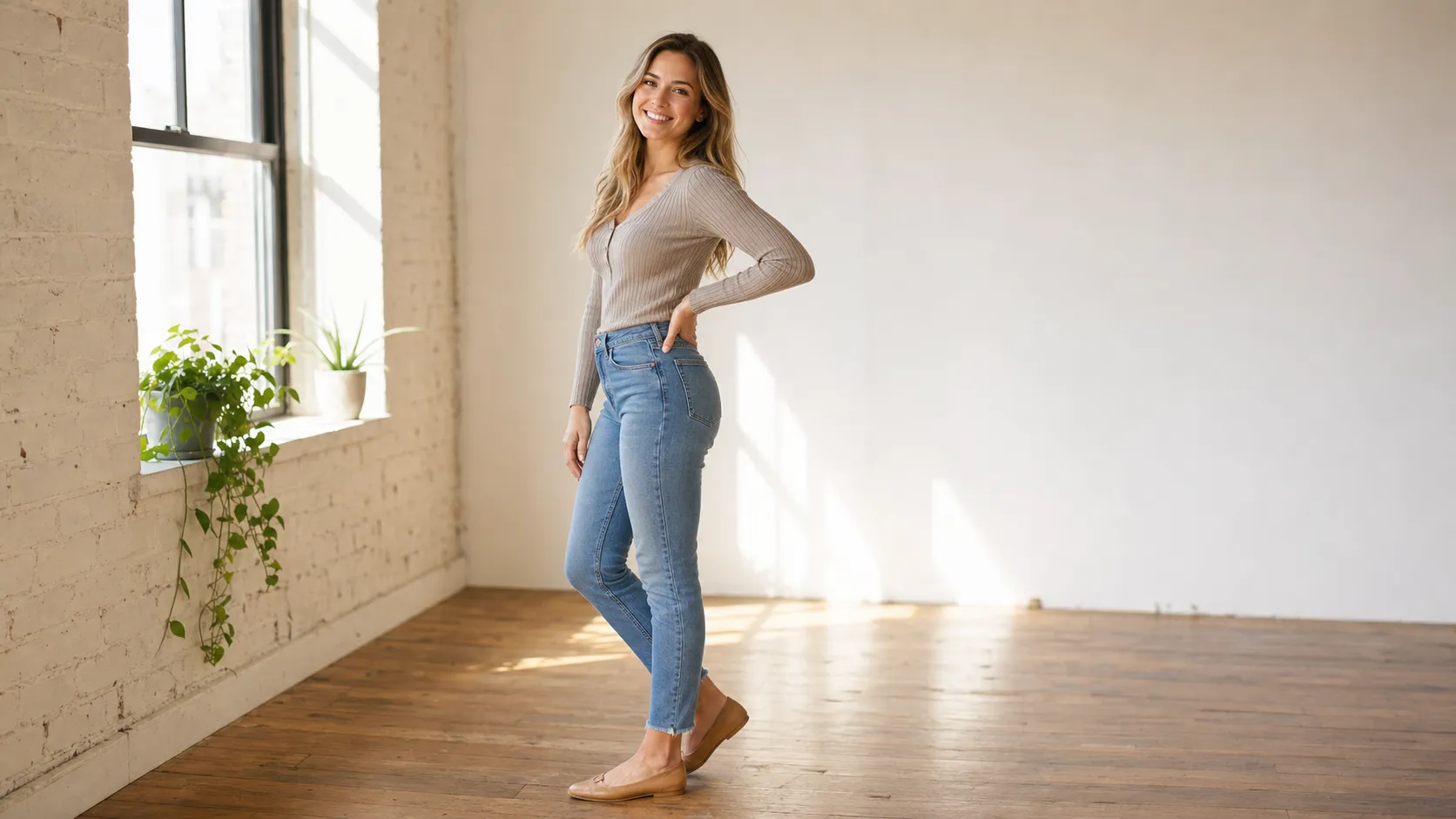
How to Pose for Pictures: 3 Fundamentals That Flatter Anyone
Posing isn't a model gene. It's three body moves you control: angle off-square, put space between arm and torso, weight on your back foot. Here's how.
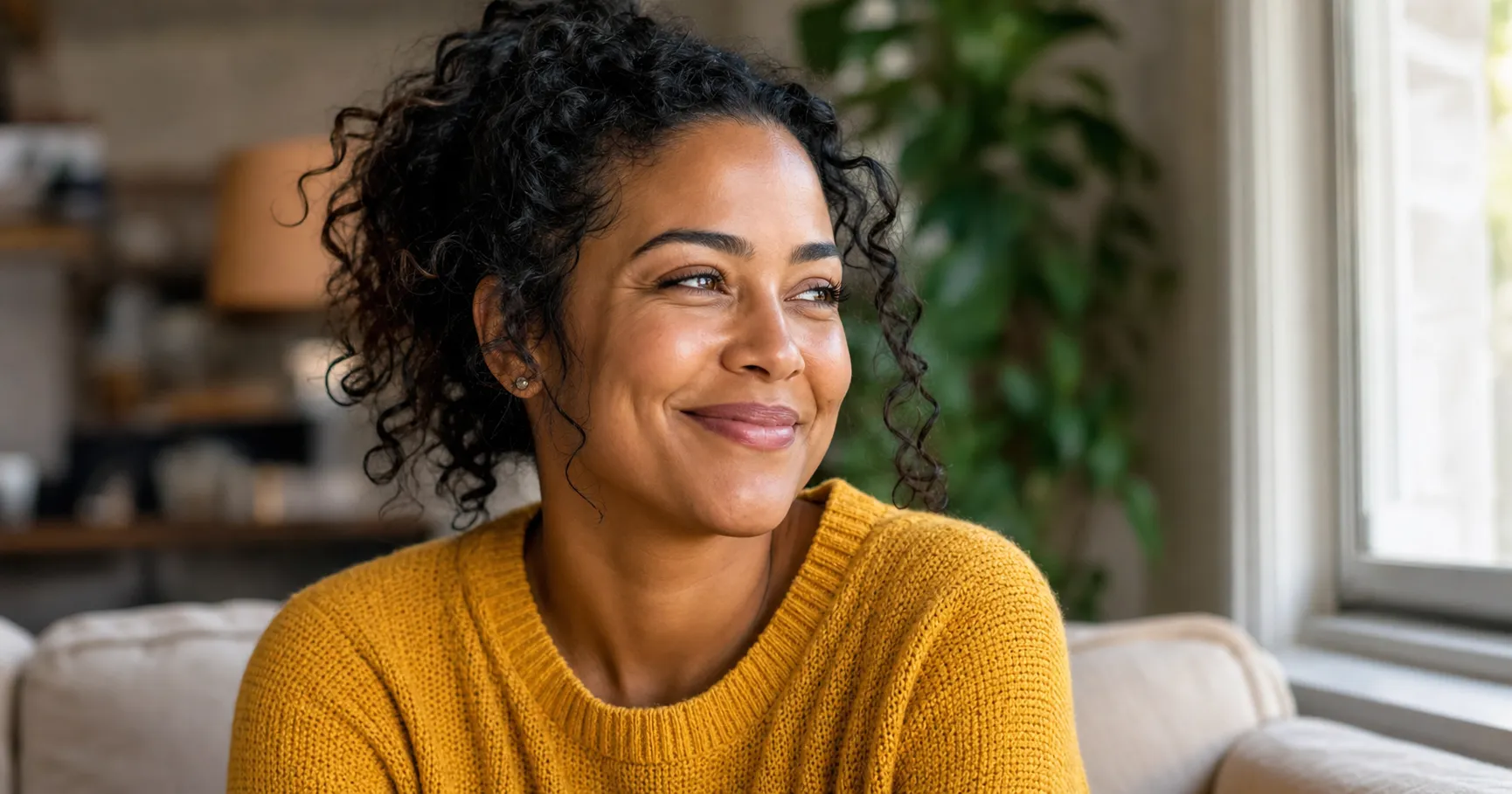
How to Smile in Photos So It Looks Real, Not Forced
Your photo smile looks fake because you smile with your mouth, not your eyes. Here's the two-part fix: the squinch, plus timing a real smile instead of holding 'cheese'.
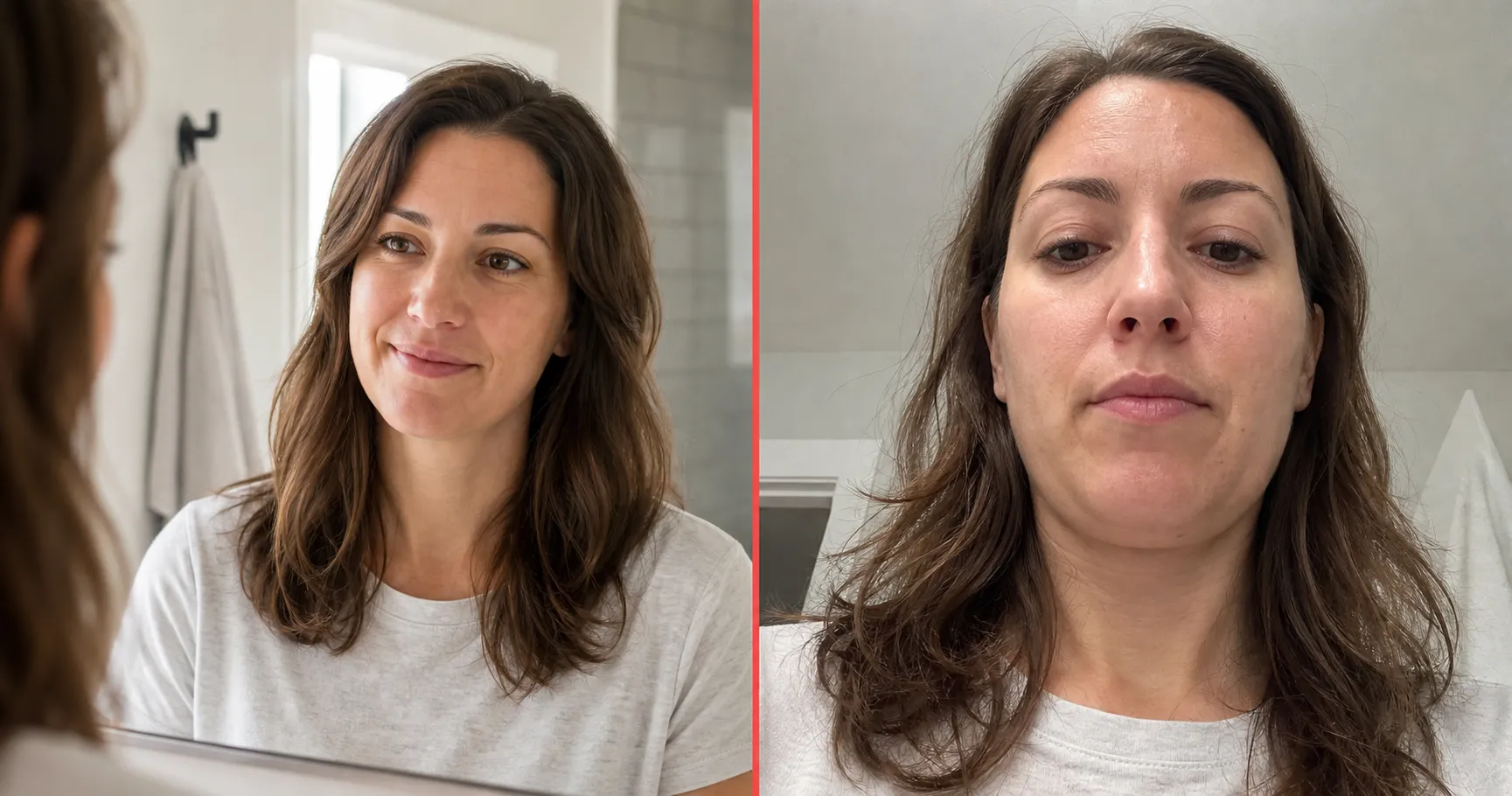
Why Do I Look Bad in Photos but Good in the Mirror?
You look fine in the mirror but bad in photos? It isn't your face. Three measured reasons explain the gap: lens distortion, the mirror-flip, and the frozen frame.
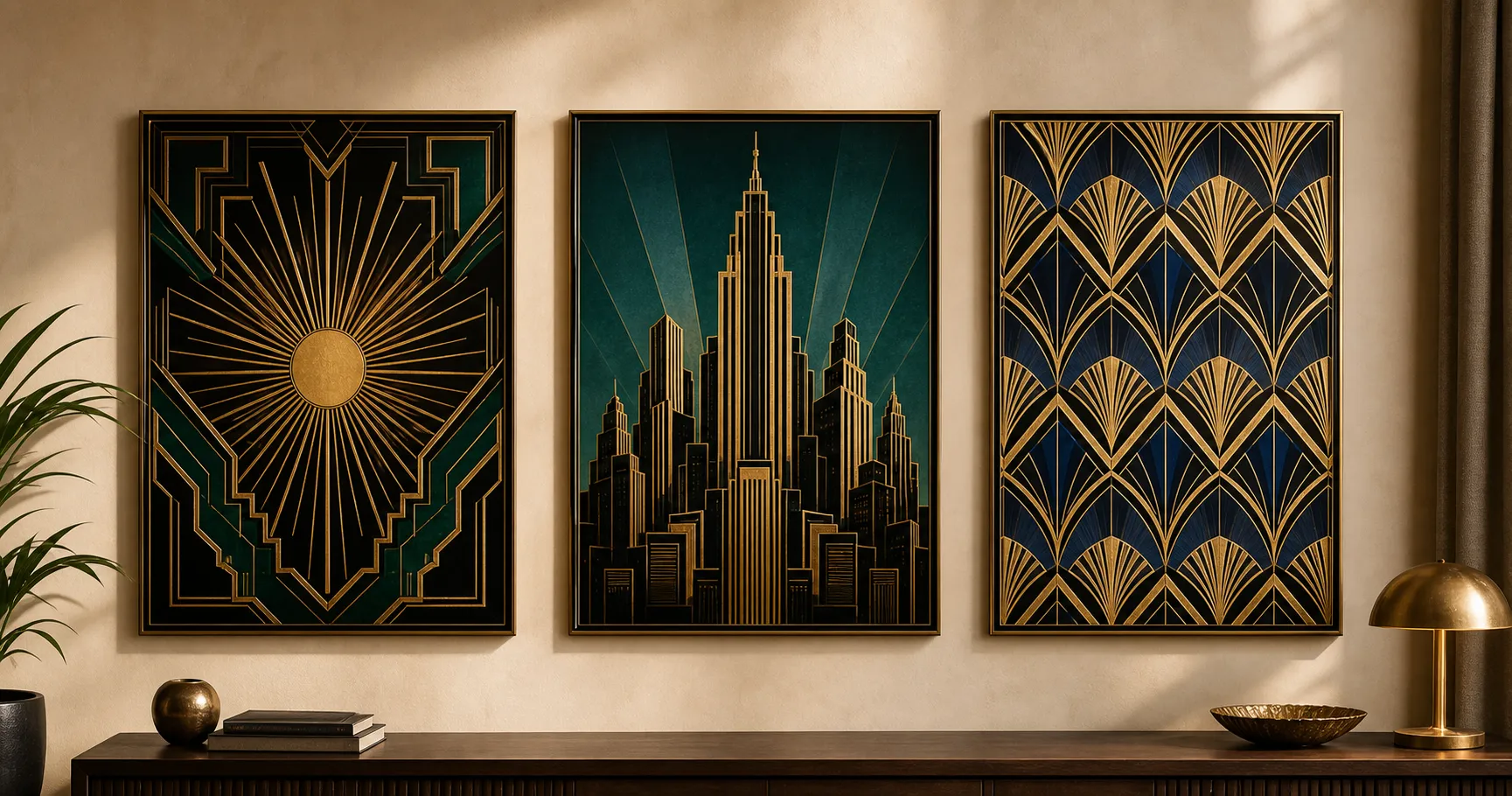
How to Make an Art Deco Poster With AI (No Design Software)
Skip the designer and the design software. One paste-ready AI prompt turns any subject into a bold gold-and-black 1920s art deco poster in about two minutes.
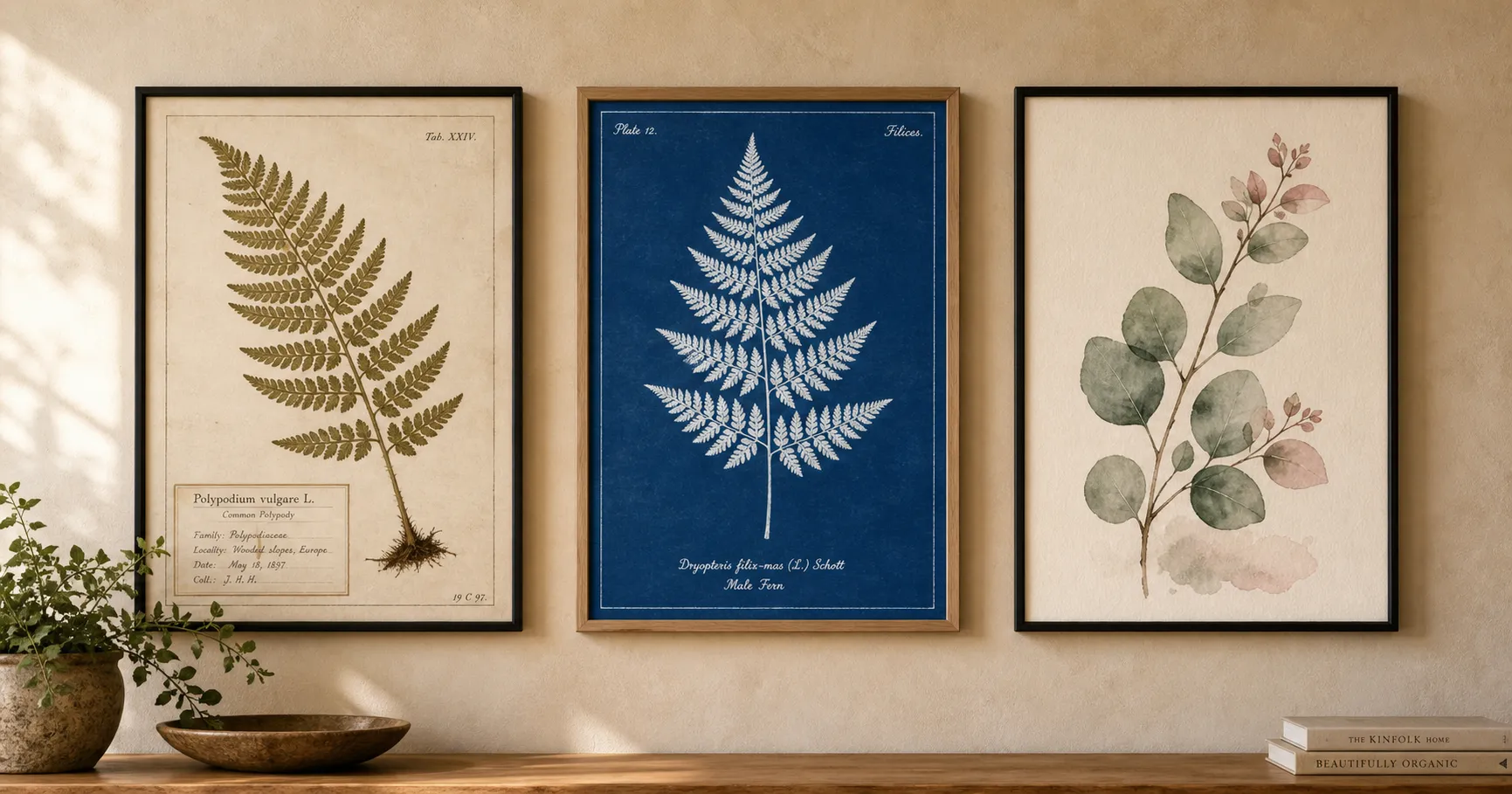
How to Make a Botanical Poster With AI (No Design Software)
Skip the designer and the design software. One paste-ready AI prompt turns any leaf or flower into a framed herbarium-style botanical print in about two minutes.
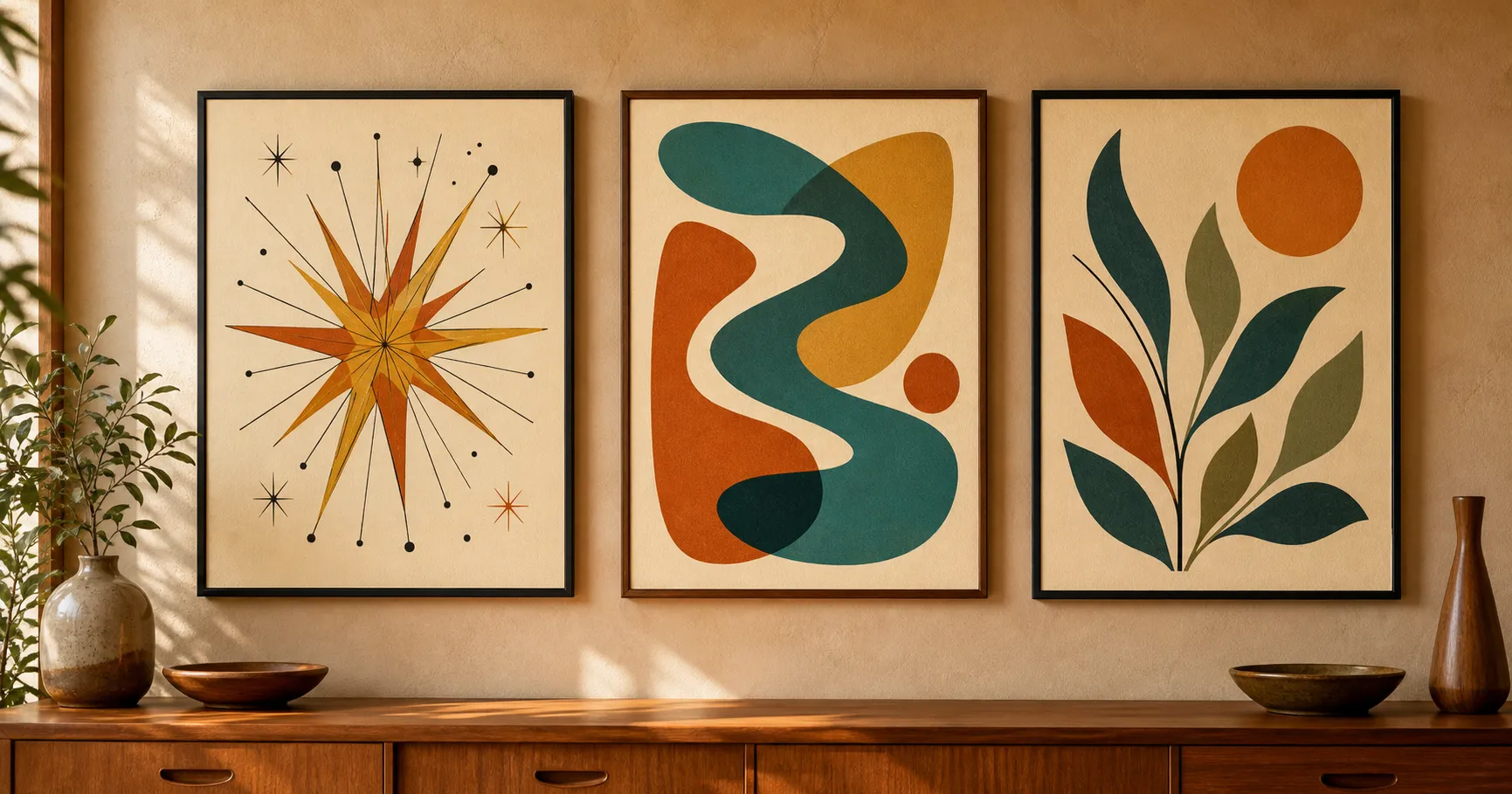
How to Make a Mid-Century Modern Poster With AI (No Design Software)
Skip the designer and the design software. One paste-ready AI prompt turns a few shapes into a warm atomic-age mid-century modern poster, mustard, teal, and burnt orange, in about two minutes.
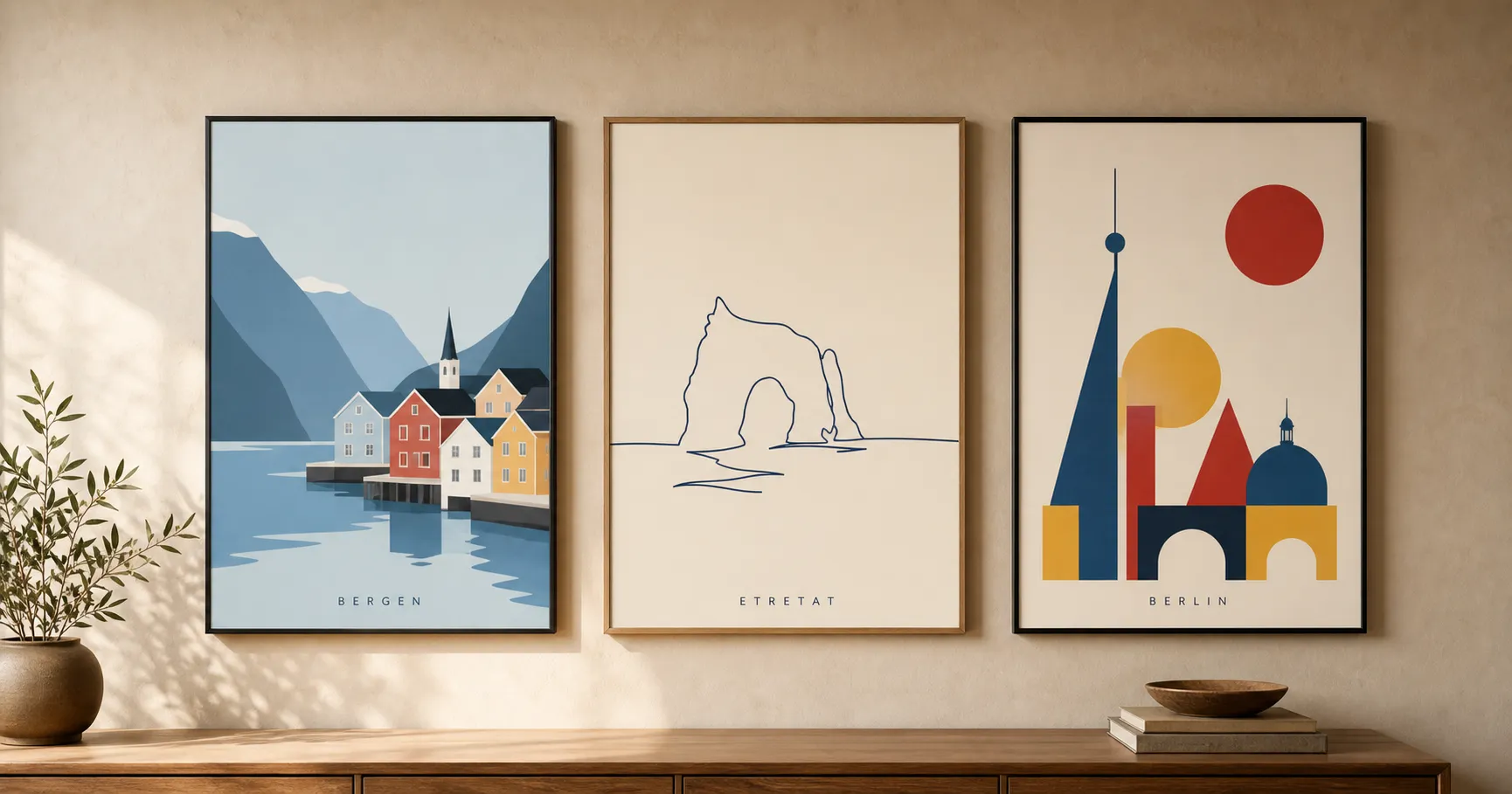
How to Make a Minimalist Travel Poster With AI (No Design Software)
Skip the designer and the design software. One paste-ready AI prompt turns any city or coastline into a clean two-color minimalist travel poster in about two minutes.
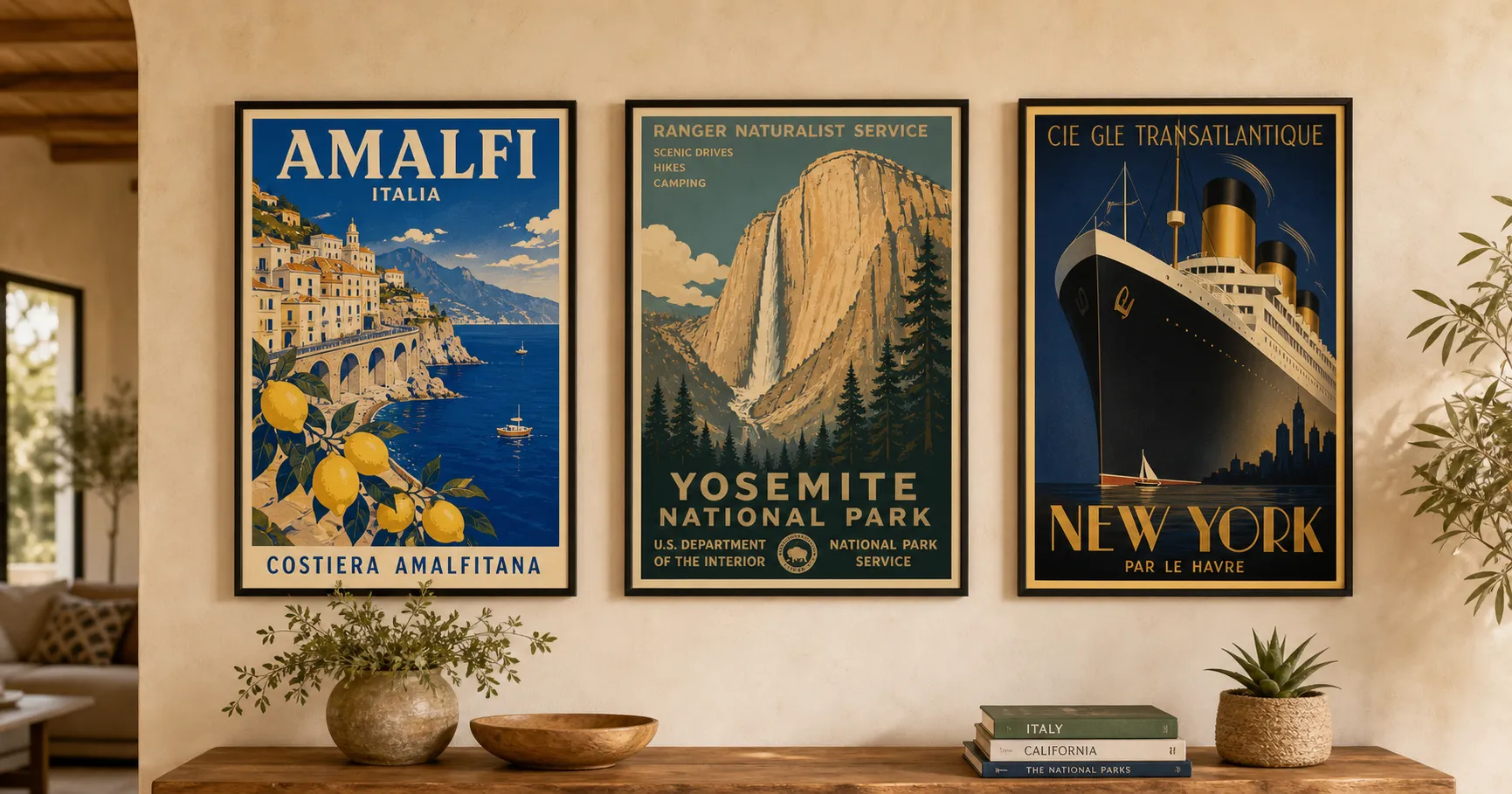
How to Make a Vintage Travel Poster With AI (No Design Software)
Skip the designer and the design software. One paste-ready AI prompt turns any destination into a vibrant 1950s-style screen-print travel poster in about two minutes.
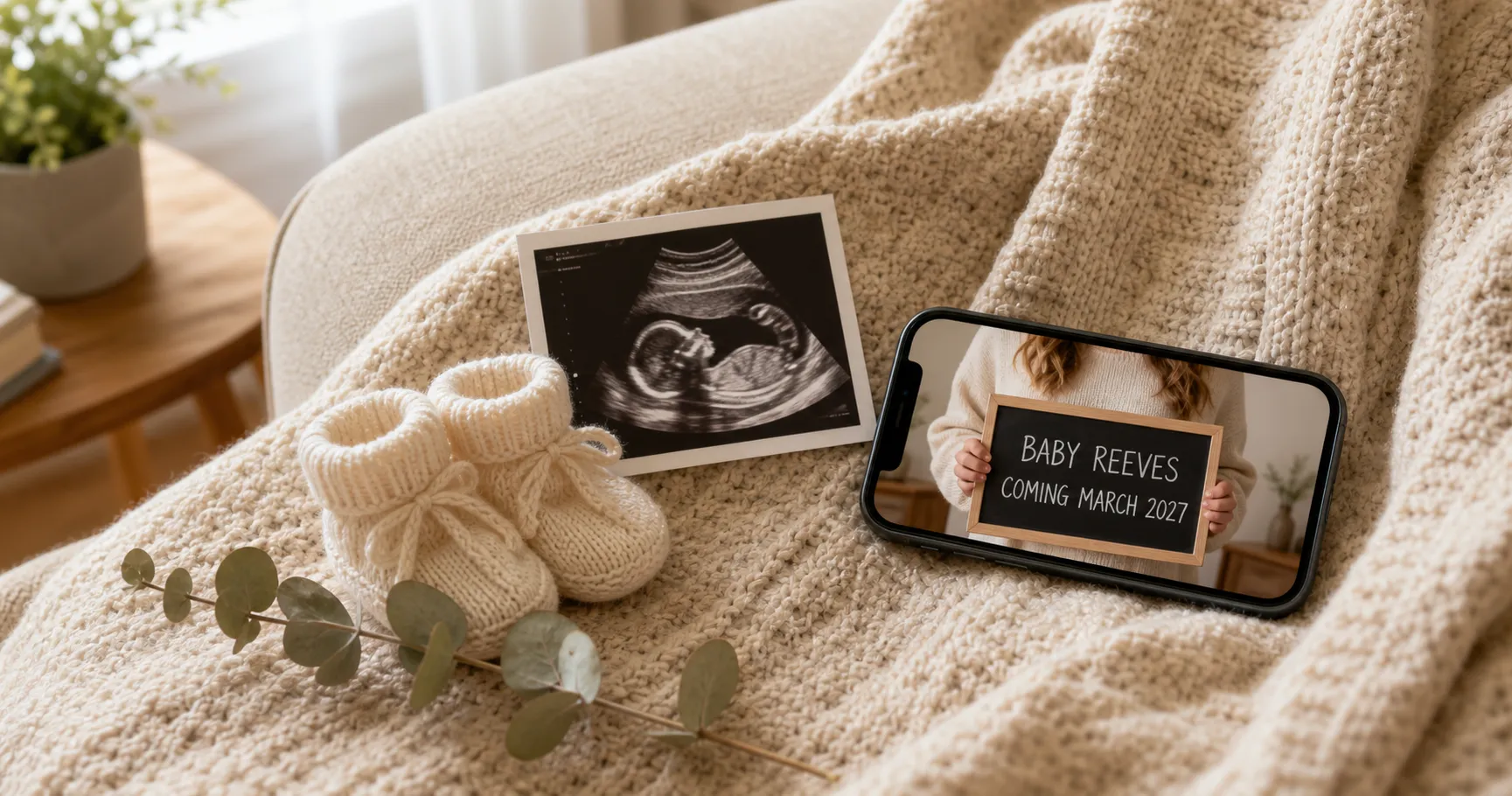
DIY Pregnancy Announcement: One Photo, No Photographer, Done Tonight
Make your own DIY pregnancy announcement at home tonight from one phone photo. The exact method for a real, studio-looking reveal with no photographer.
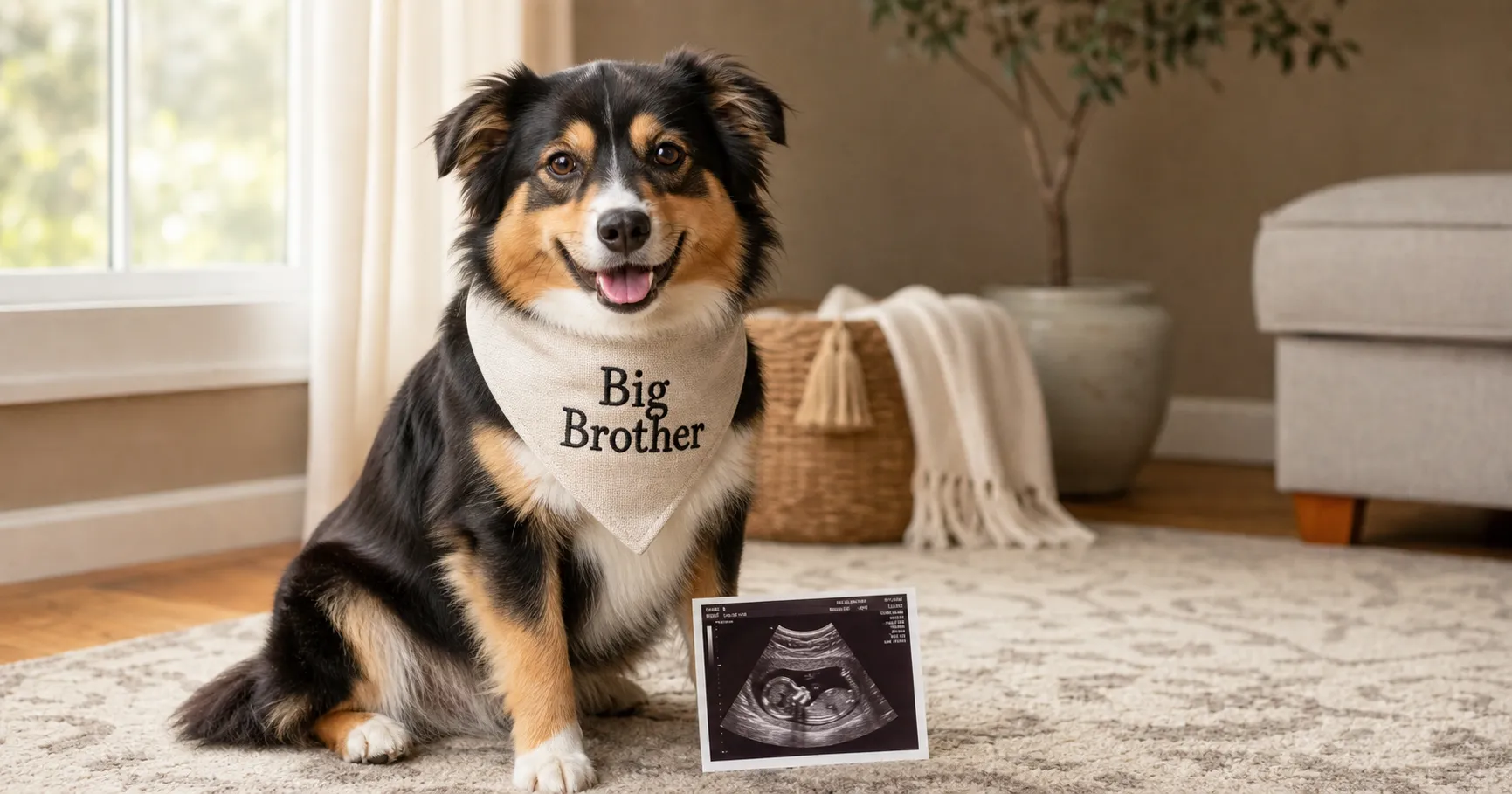
Dog Pregnancy Announcement: 5 Reveals From One Photo
Five dog pregnancy announcement ideas you can make tonight from one photo of your dog: a Big Brother bandana, a sign, tiny booties, a collar tag, and the family shot.
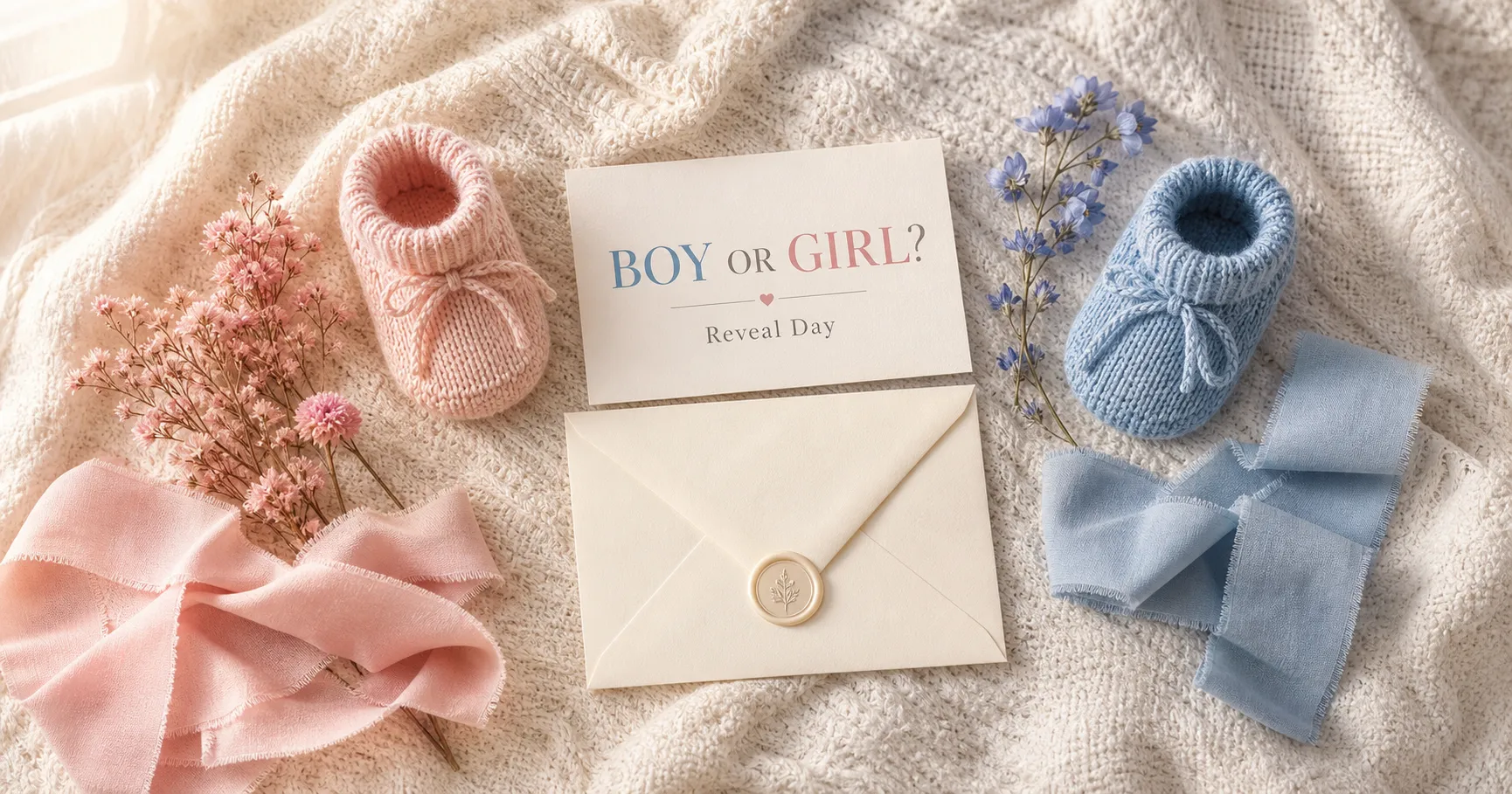
Gender Reveal Photo Ideas: 7 Reveals From One Photo
Seven gender reveal photo ideas you can make tonight from one photo: pink-or-blue watercolor card, couple holding pink and blue, powder reveal, and more.
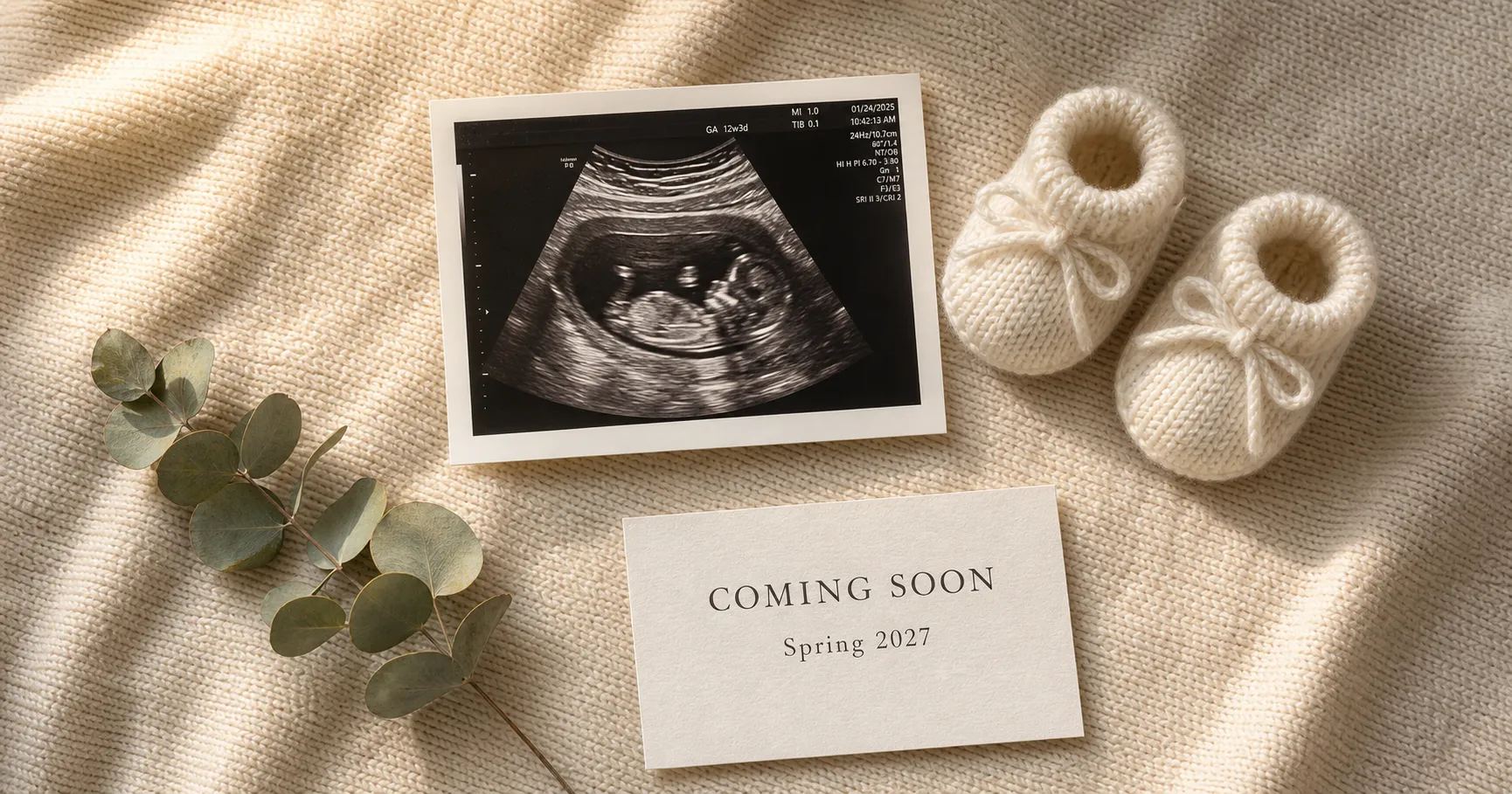
Pregnancy Announcement Ideas: 10 Reveals From One Photo
Ten pregnancy announcement ideas you can make tonight from one photo: sonogram flat-lay, sibling sign, dog reveal, gender reveal, and more. No photographer needed.
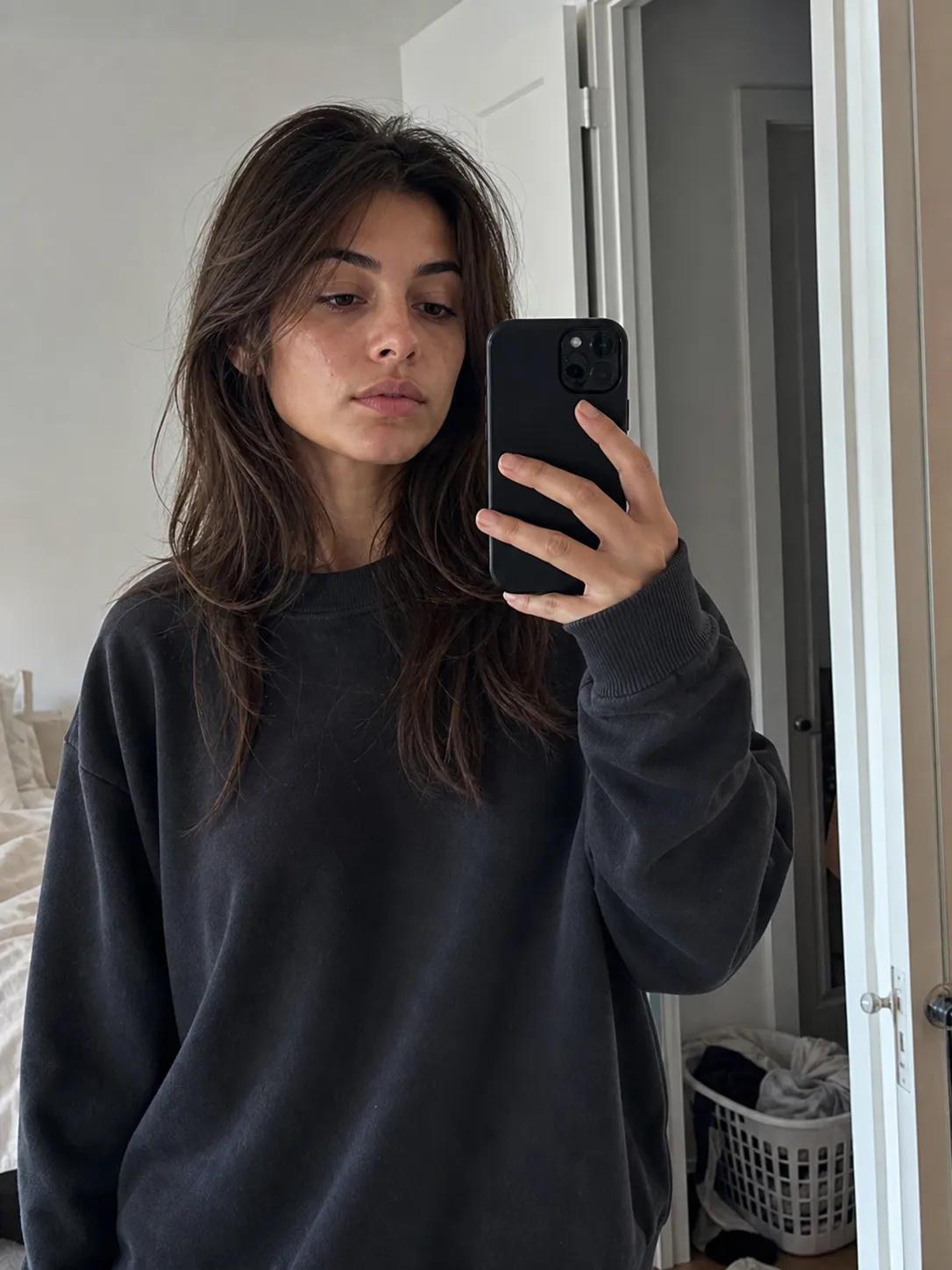
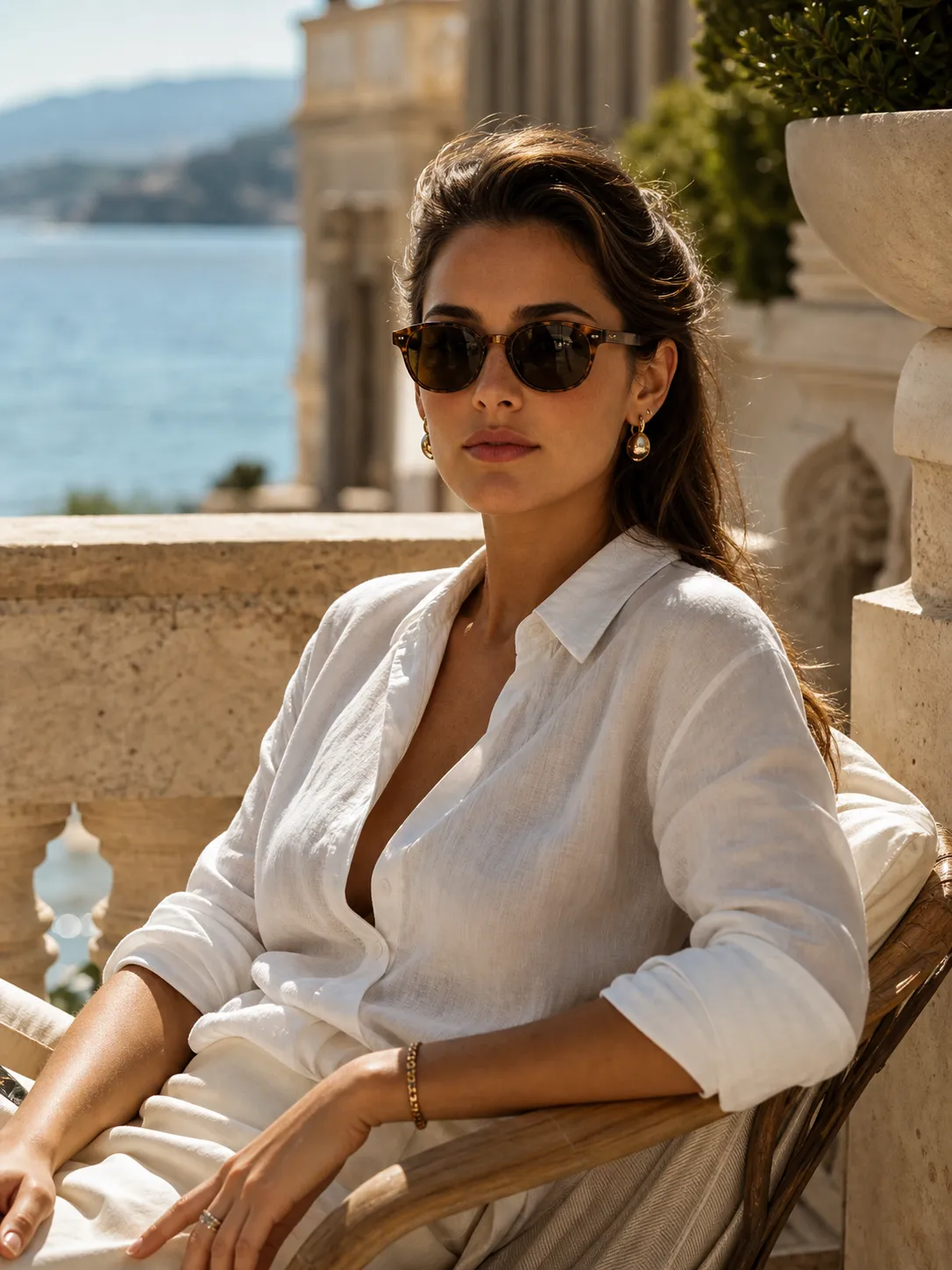
AI Photoshoot Ideas: 6 Looks You Can Make From One Selfie
Six AI photoshoot ideas from a single selfie, from a magazine cover to an underwater fashion shot to a multi-look brand shoot, each keeping your real face. The look, the use, the recipe.
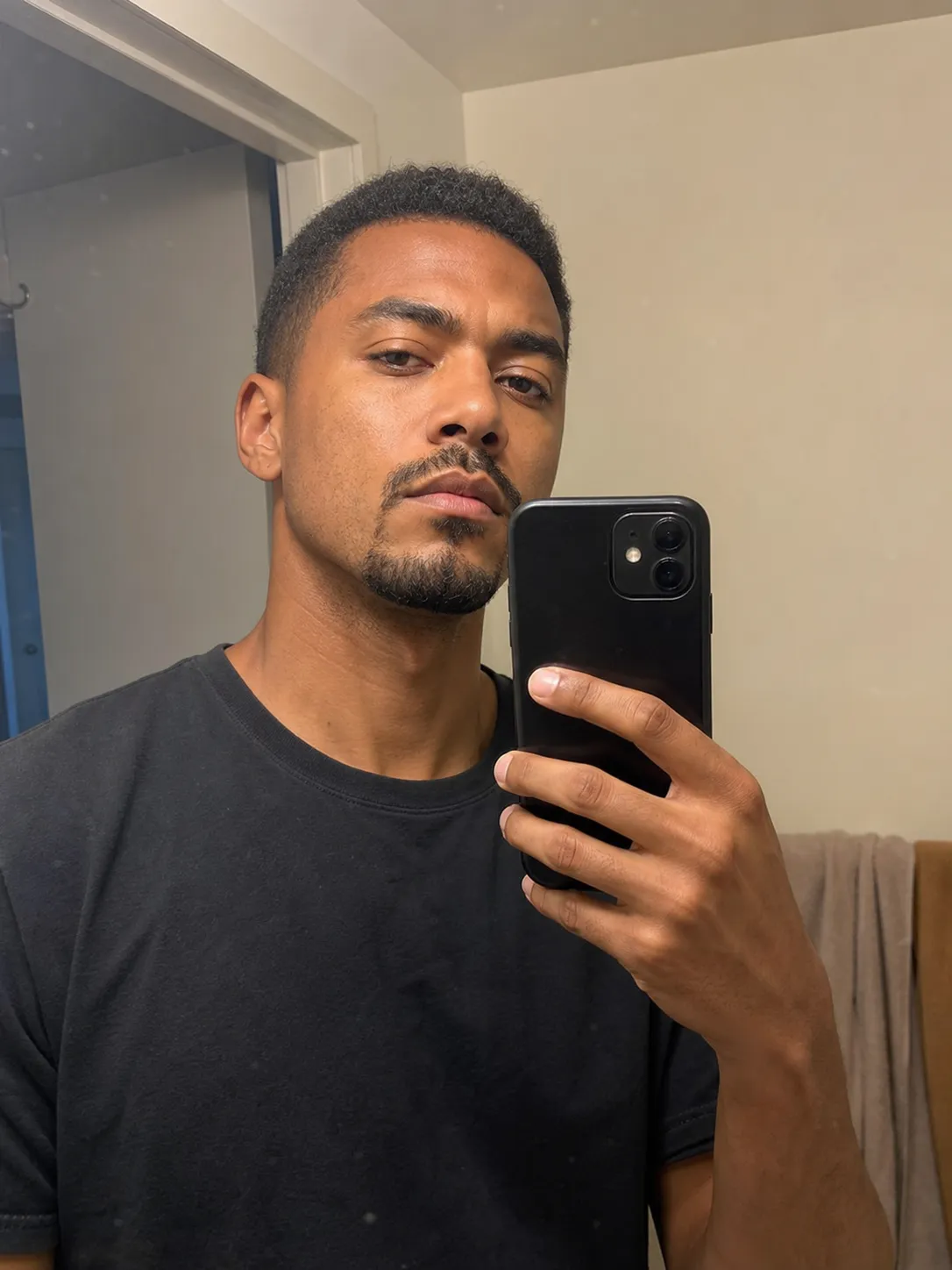
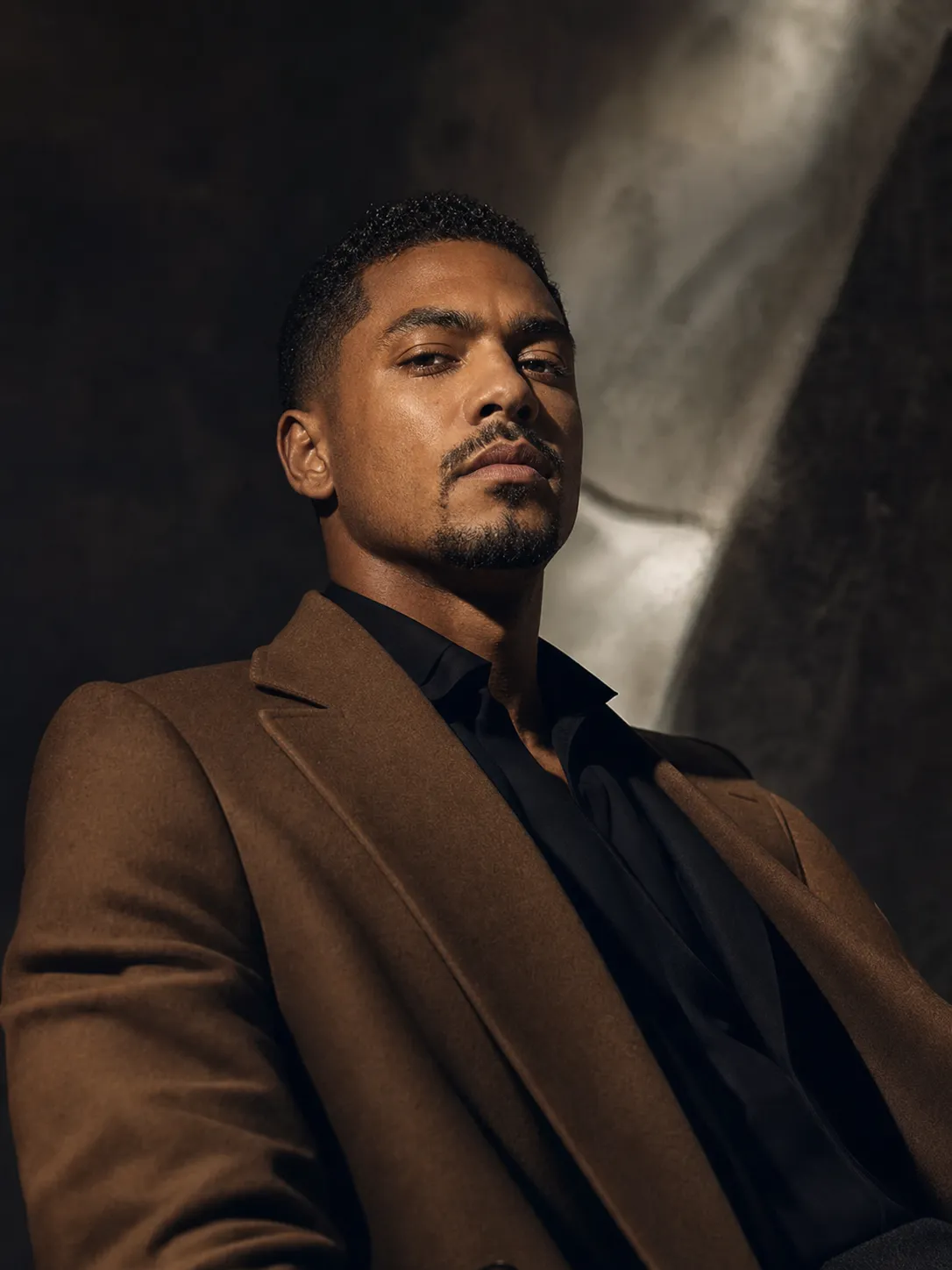
How to Do an AI Photoshoot From One Selfie
An AI photoshoot turns one selfie into a full set of looks. Here's how to do it from a single photo, keep your real face, and avoid the fake-looking result.
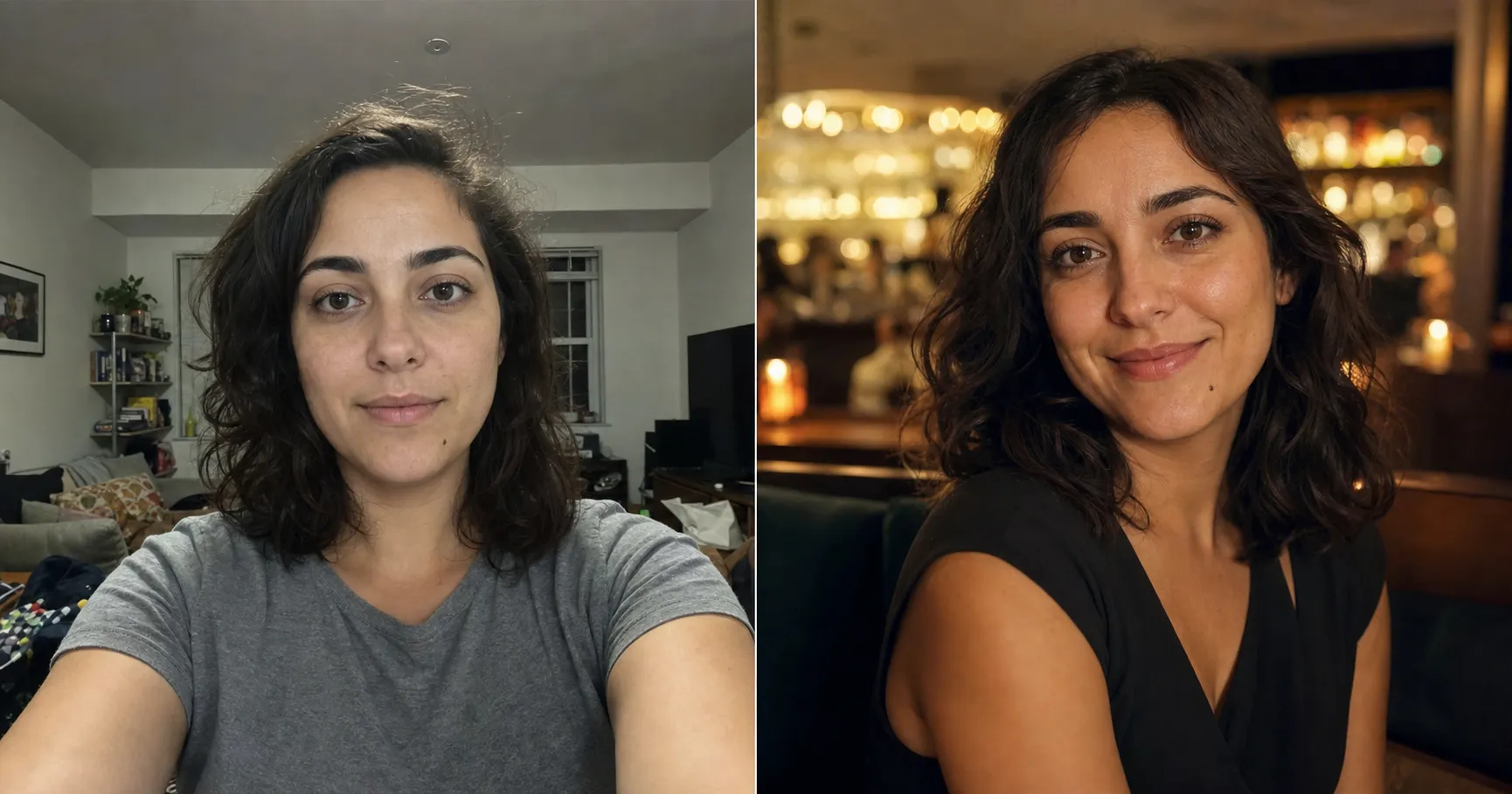
Dating Photos Without a Photographer: Make a Great One From One Selfie
You don't need a photographer for a date-worthy dating photo. Here's how to turn one selfie you already have into a date-night, outdoor, or crush photo that still looks like you.
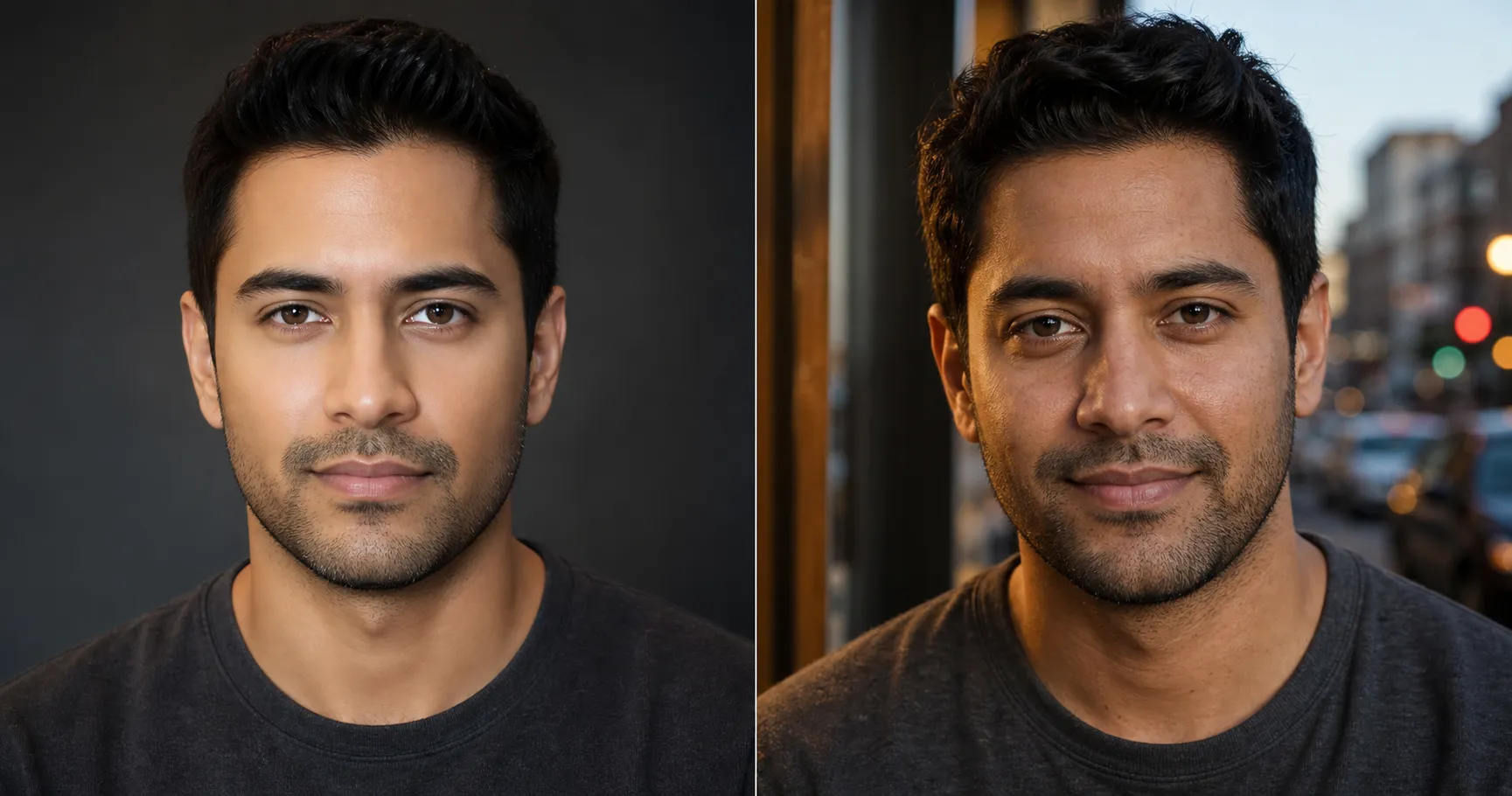
Do AI Dating Photos Look Fake? How to Tell, and How to Fix It
AI dating photos look fake in three predictable ways: plastic skin, a face that drifts, an impossible setting. Here's how to spot each and make one that still looks like you.
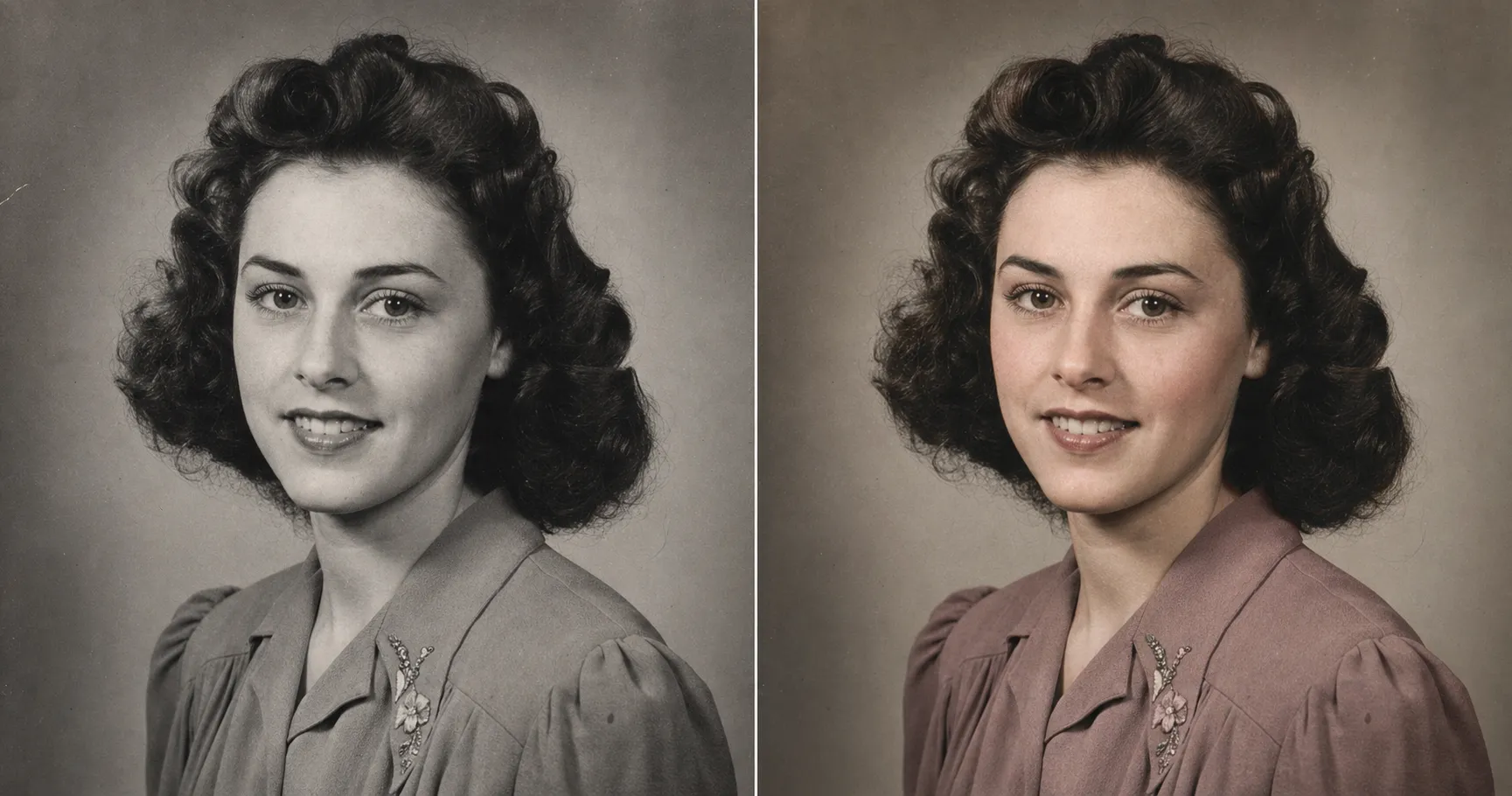
How to Colorize Old Black-and-White Photos With Period-Correct Color
Free colorizers turn old photos cartoon-colored. The fix is one prompt that locks period-correct color and keeps the face. Paste it into the AI you already have.
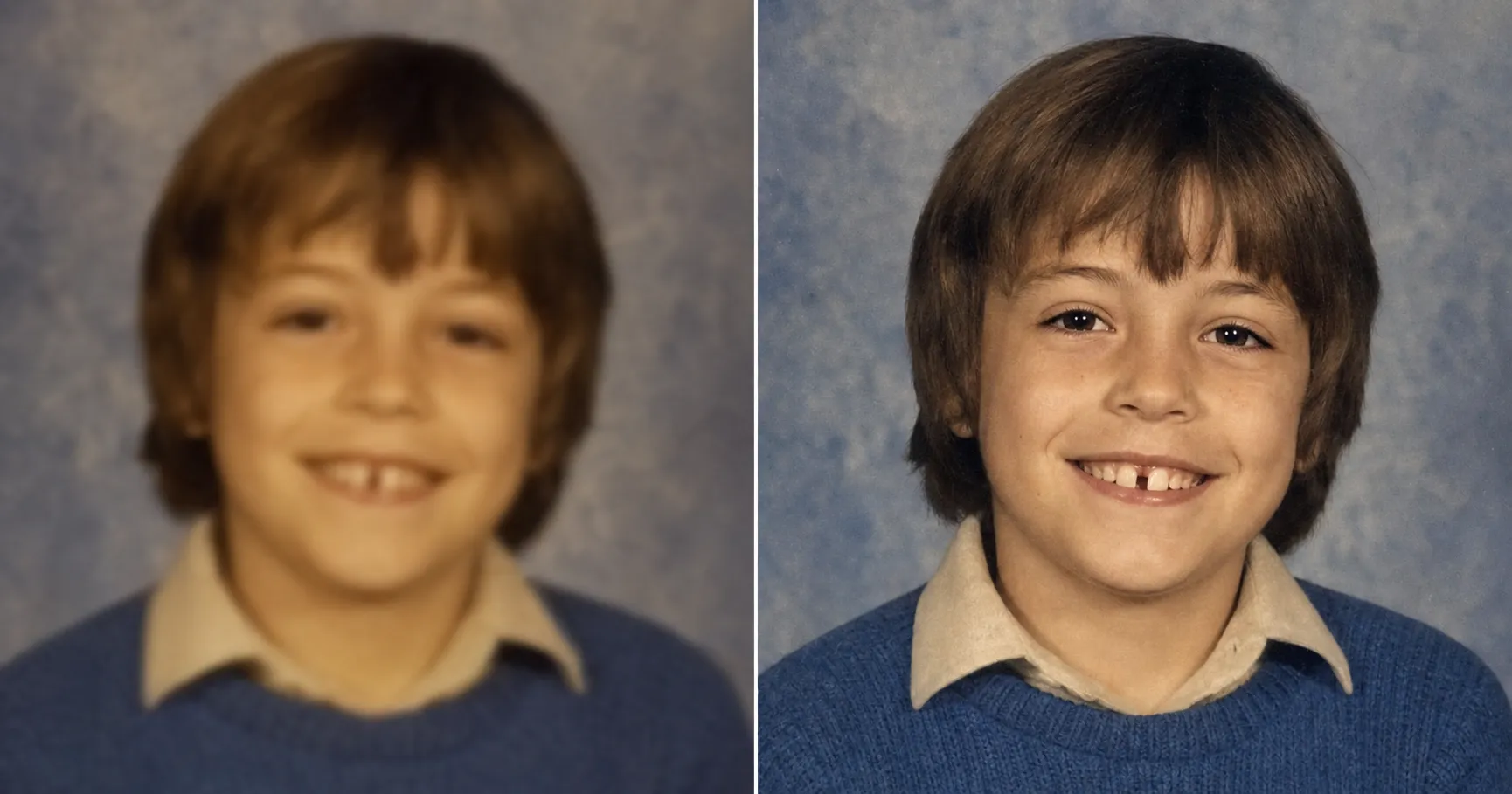
How to Fix a Blurry Old Photo With AI Without Inventing a Fake Face
One-click apps unblur Grandma into a stranger with invented teeth. The fix is a prompt that sharpens an old photo while reconstructing only real detail, free.
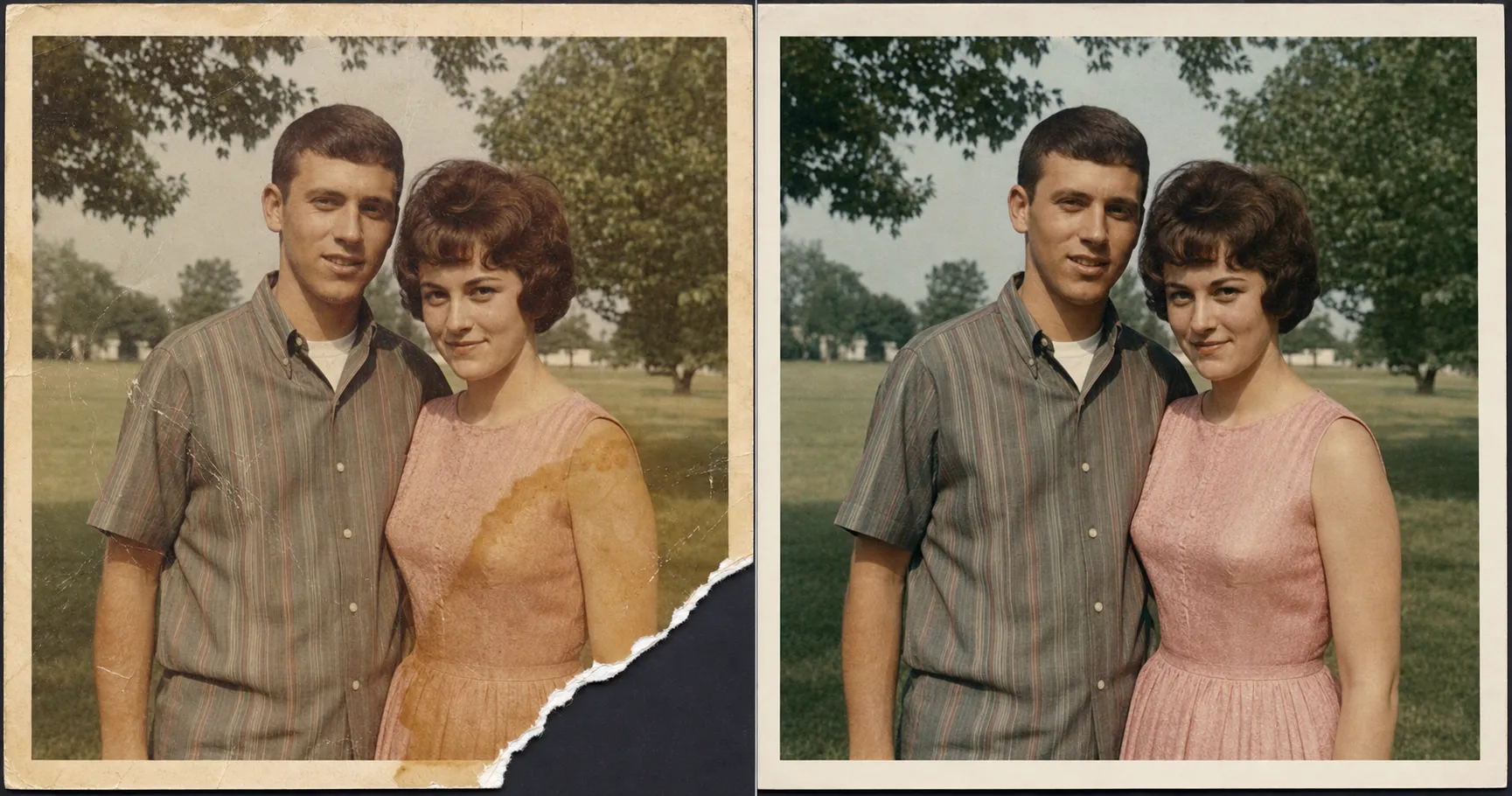
Repair a Torn, Scratched, or Water-Damaged Photo With AI Without Inventing a New Corner
A torn corner, a scratch through a face, a water stain. One AI prompt that rebuilds only what was really there, never a fake corner or a different face. Free, ten minutes.
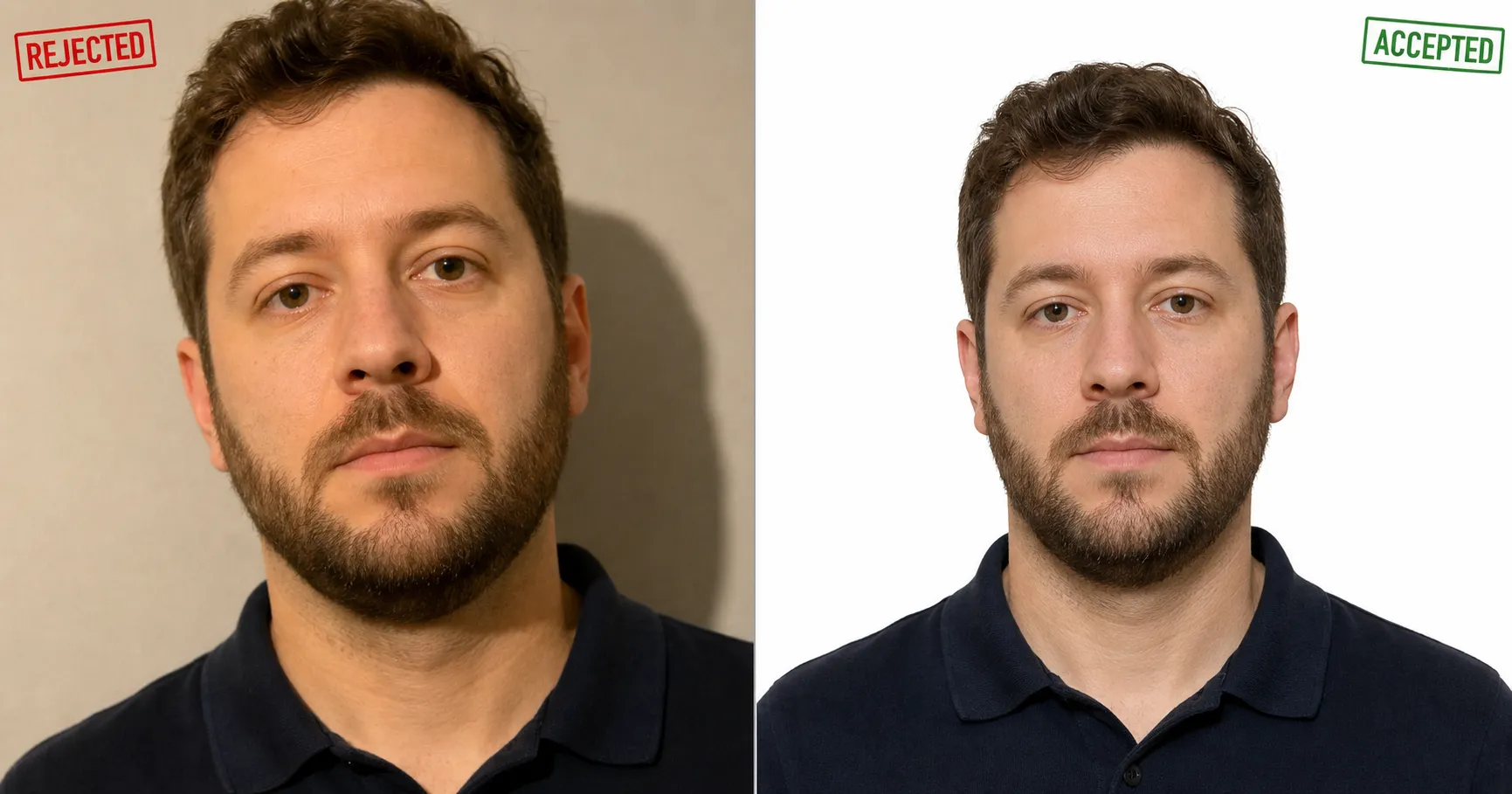
How to Take a Passport Photo at Home That Won't Get Rejected
Take a passport photo at home that won't get rejected. The three specs that cause rejections, plus verified size and background rules for 8 countries.
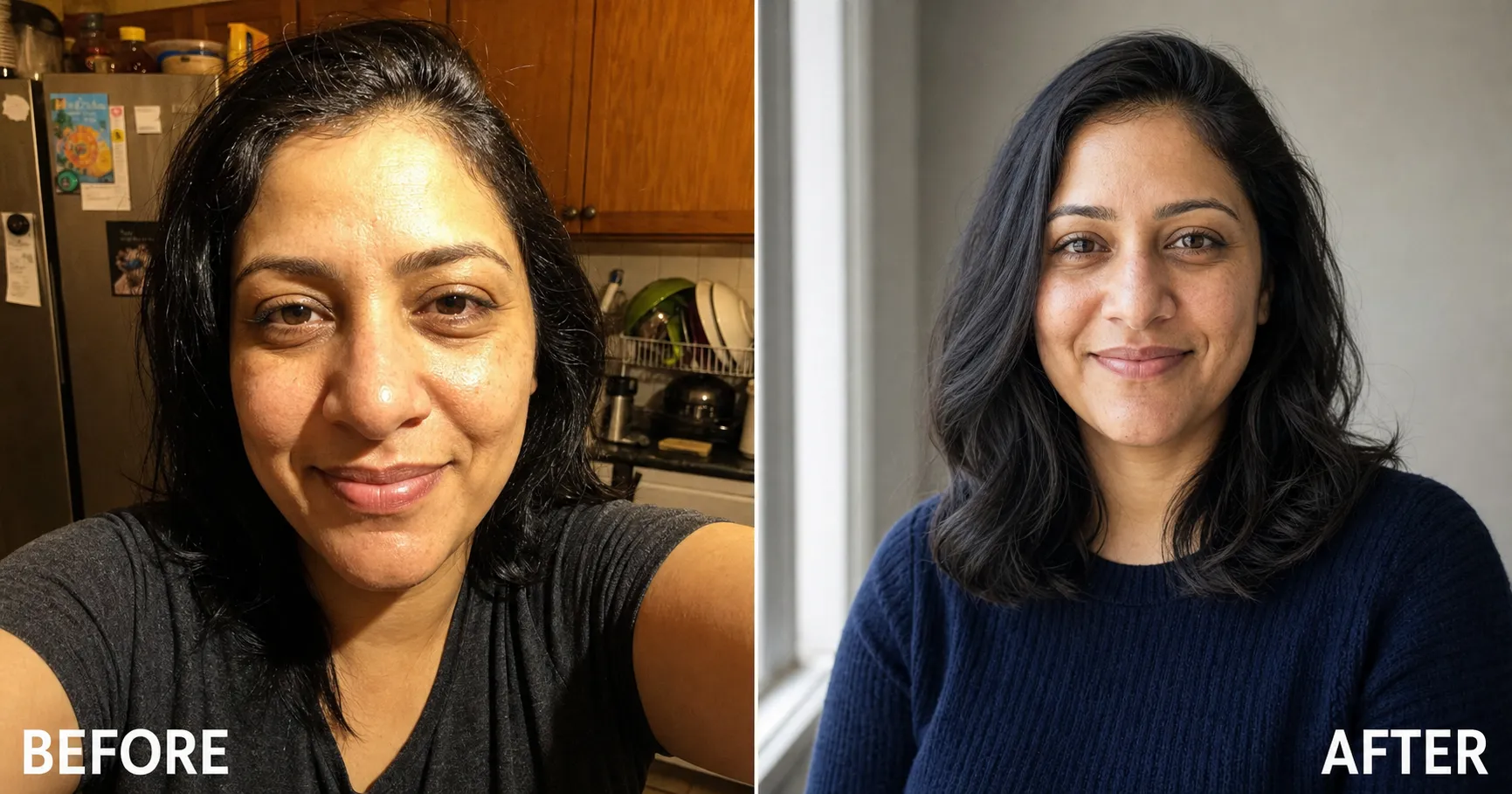
How to Take a Professional Headshot at Home Without a Photographer
Skip the $300 studio. How to take a professional headshot at home with your phone: the window-light setup, what to wear, and the paste that finishes it.
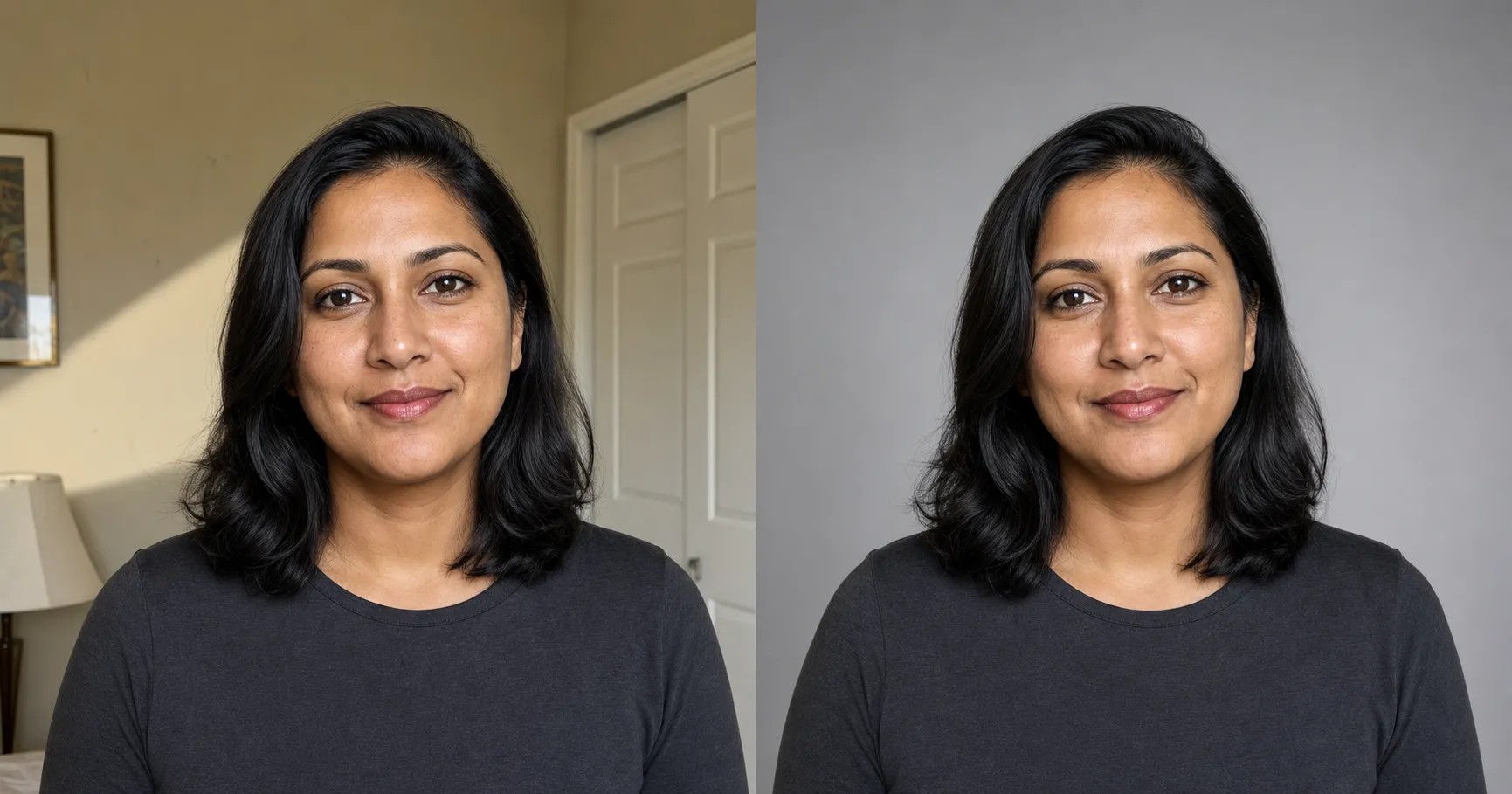
Professional Headshot Background: Best Colors and How to Fix Yours
Pick the right background color for your professional headshot and swap a bad background for a clean studio one in one paste, no reshoot and no studio fee.
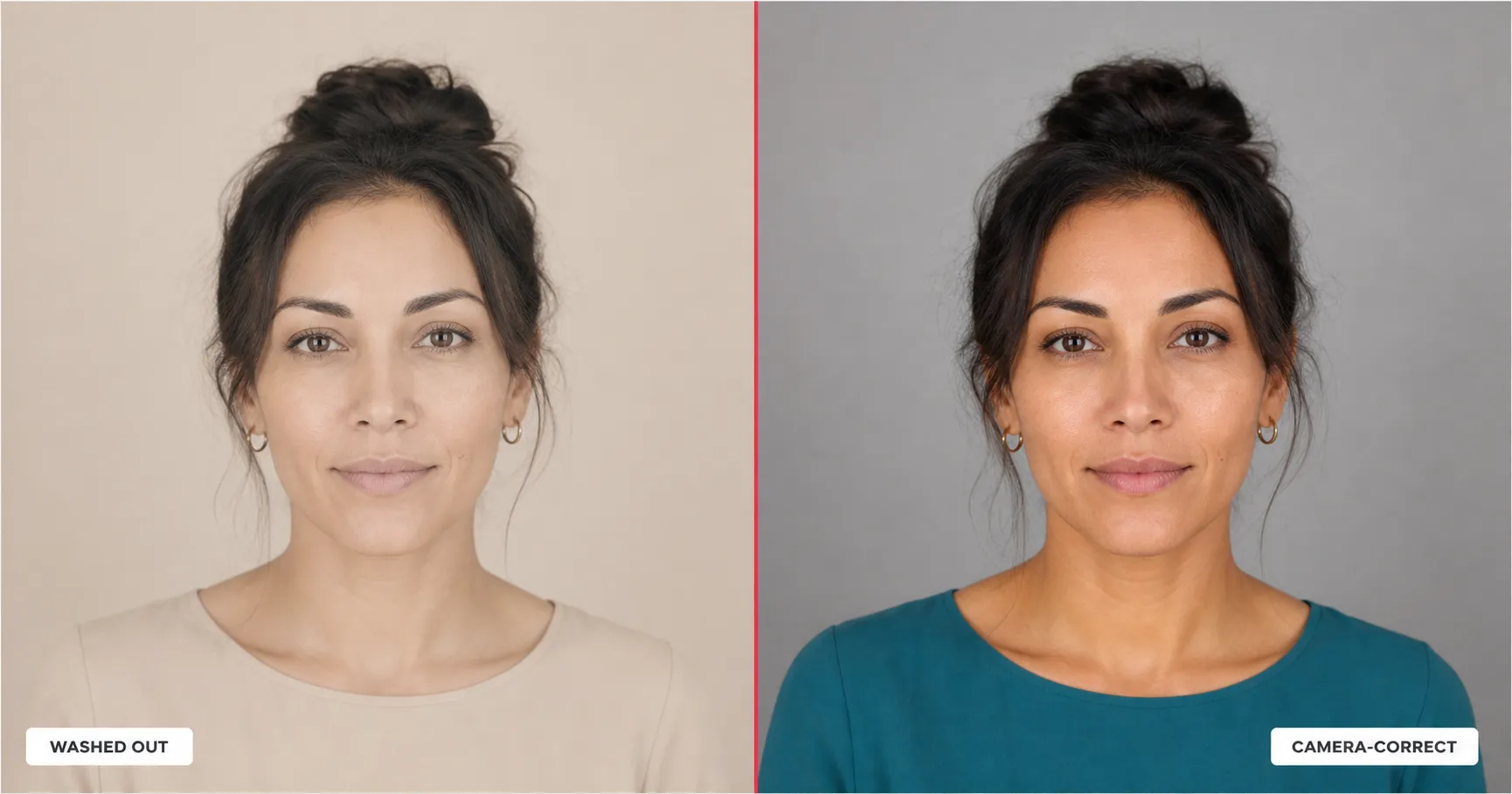
What Color to Wear for a Professional Headshot, by Skin Tone
The best color for a professional headshot depends on your skin tone and your background. Here's the color map, the colors to avoid, and the prompt that bakes it in.
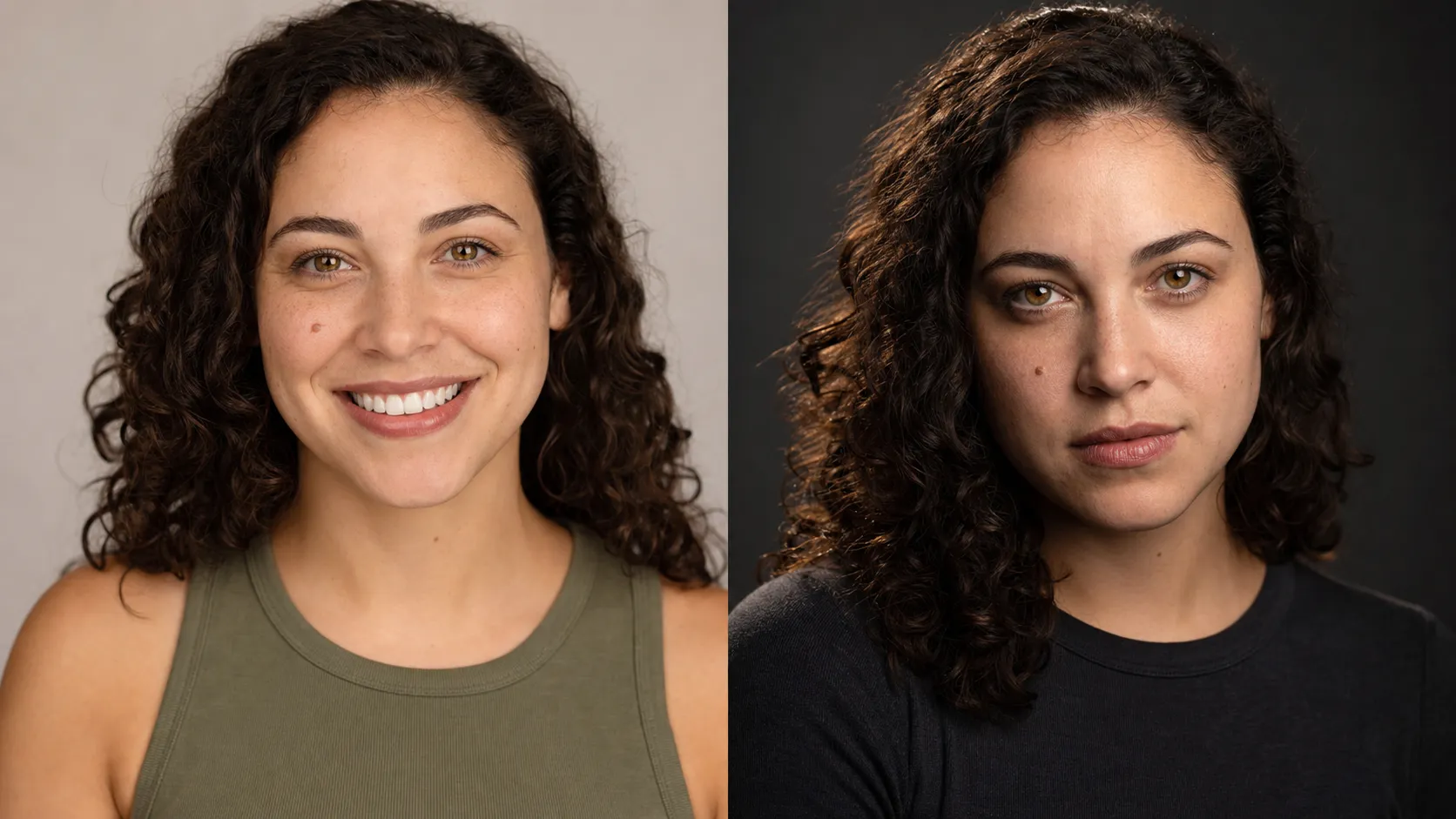
What Makes a Good Acting Headshot? What Casting Directors Actually Want
What makes a good acting headshot: what casting directors want, commercial vs theatrical, what to wear, the format specs, and a recipe that still looks like you.
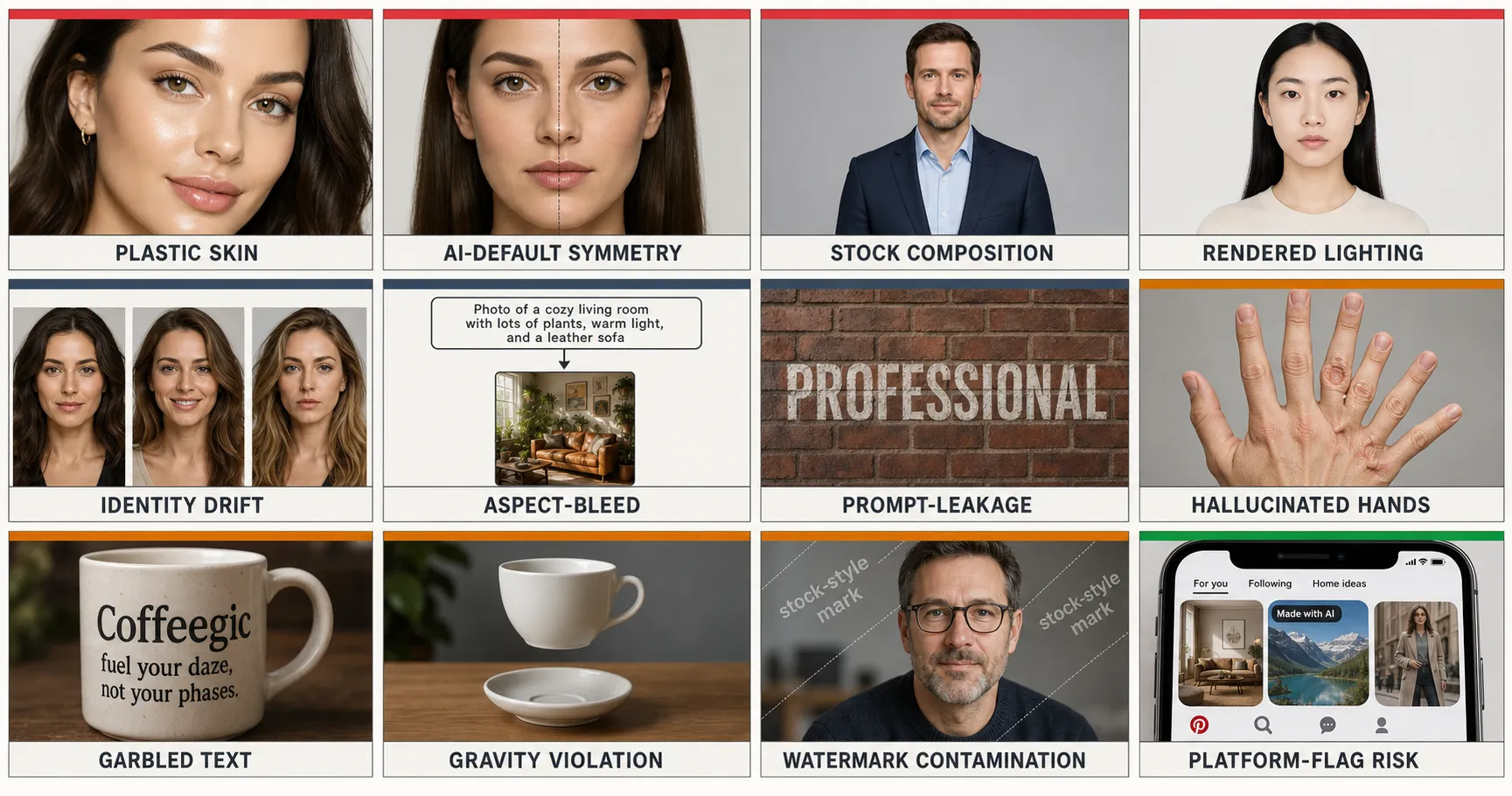
The 12 Failure Modes of AI Image Generation: A Visual Taxonomy
12 named ways AI images break, from porcelain skin and hallucinated hands to aspect-bleed and prompt-leakage. Root cause plus fix pointer for each.
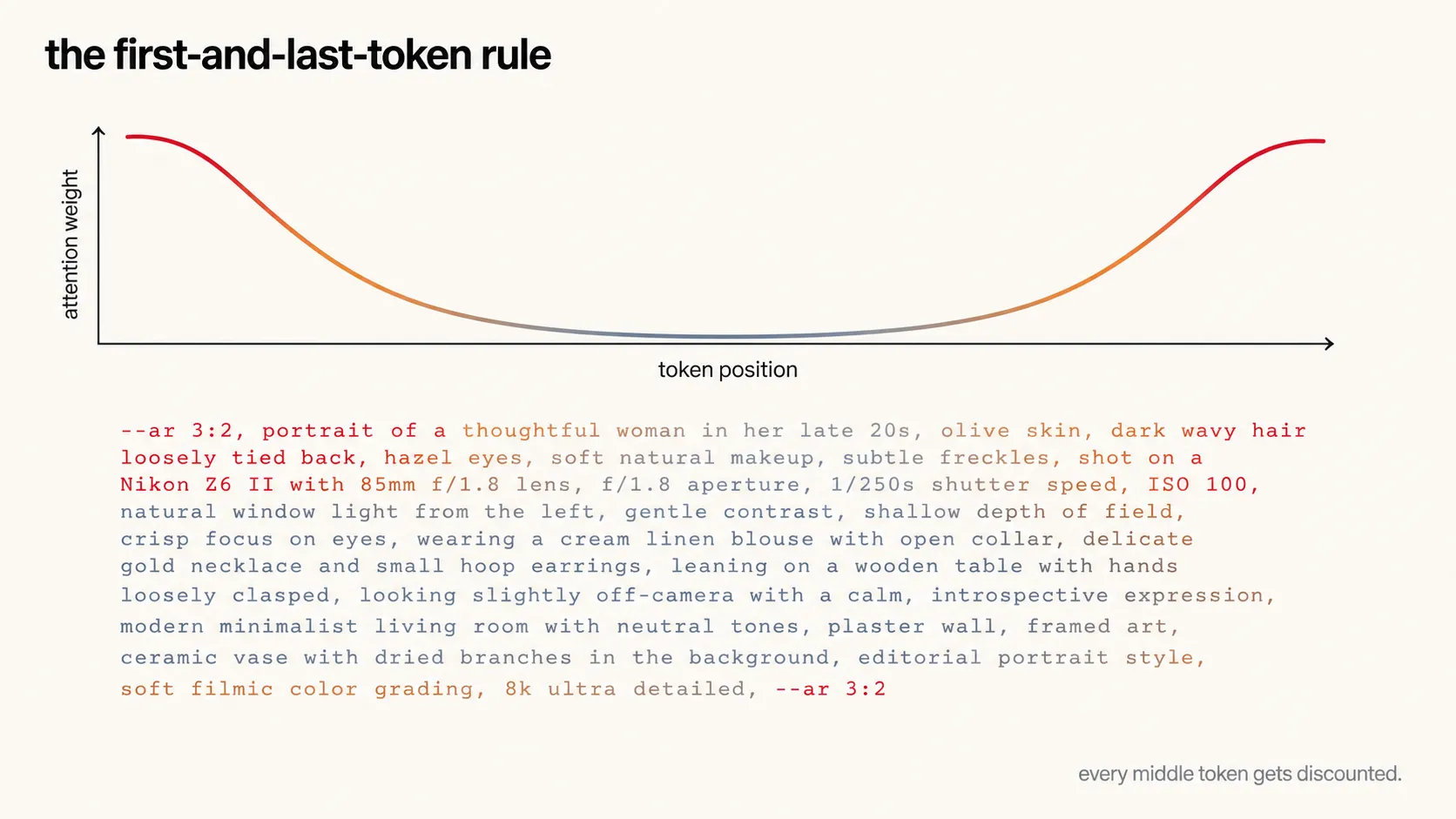
The First-and-Last-Token Rule: Why Your AI Image Prompt Structure Matters More Than the Words
Your AI image prompt's structure matters more than its words. The first-and-last-token rule, backed by 125 production prompts and two attention papers.
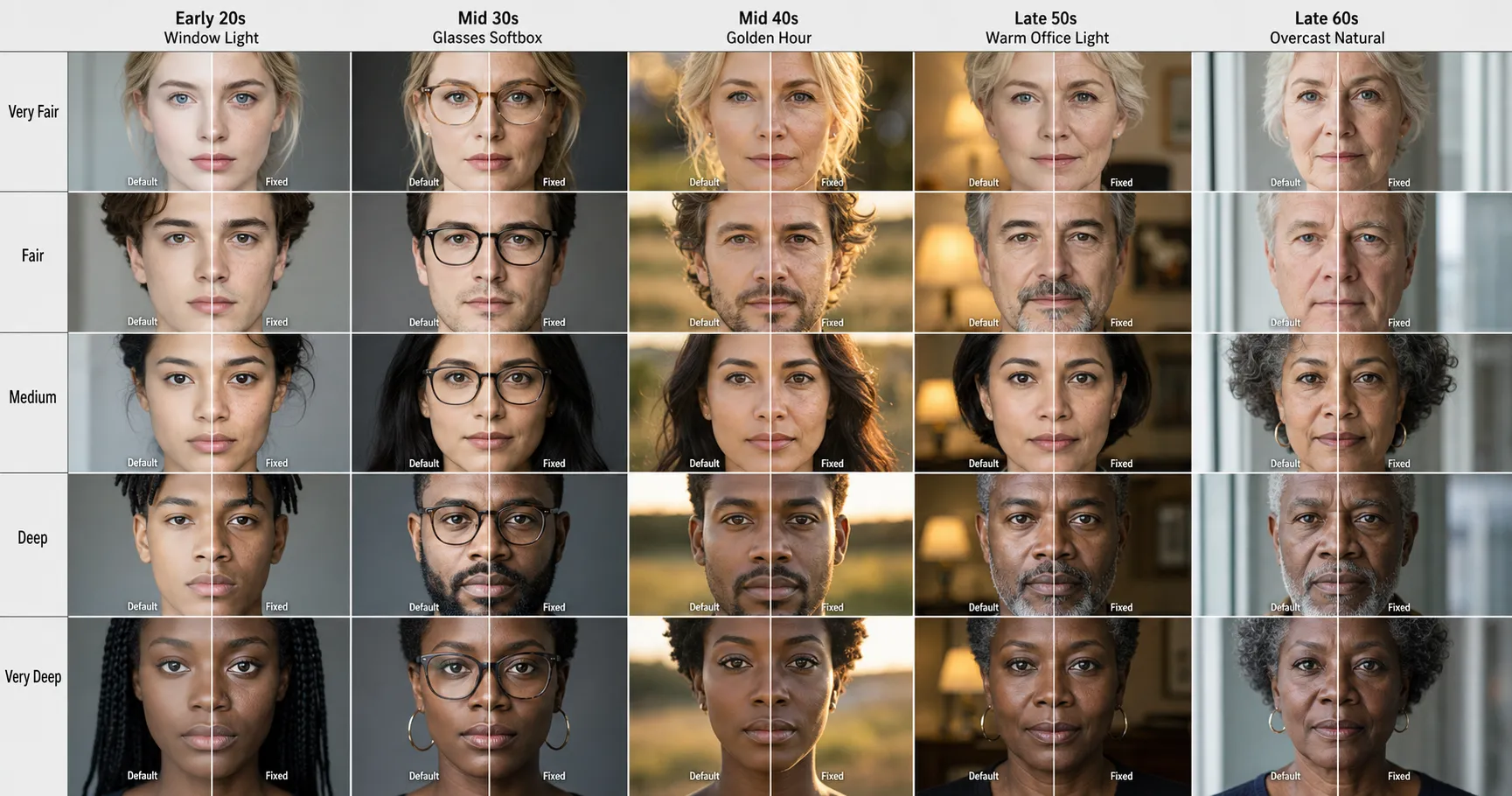
AI Plastic Skin: Why Every AI Portrait Has It and the 3-Word Phrase That Fixes It
AI plastic skin is what every major image model defaults to in 2026. The named failure mode, the structural cause, and the three-word phrase that fixes it on GPT-Image-2, Nano Banana Pro, Midjourney v8.1, and Flux 2 Pro alike.
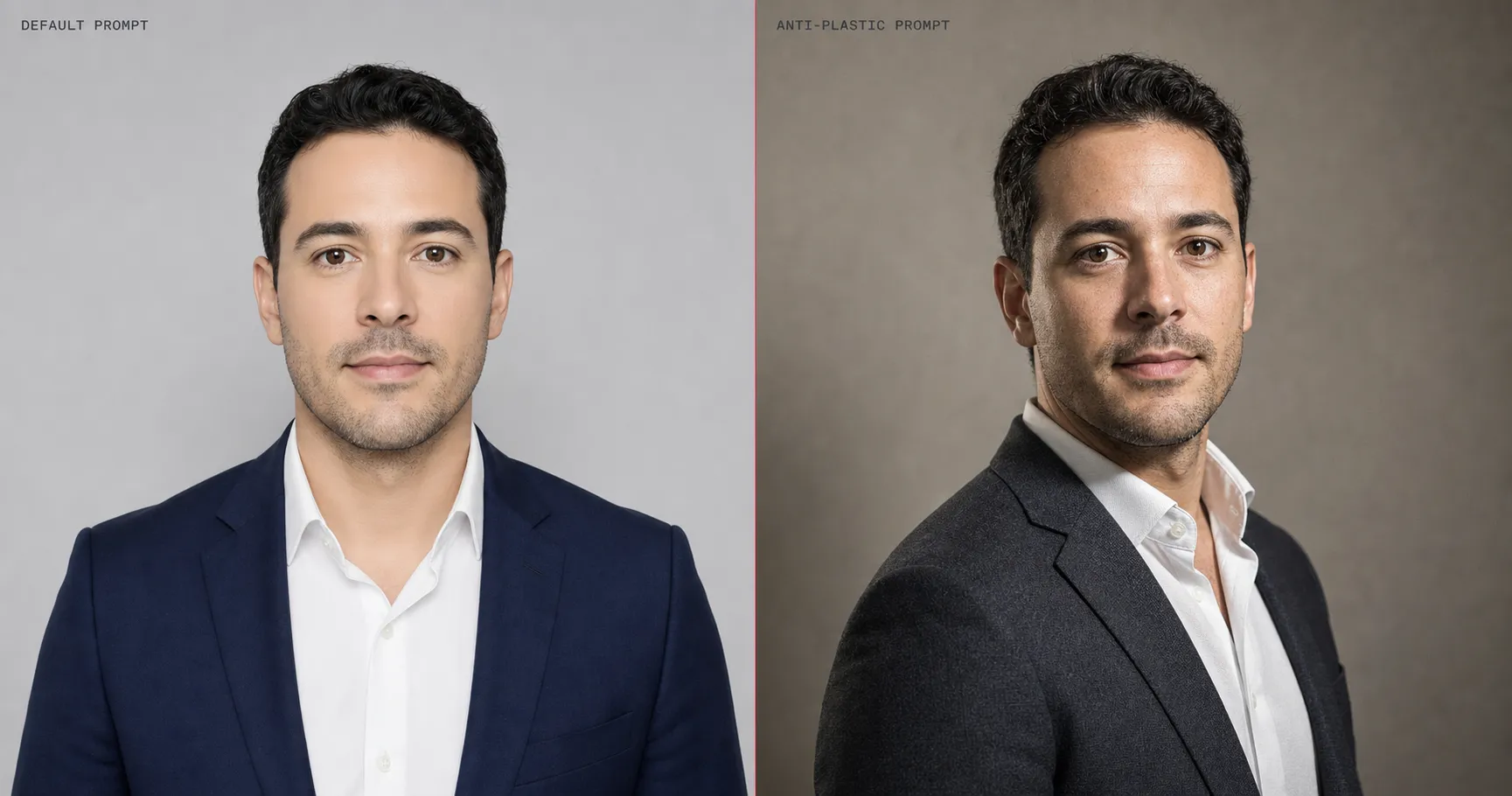
Why AI Images Look Fake and 5 Counter-Tactics from 125 Prompts
Across 125 production prompts on GPT-Image-2 and Nano Banana Pro, the same five language tactics flip AI portraits from porcelain-default to production-grade.
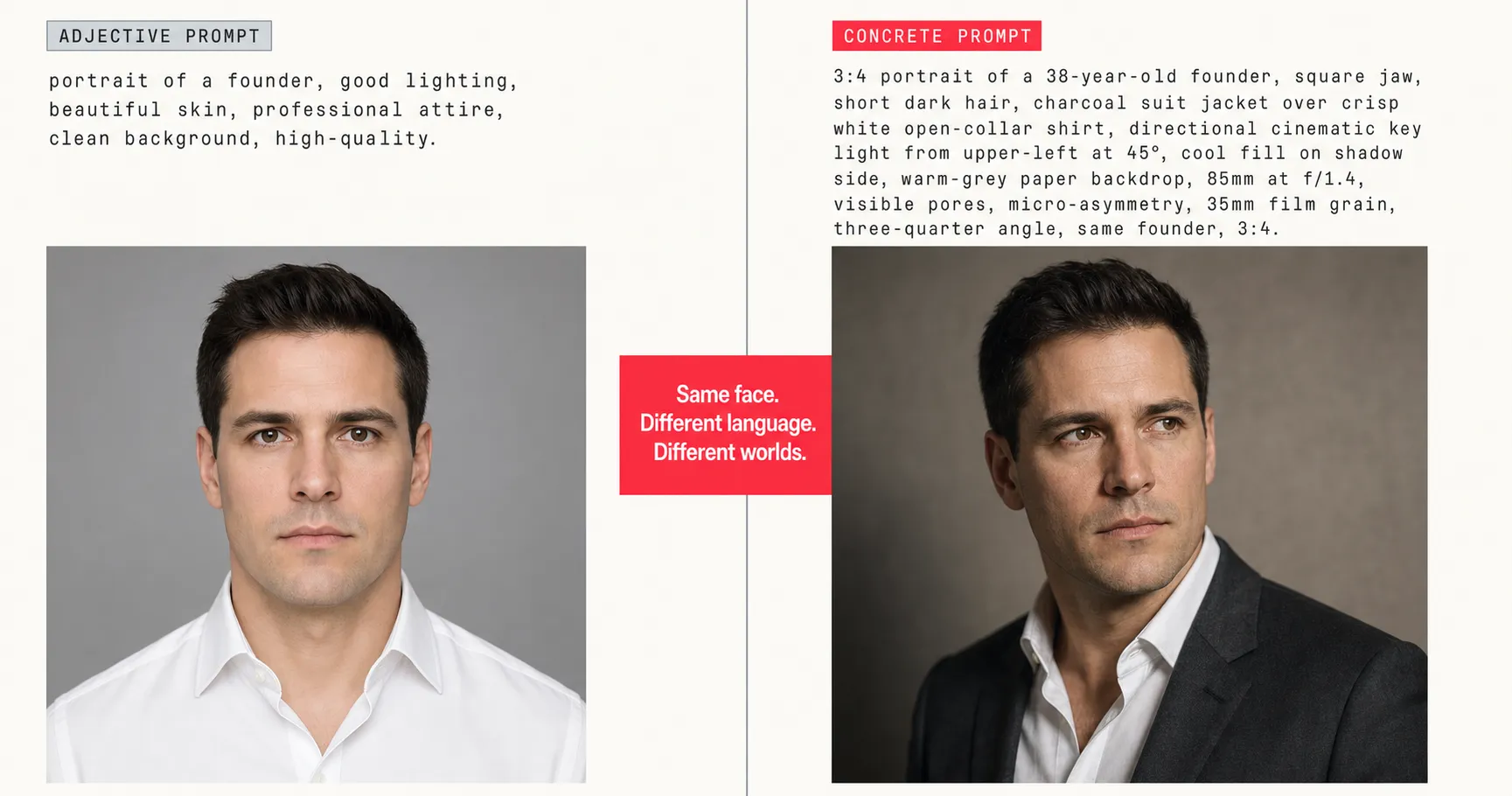
Concrete Beats Adjective: 25 Before-After AI Image Prompts That Prove One Rule
25 before-after AI image prompt rewrites that prove every weak prompt has the same disease. The concrete-beats-adjective rule, paste-ready, across 5 tactic categories.
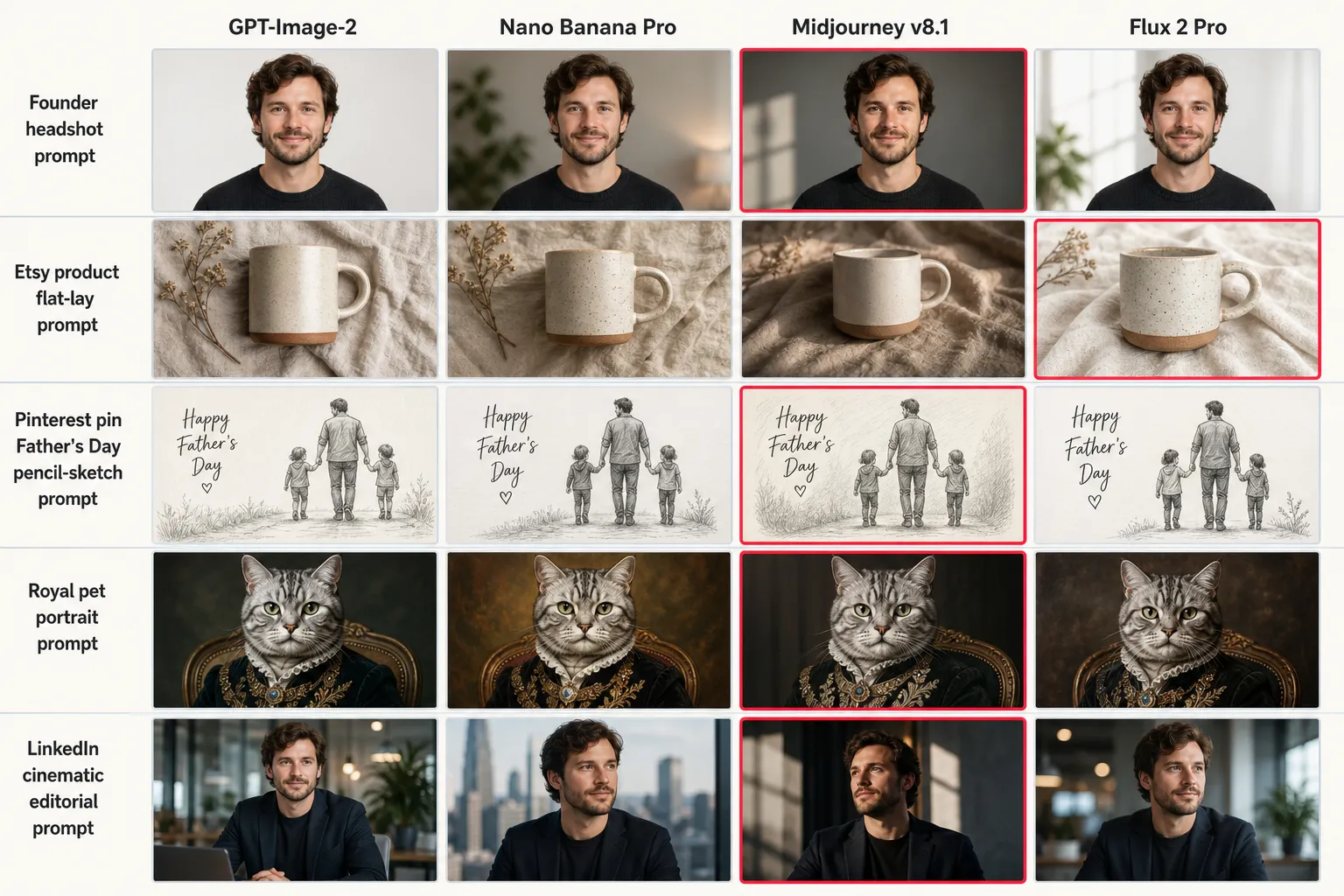
GPT-Image-2 vs Nano Banana vs Midjourney vs Flux: 2026 AI Image Model Benchmark
We ran 125 production prompts through GPT-Image-2, Nano Banana Pro, Midjourney v8.1, and Flux 2 Pro and scored 5 failure modes. No single model wins.
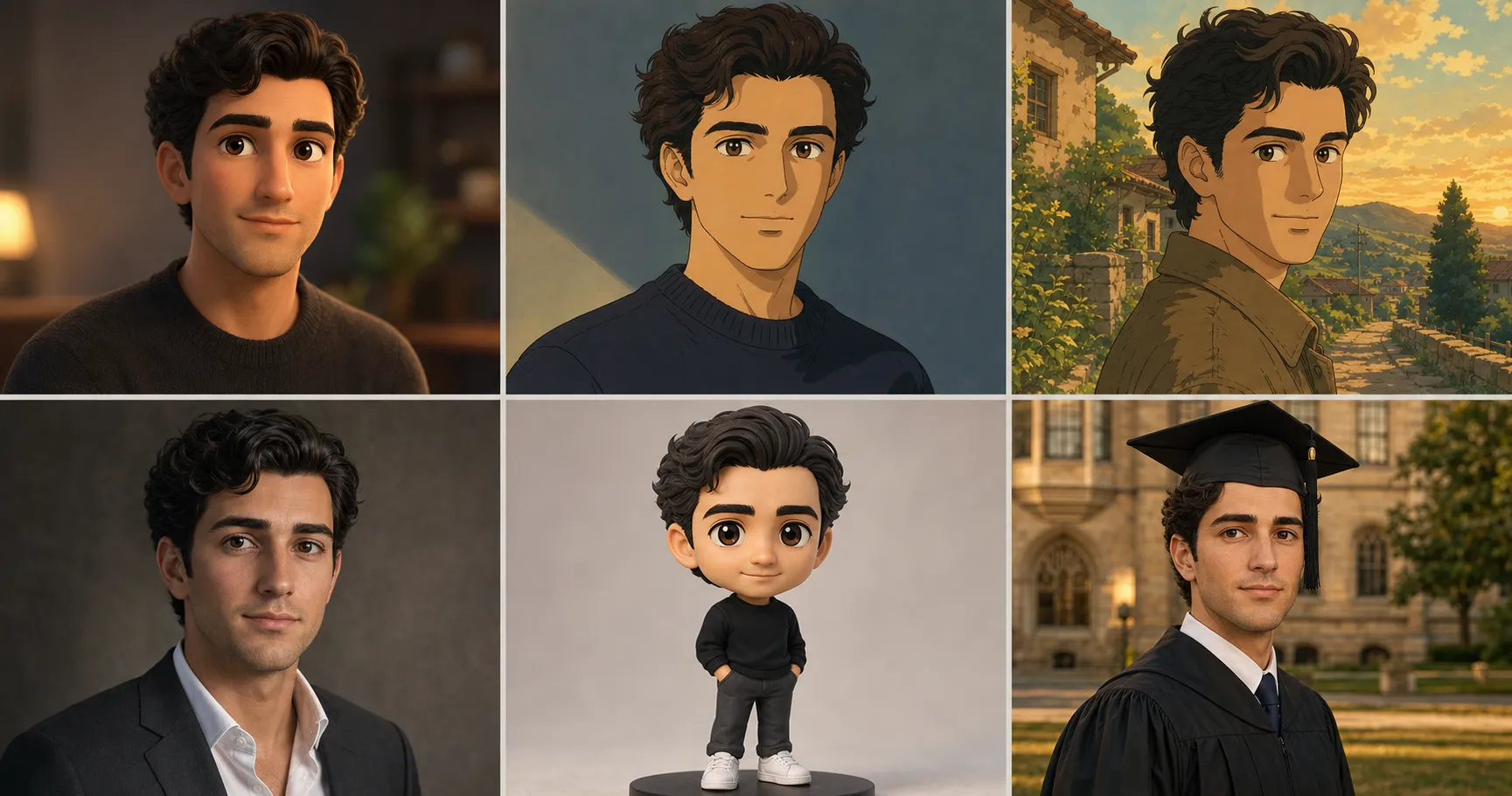
The Identity-Lock Technique: The 4-Line Prompt Structure That Stops AI Faces Drifting
A 4-line prompt structure that stops AI faces from drifting across Pixar, Ghibli, and executive transformations. Tested across 125 production prompts in 2026.
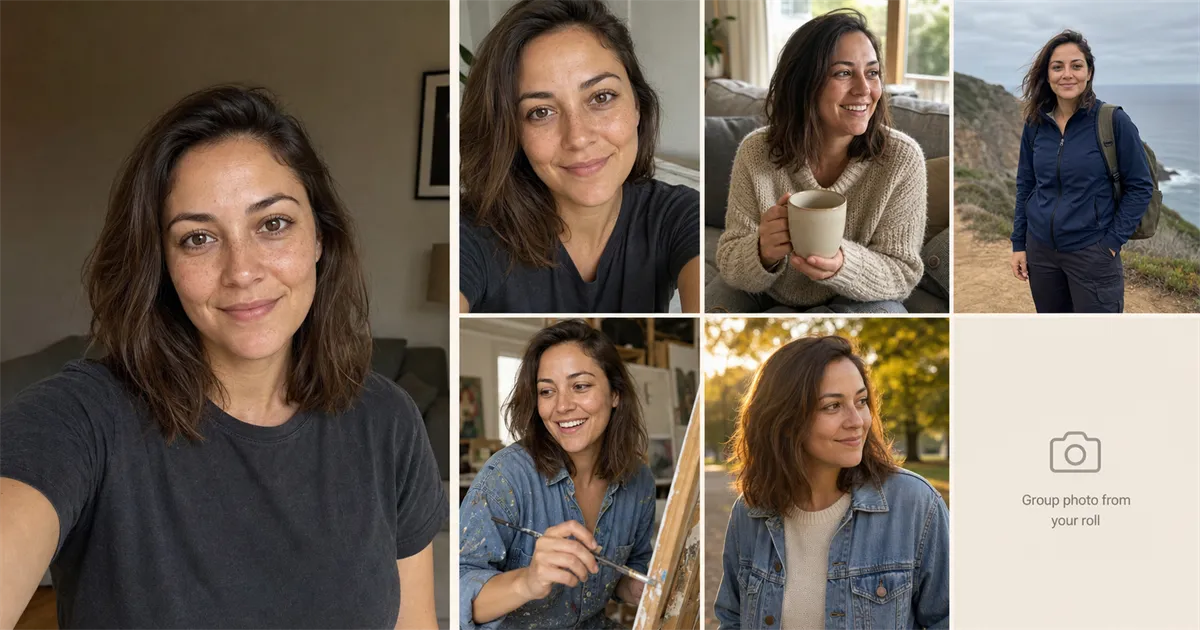
How to Build a Full Dating Photo Set When You Only Have One Selfie
One decent selfie, five paste-ready prompts, one real group photo. Build a full six-photo dating profile pack in one evening, same face across every tile.
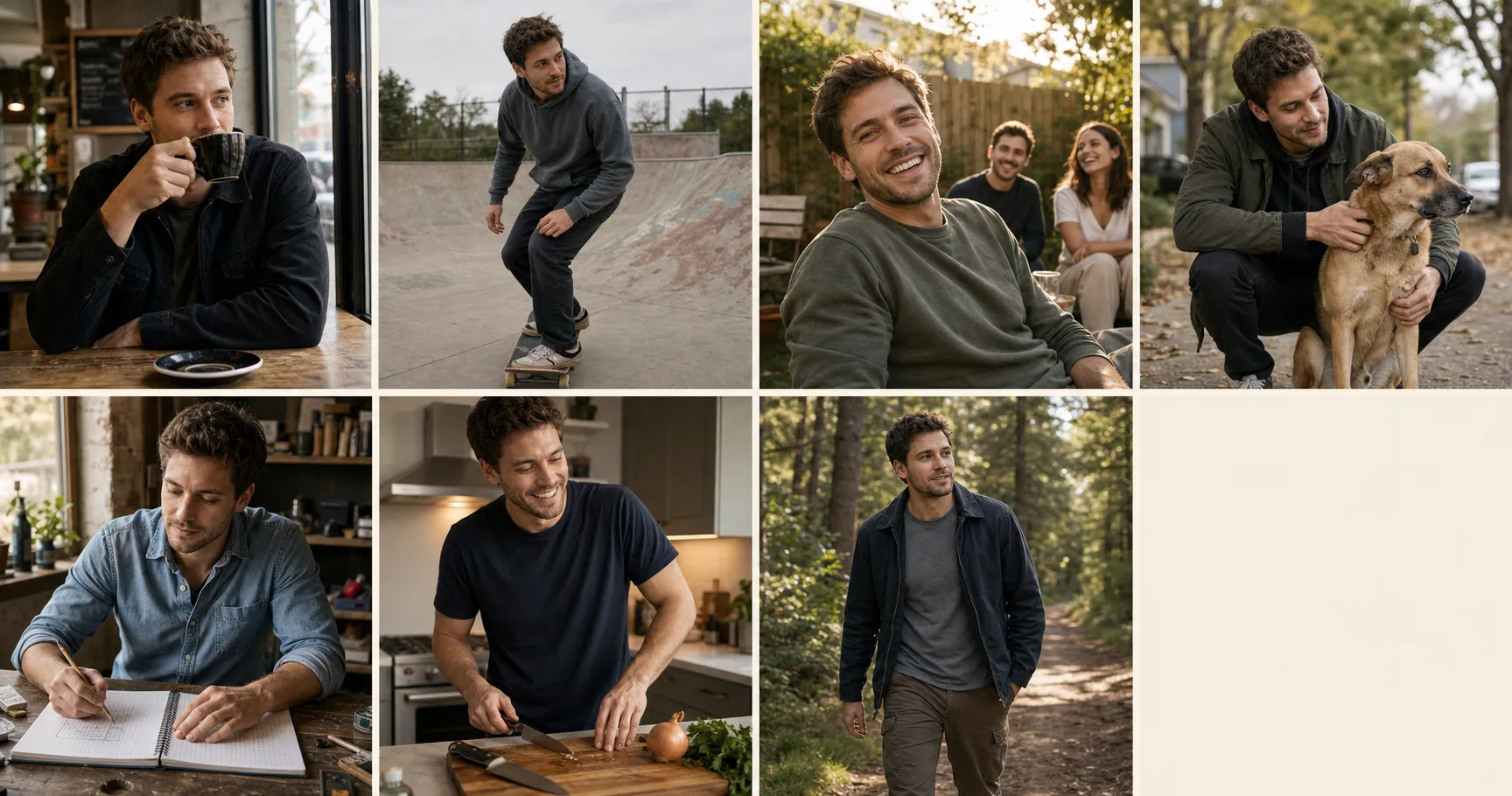
Dating Profile Photos for Men: 7 Prompts That Don't Look Try-Hard
Seven male-coded dating profile photo archetypes, built from one selfie you already have, that read as a man with a life instead of one trying to look like he has one.
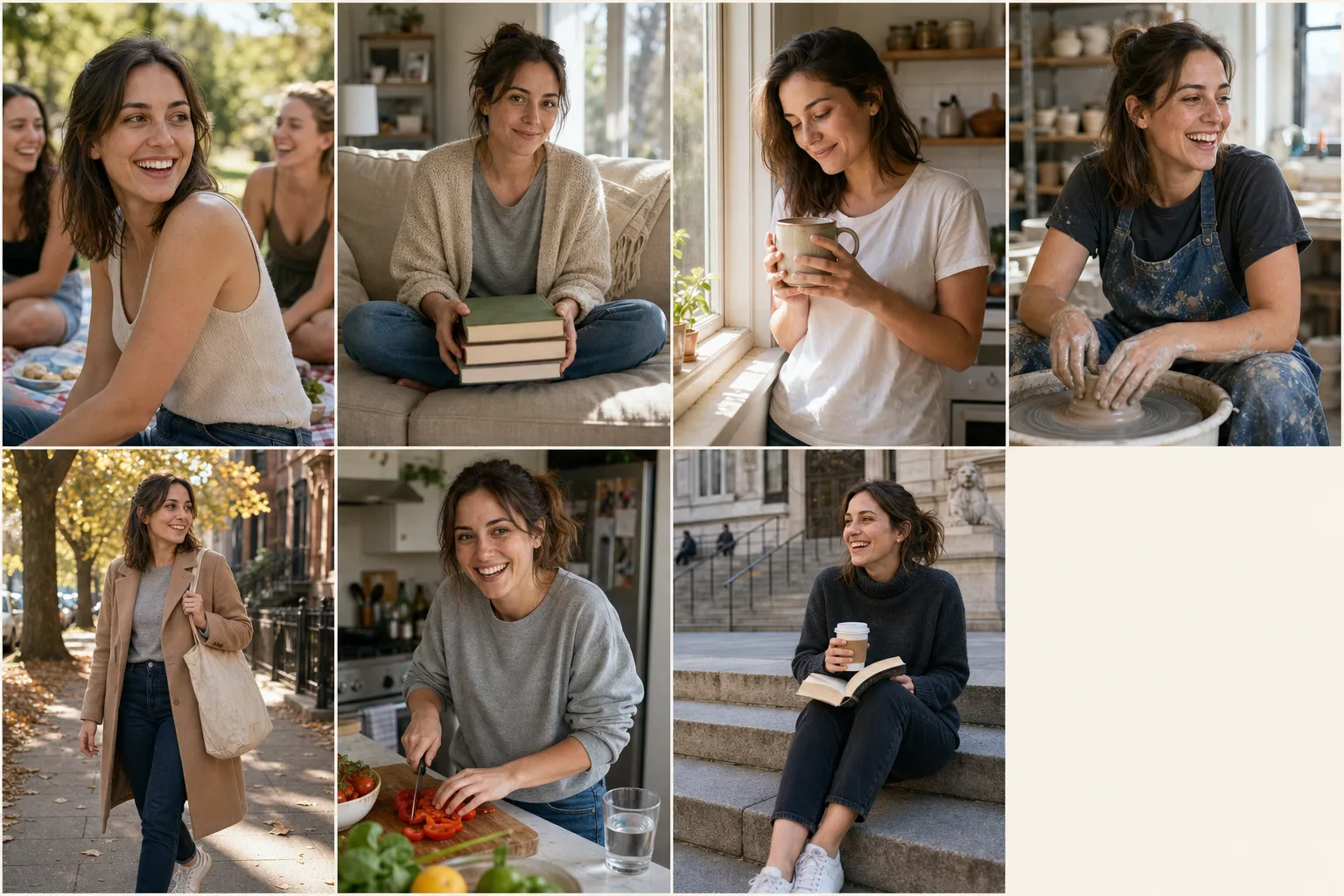
Dating Profile Photos for Women: 7 Prompts That Don't Look Filtered
Seven dating profile photos for women that don't read as filtered, plus the one paste-line that stops your AI photos from looking nothing like you on the date.
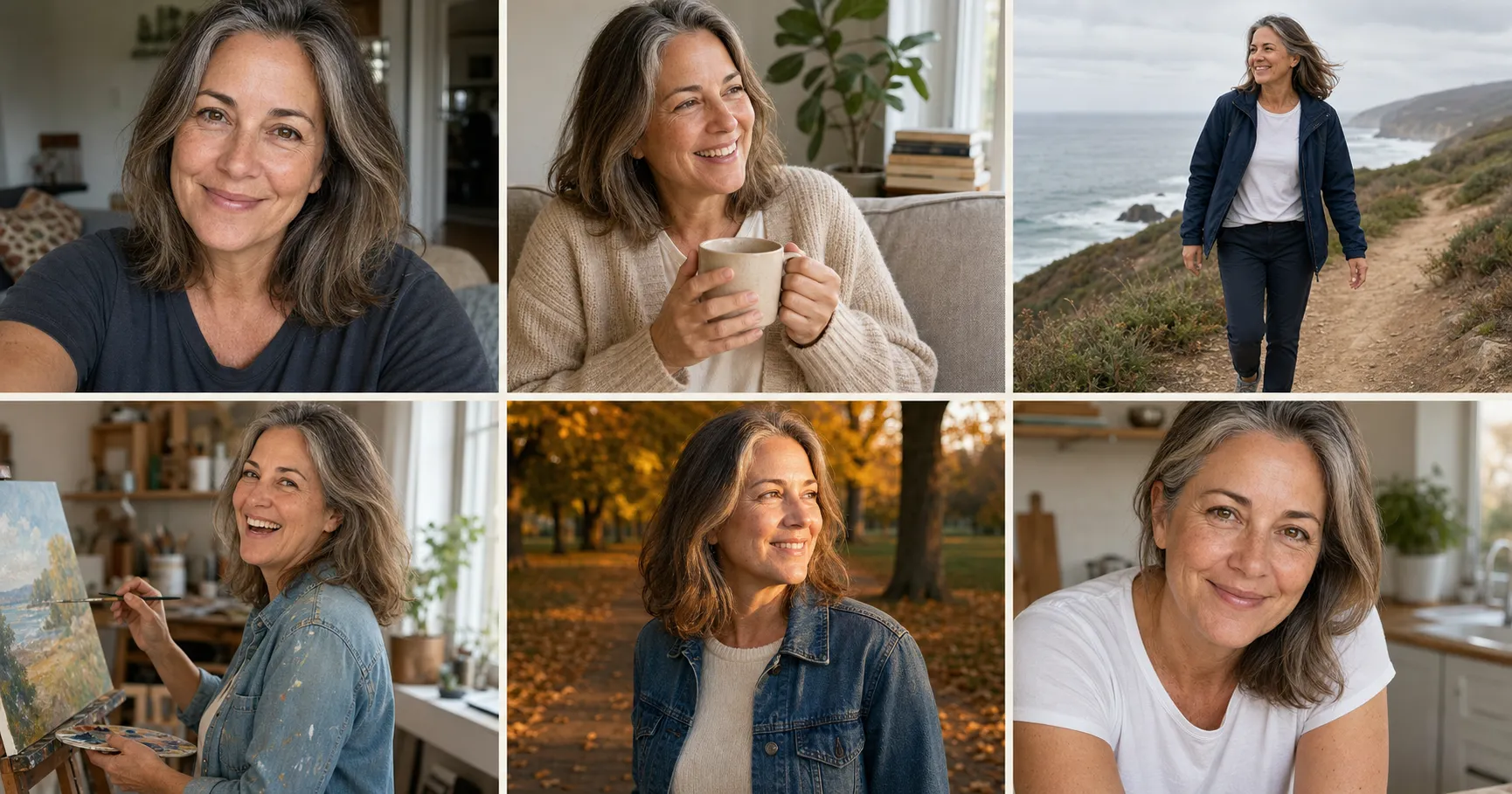
Dating Profile Photos Over 40: The Aging-Down vs Aging-Up Choice
The default AI render quietly ages over-40 daters down by ten years. The paste-ready rule line that preserves the face that actually walks into the cafe.
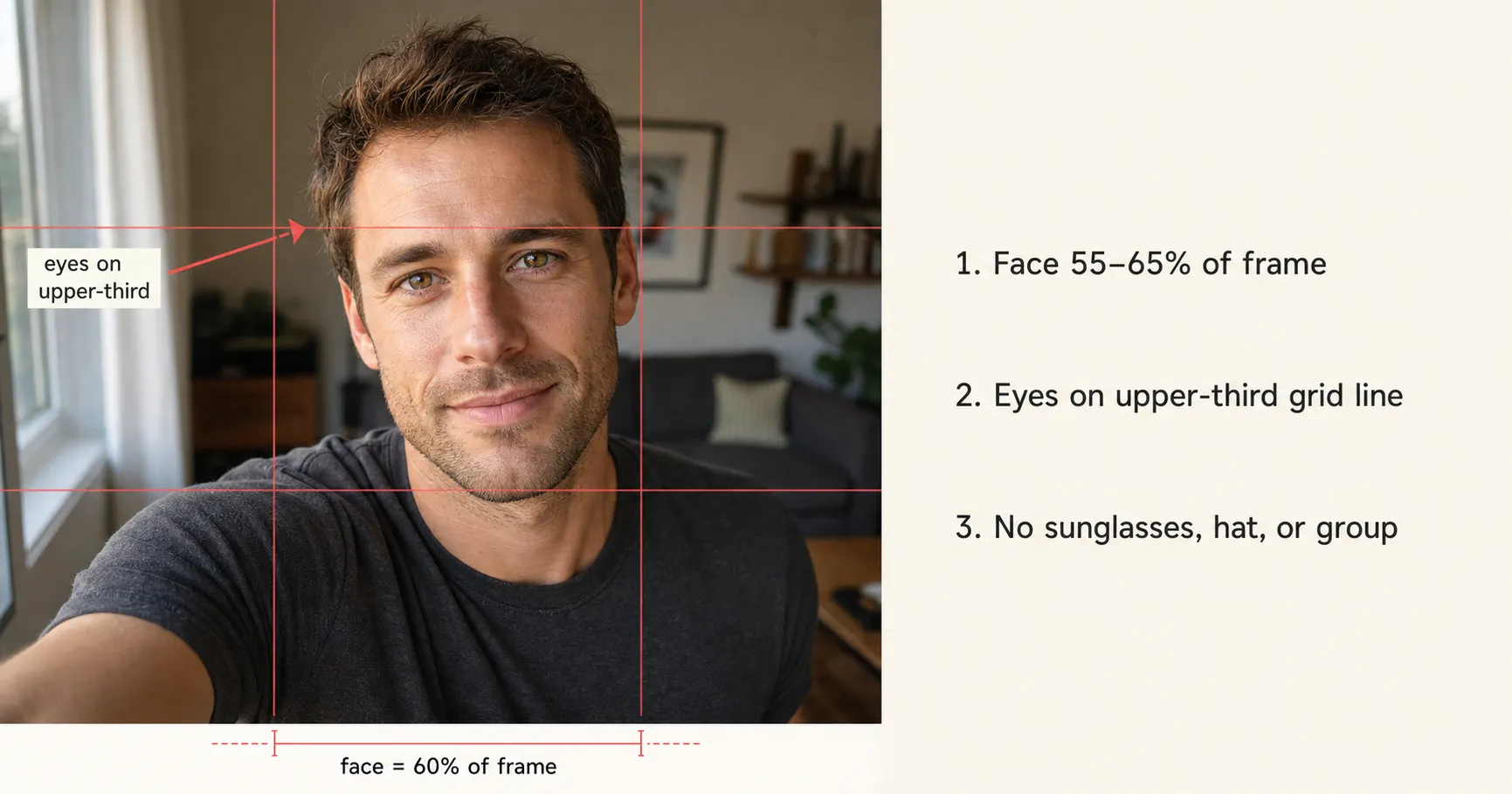
First Photo on Hinge: The One Rule That Decides Your Match Rate
Your Hinge lead photo is the only photo a swiper actually sees before deciding. One rule decides whether you land or get skipped, and it has three sub-rules nobody applies.
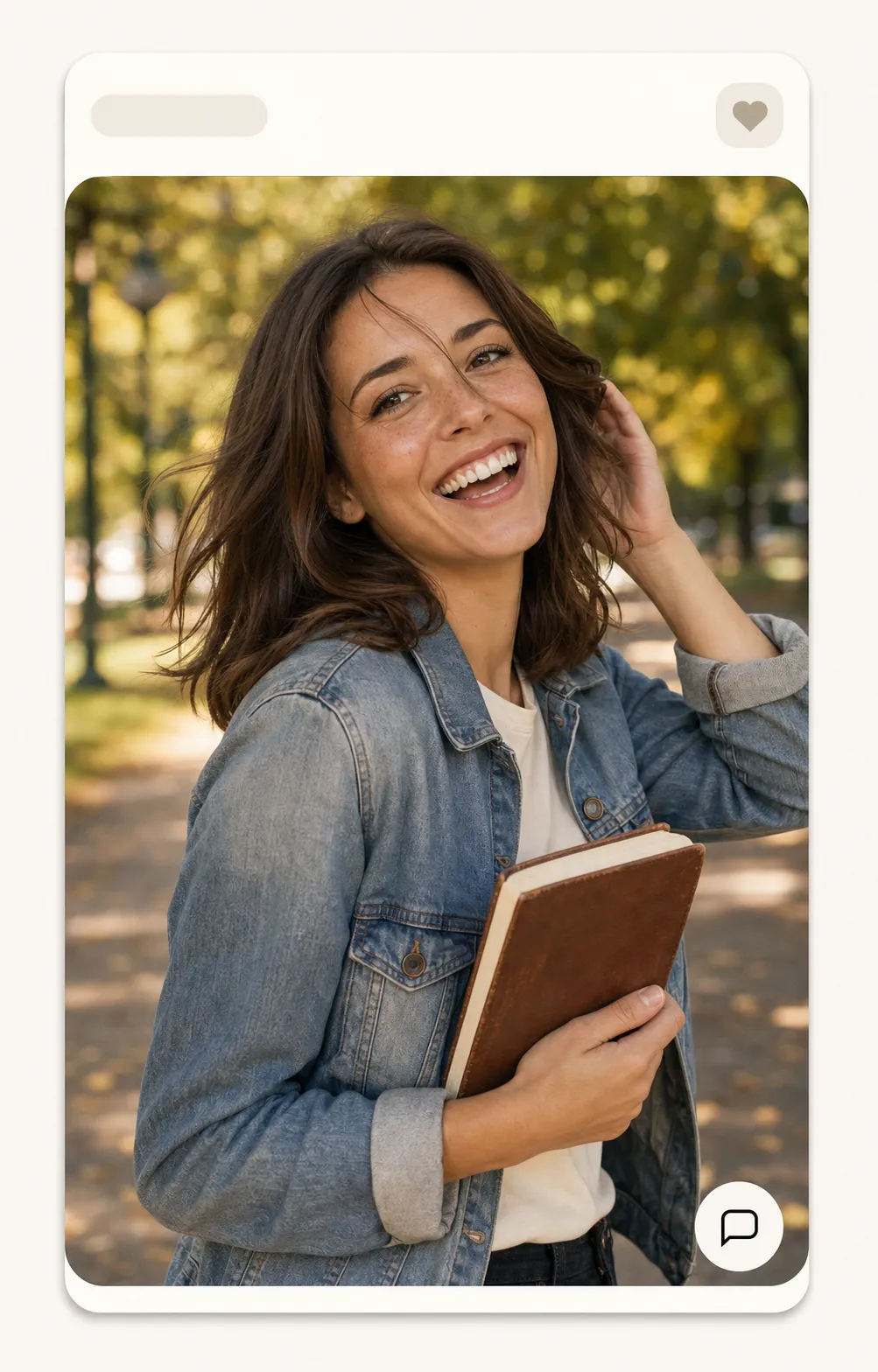
Hinge vs Bumble vs Tinder: How the 'Good Photo' Differs for Each App in 2026
The same six dating photos play differently on Hinge, Bumble, and Tinder. The photo-stack delta is one table; the lead-photo move is the only slot that has to change.
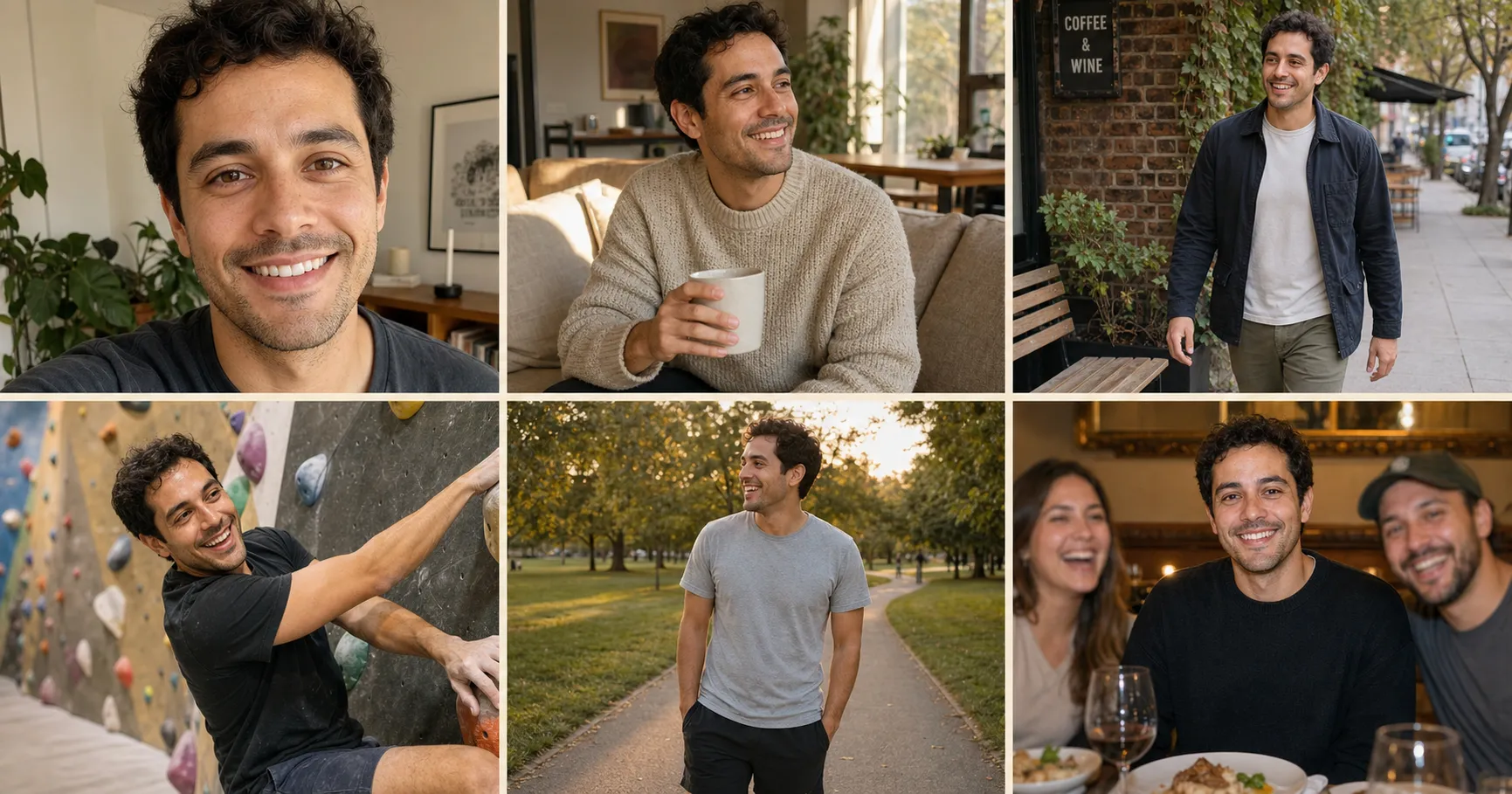
Dating Profile Photo Examples That Get More Matches
Five dating profile photo examples (close-up, at-home, outdoor, mid-action, full-pack) built from photos you already have, the kind that get more right-swipes.
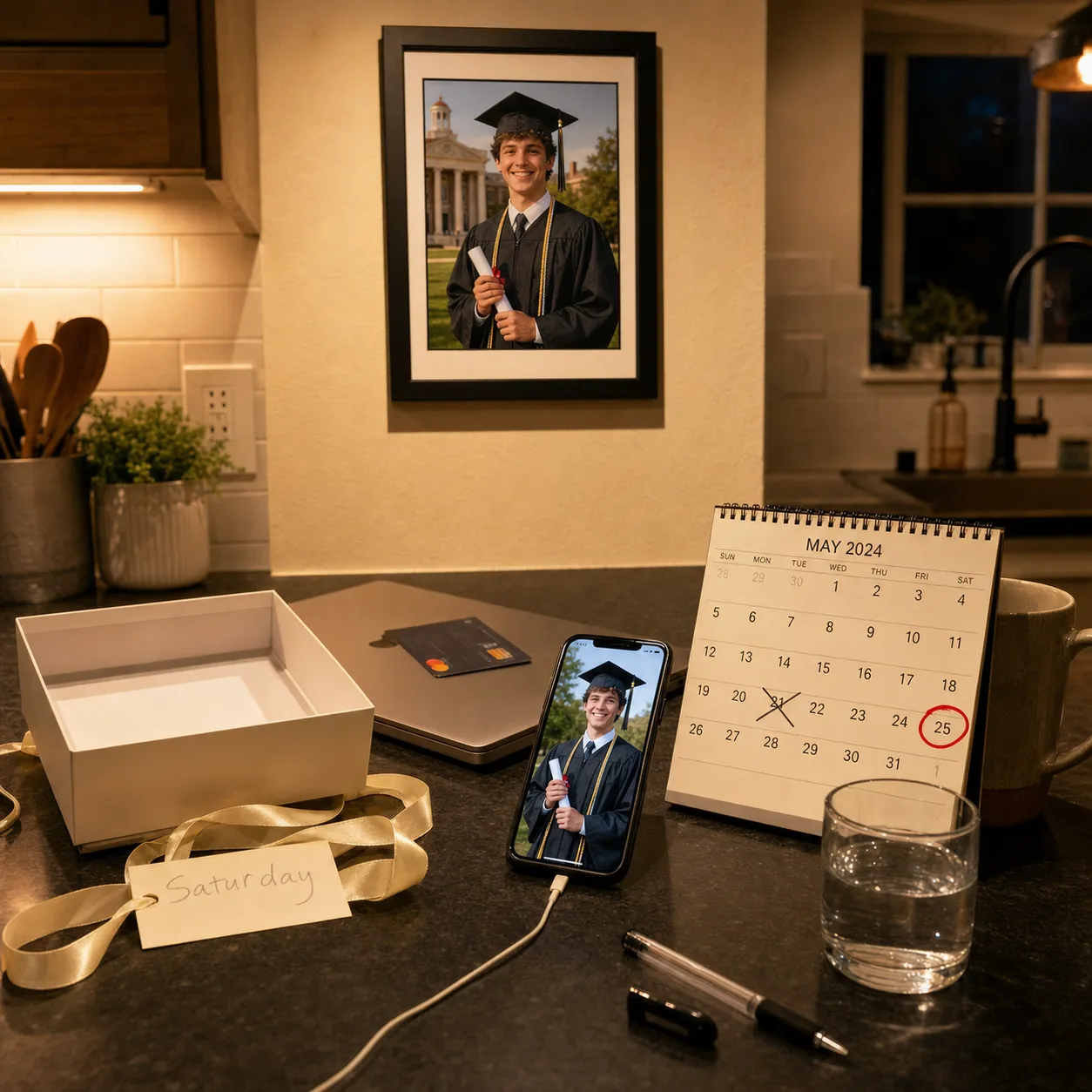
Graduation Gift Ideas From Photos: Three That Print by Saturday
Graduation is Saturday and the gift box is empty. Three AI photo gift recipes from one phone photo, framed and on the wall in under an hour, for about $19.
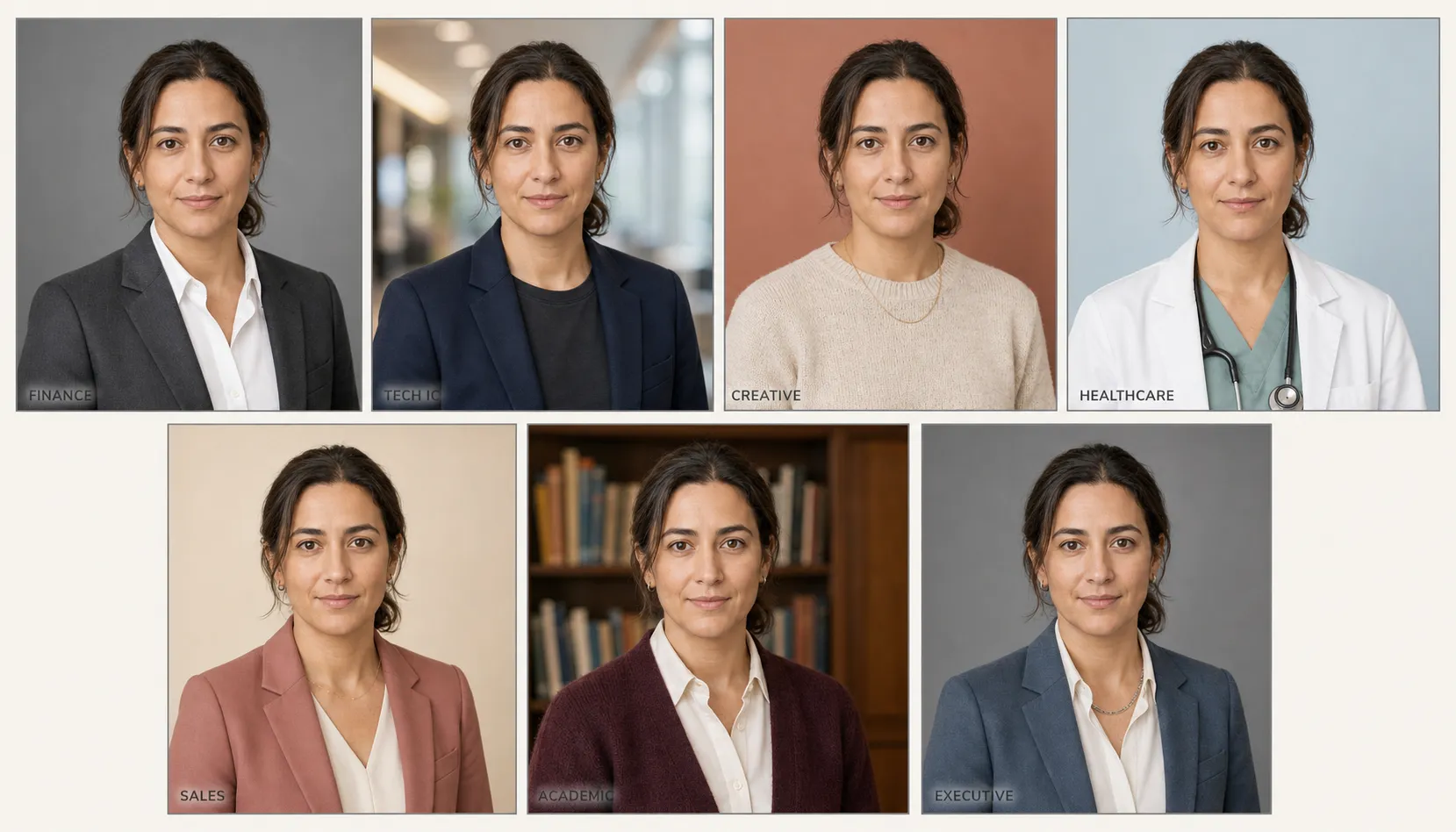
LinkedIn Headshot Examples by Job: What to Wear in 2026
Seven LinkedIn headshot examples by job type (finance, tech, creative, healthcare, etc.) with wardrobe specs, plus the paste that builds yours.
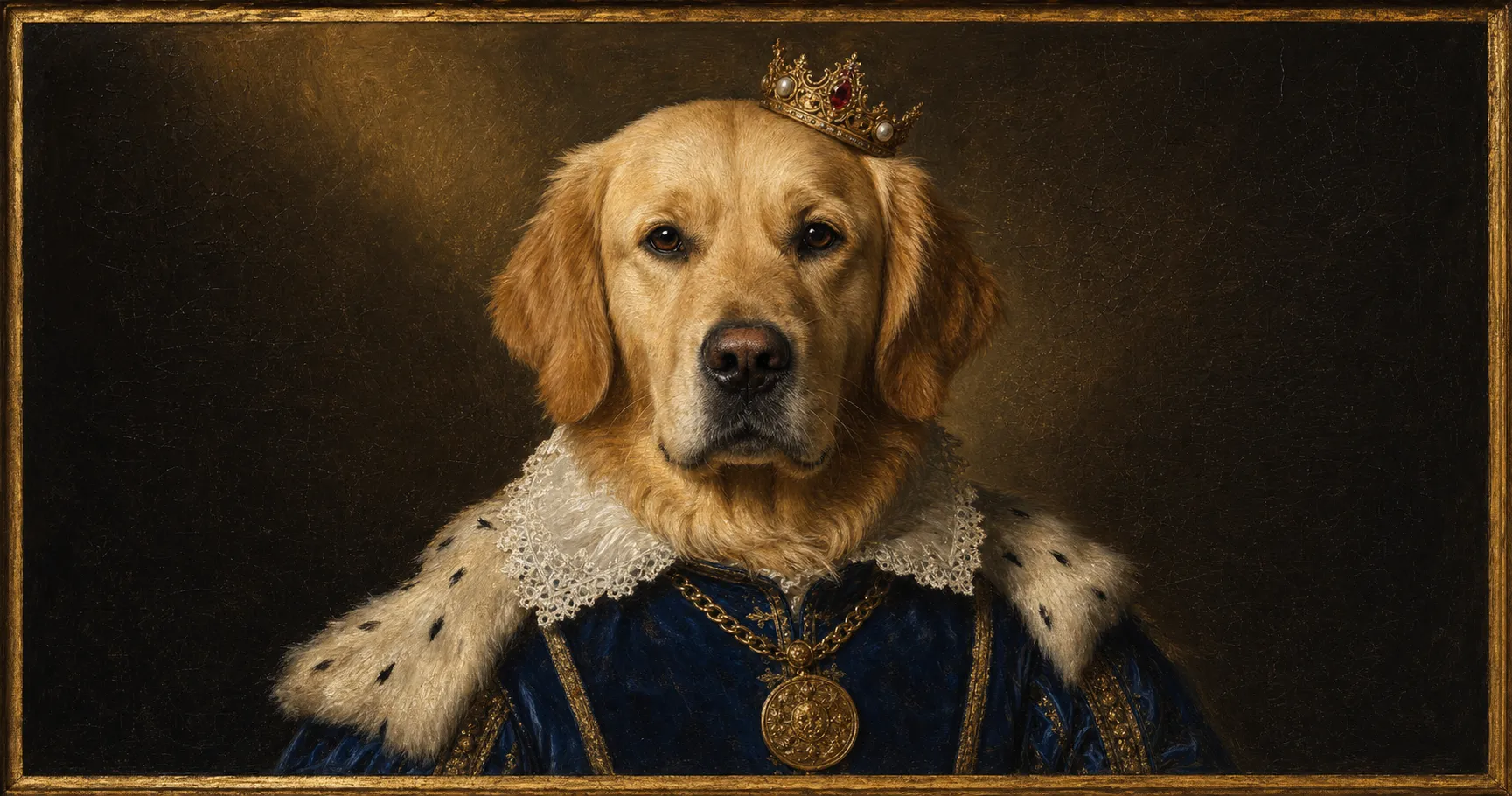
The $19 Royal Pet Portrait That Replaces a $179 Crown & Paw Canvas
Crown & Paw quoted $179 and a 5-to-10-day wait for a royal portrait of your dog. One AI prompt does the same job in 90 seconds for $19, framed by Saturday.
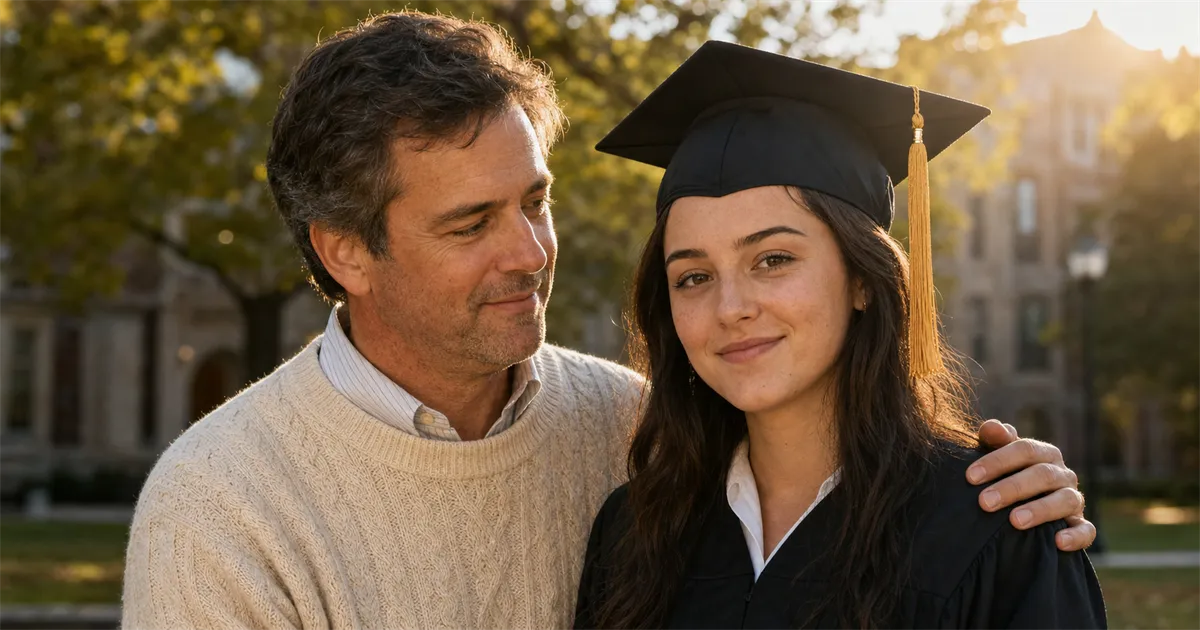
A Graduation Photo With the Parent Who Couldn't Be There
A respectful AI graduation portrait that puts a missing parent back in the frame: deceased, deployed, divorced, or far away. Two uploads, one prompt.
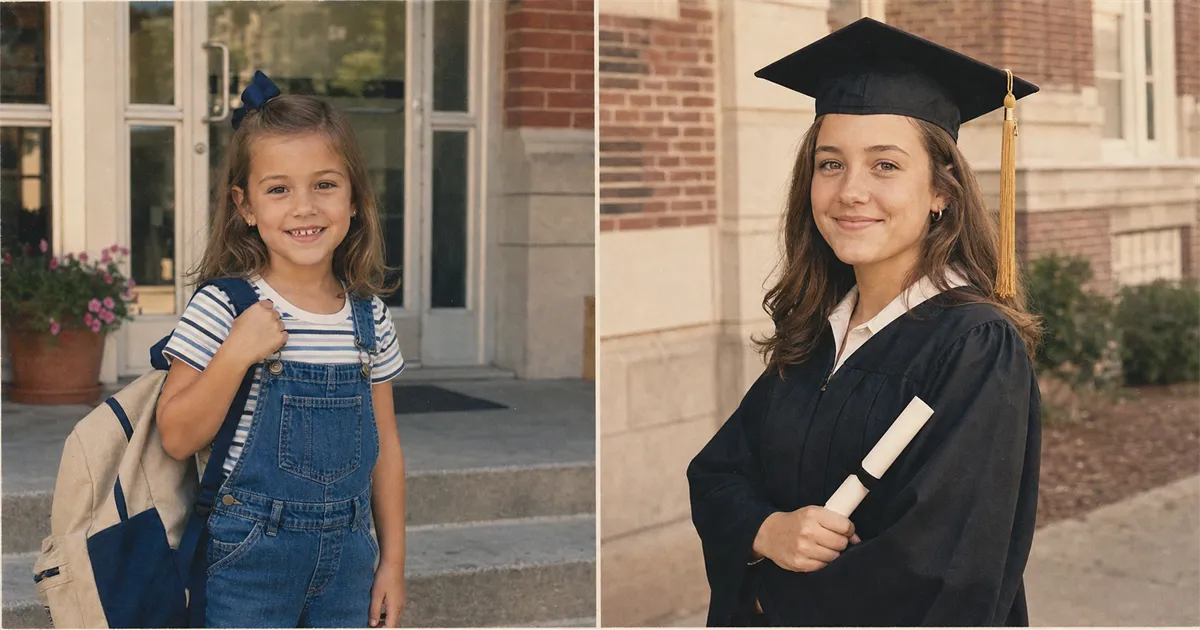
First Day of Kindergarten, Last Day of Senior Year: One AI Prompt That Matches Both
Kindergarten on the left, graduation on the right, always two different image qualities. One AI prompt restores the old, grades the new down, matches both.
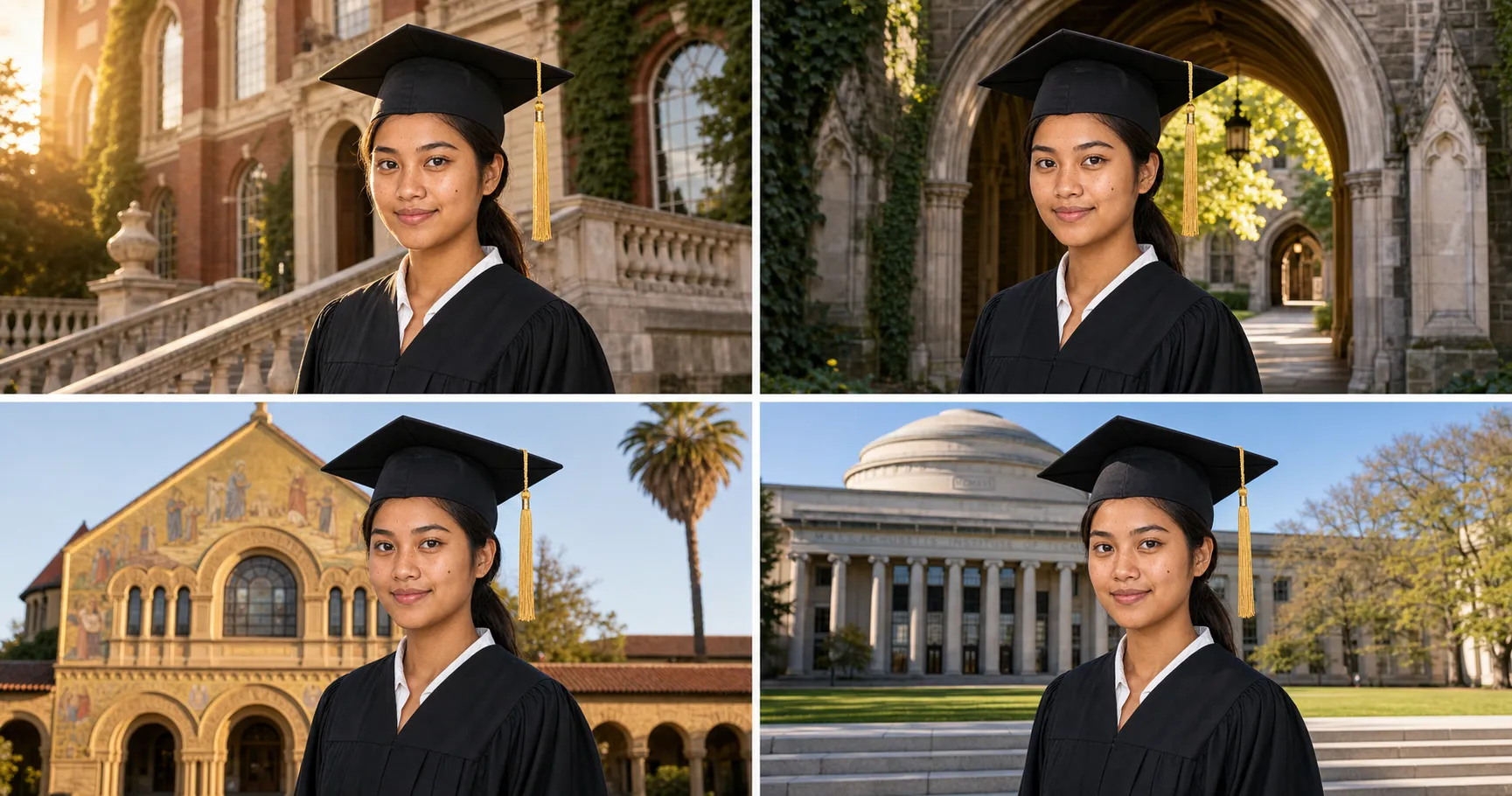
Your Graduation Photo at Harvard, Yale, and Every Ivy League Campus
One graduation selfie, eight iconic campuses. One AI prompt → eight Harvard-Yale-Stanford-Princeton-MIT-Berkeley-Columbia portraits, $19.
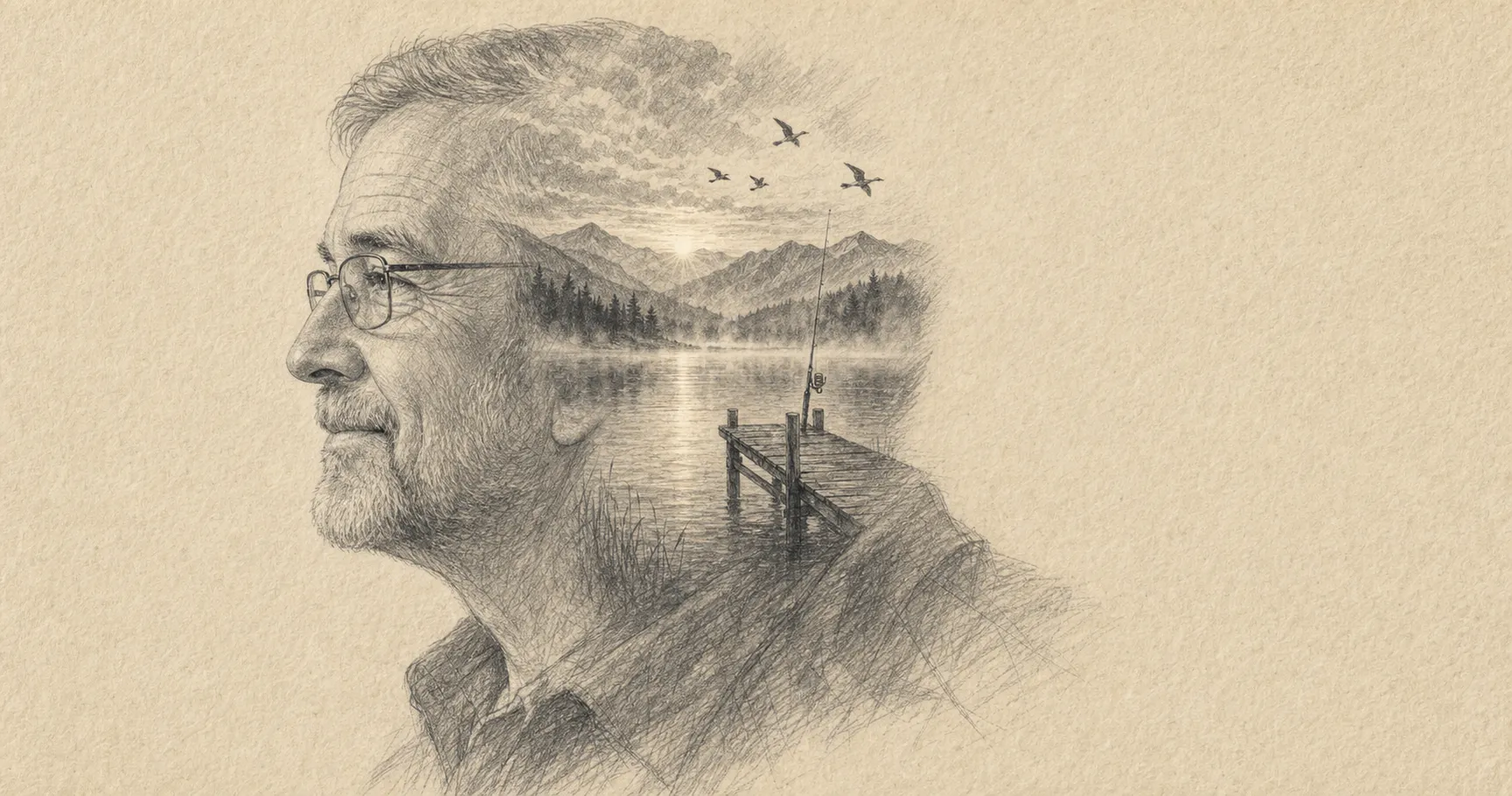
The $19 AI Pencil-Sketch That Replaces a $220 Etsy Portrait
The good Etsy pencil-portrait artist won't ship in time. Here's the $19 AI prompt that turns Dad's photo into a framed graphite portrait by Saturday.
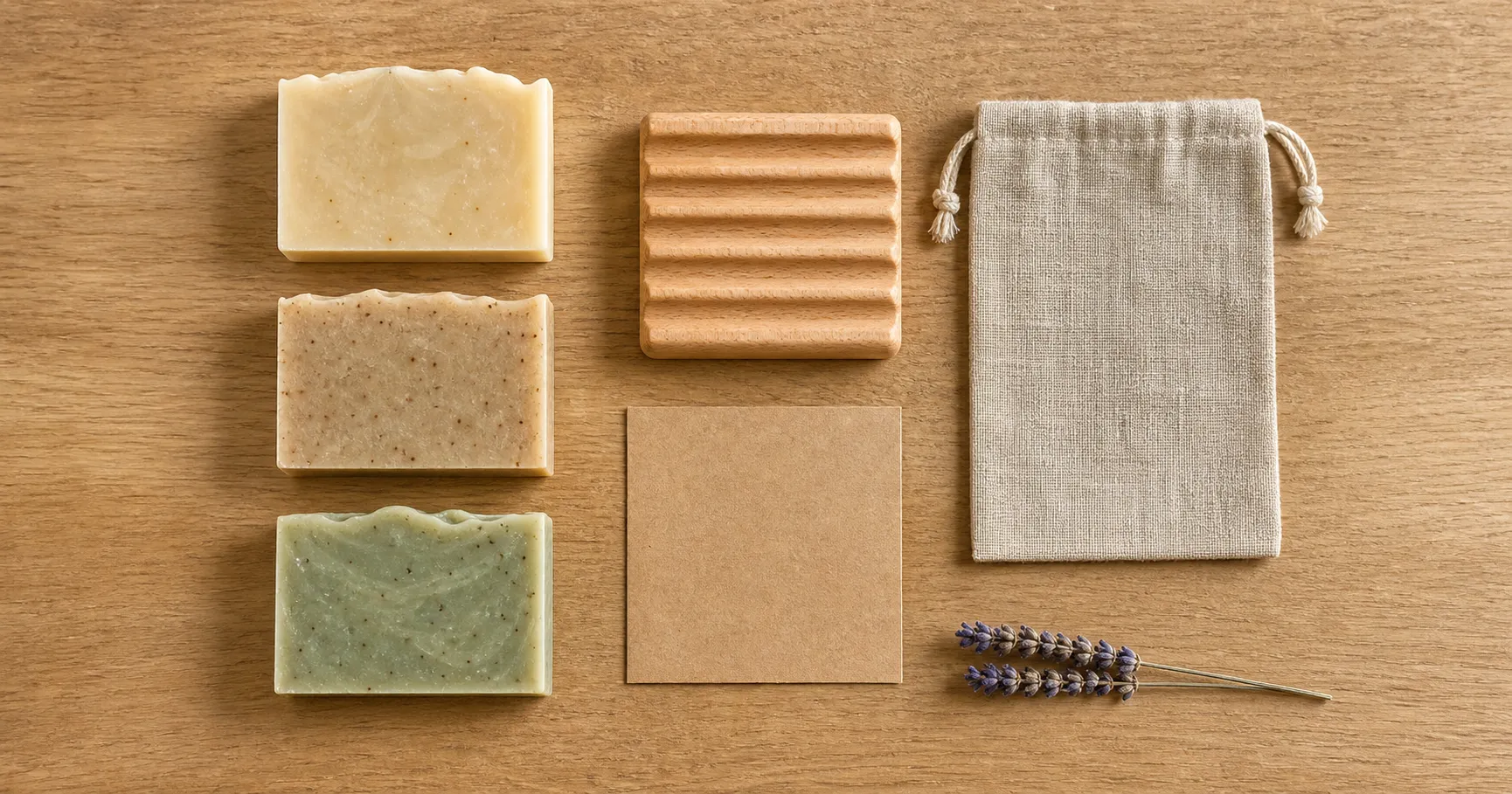
Etsy 'What's Included' Photos: the Free Prompt That Closes the Sale
Your Etsy listing has favorites but no sales. The slot-4 'what's included' photo is the gap. Free AI prompt that replaces a $400 product shoot.
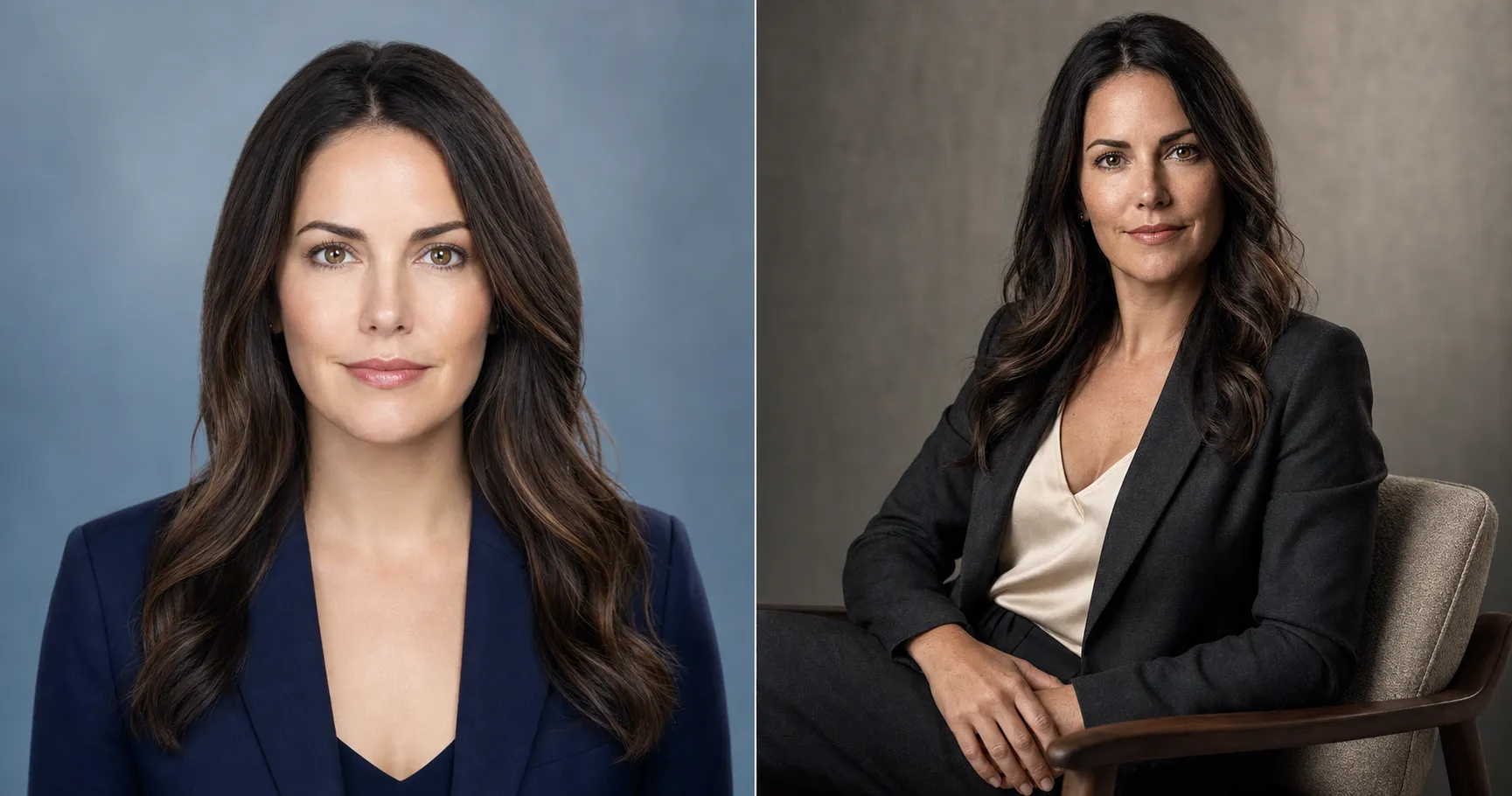
Why AI Headshots Look Fake, and the Prompt That Gives You a $1,200 Studio Result
Your AI headshot looks like wax because the default prompt is broken. Here's the one paste that gives you a $1,200 studio result, identity-locked.
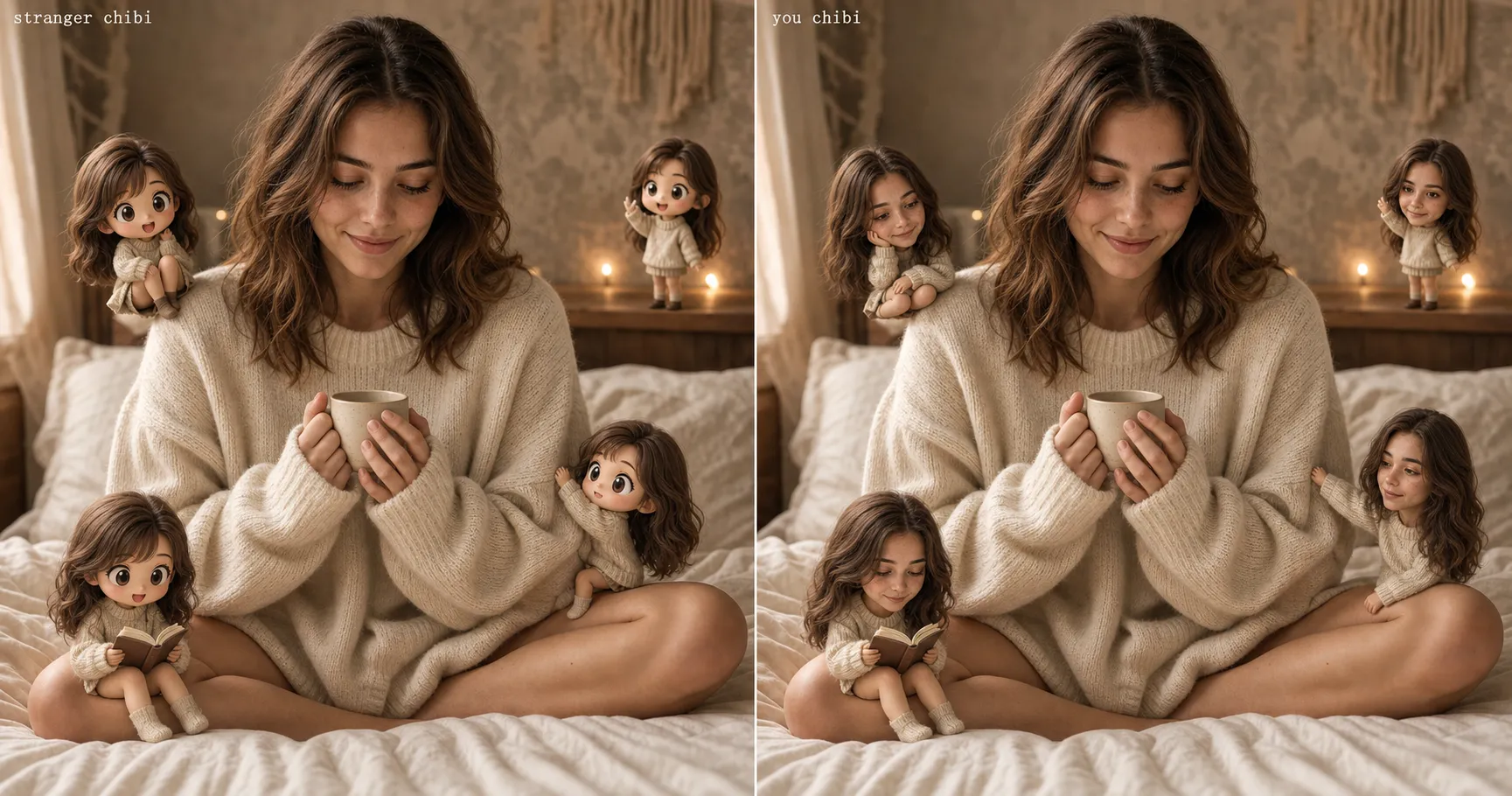
Your Chibi Mini-Me Looks Like a Stranger: the Prompt That Fixes It
Your chibi mini-me looks like a cute stranger, not you. The prompt that locks the chibis to your face, plus the 3-friends-DM bar that says it landed.
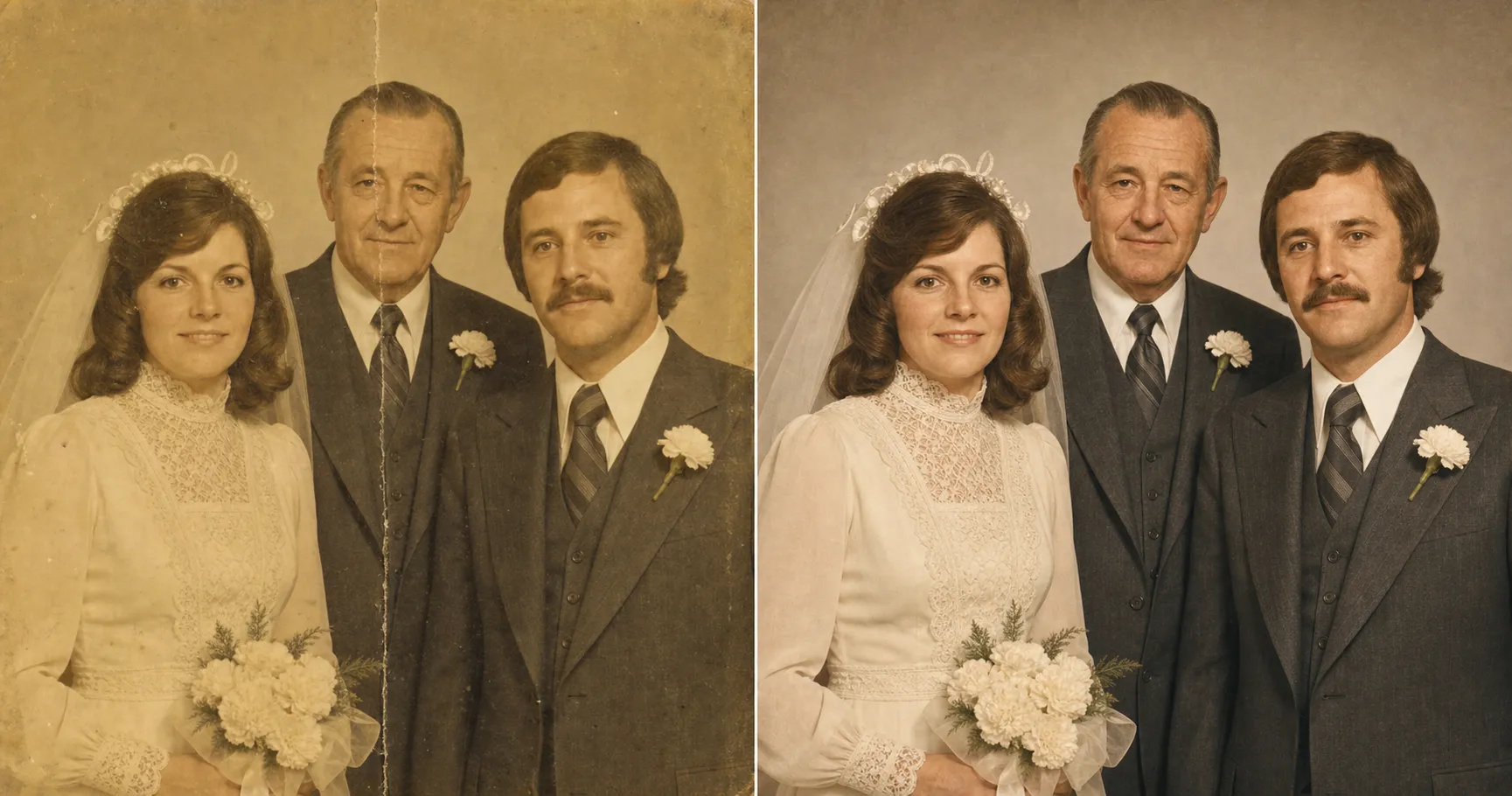
Restore an Old Family Photo Without Changing the Face, Free in 10 Minutes
Most AI restorers come back with Grandma as a stranger. The fix is four lines: restored family photo, original face, $0 instead of $200, ten minutes.
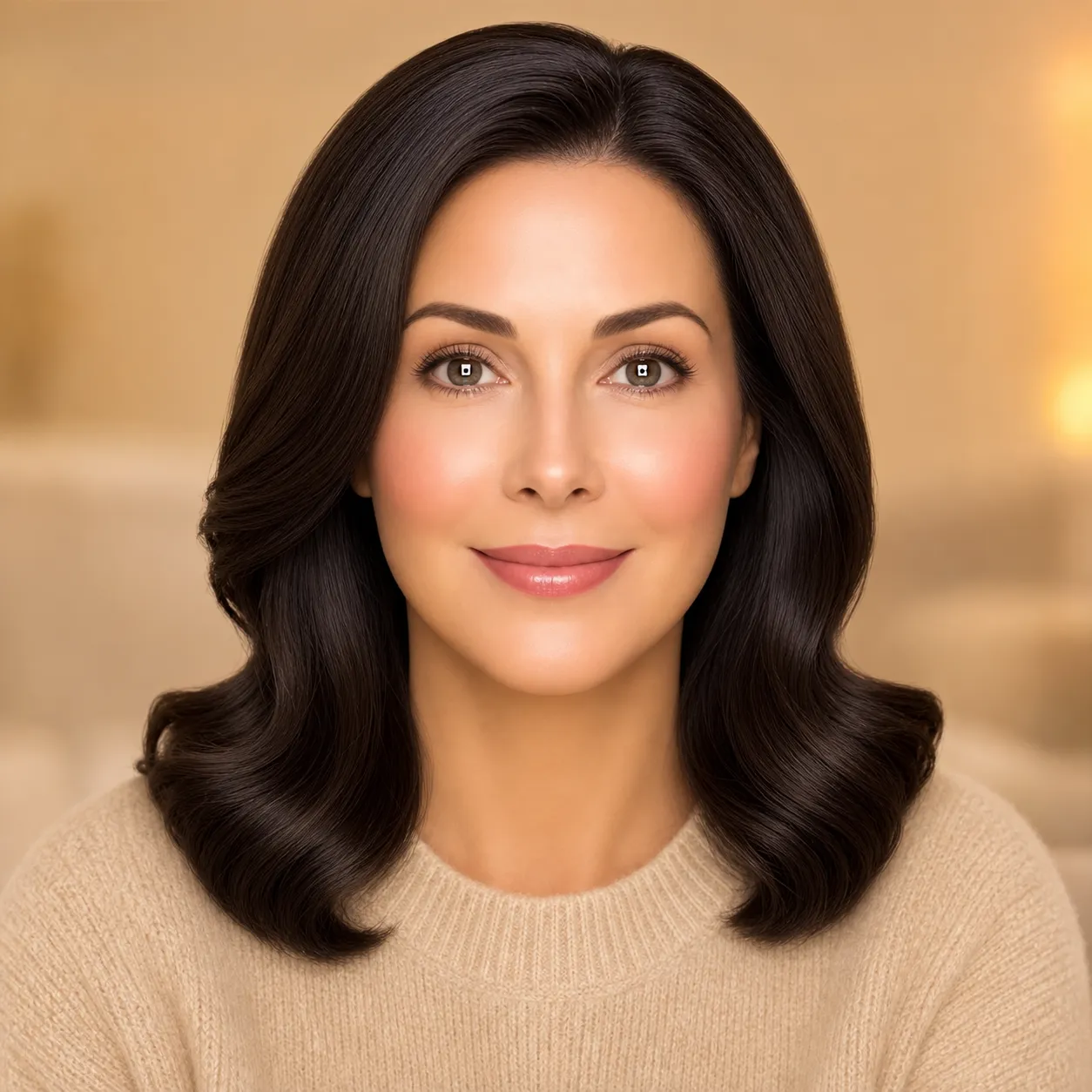
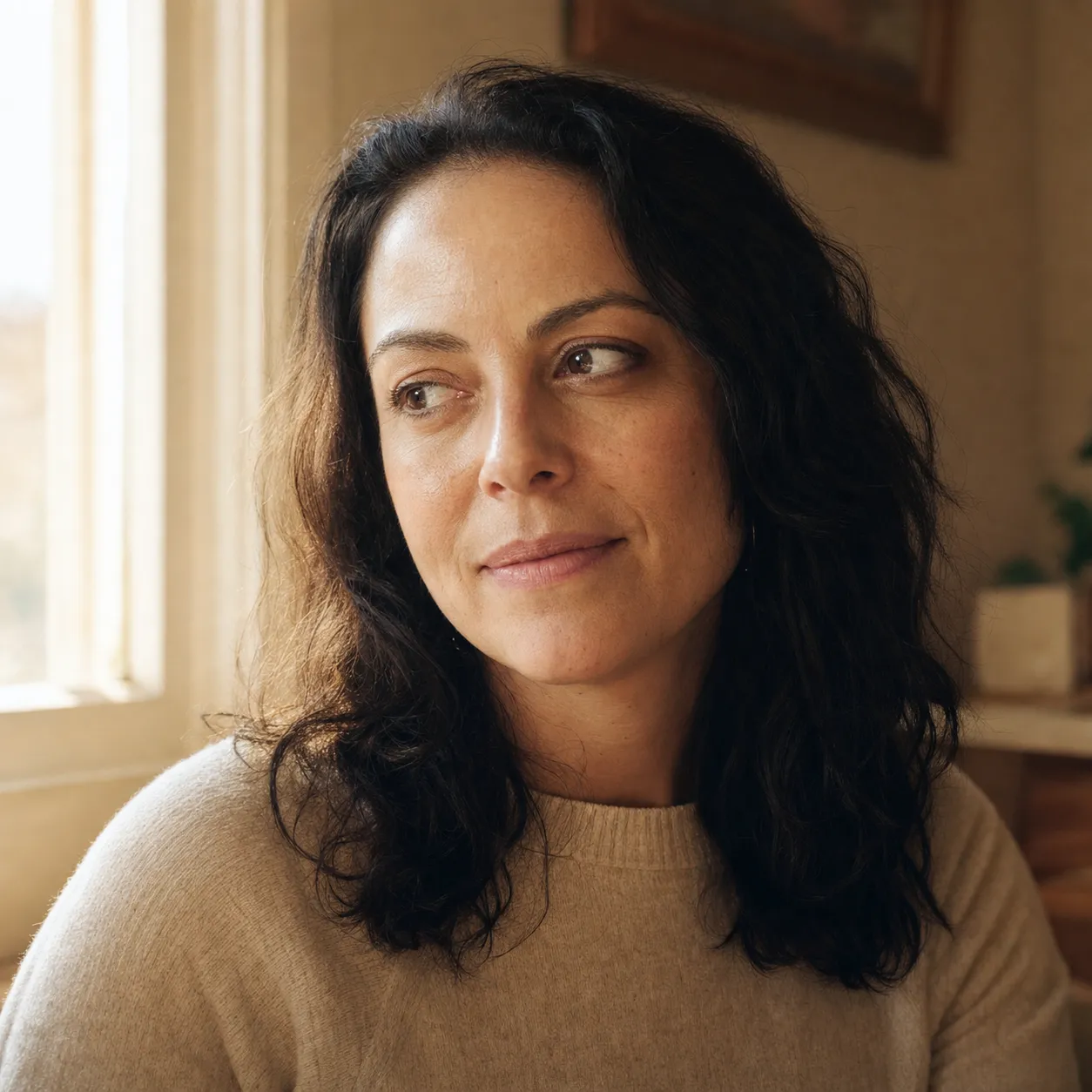
Why Your AI Images Look Fake, and 5 Fixes That Actually Work
Your AI photos look waxy, generic, or get flagged on Pinterest. Here are the 5 specific reasons, and the prompt fixes that actually work.